– 41 –
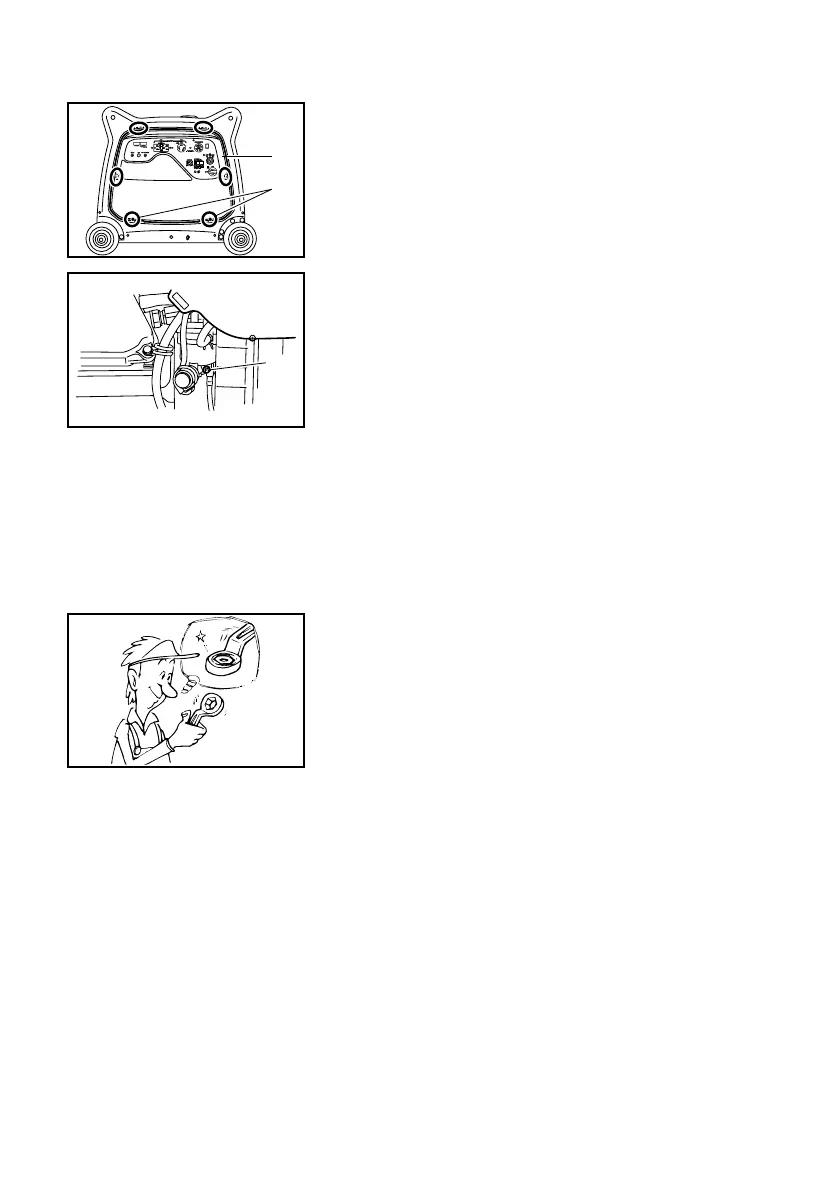
5. Remove the screws, and then pull outward on the
areas of front cover shown.
1 Screws
2 Front cover
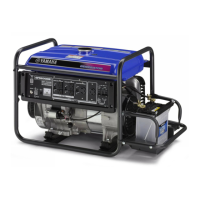
6. Drain the fuel remaining in the carburetor into an
approved container by loosening the drain screw
on the carburetor float chamber.
1 Drain screw
7. Tighten the drain screw.
8. Turn the engine switch to “OFF”.
9. Turn the fuel cock knob to “OFF”.
10. Install the front cover and tighten the screws.
1
707-7CKd
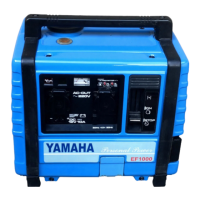
11. Tighten further if any screws, bolts and nuts are
loose.
12. Store the generator in a dry, well-ventilated place,
with the cover placed over it.
7CK-28199-12_b 11.3.21 13:47 Page 41


 To Next Page