Turning the power on
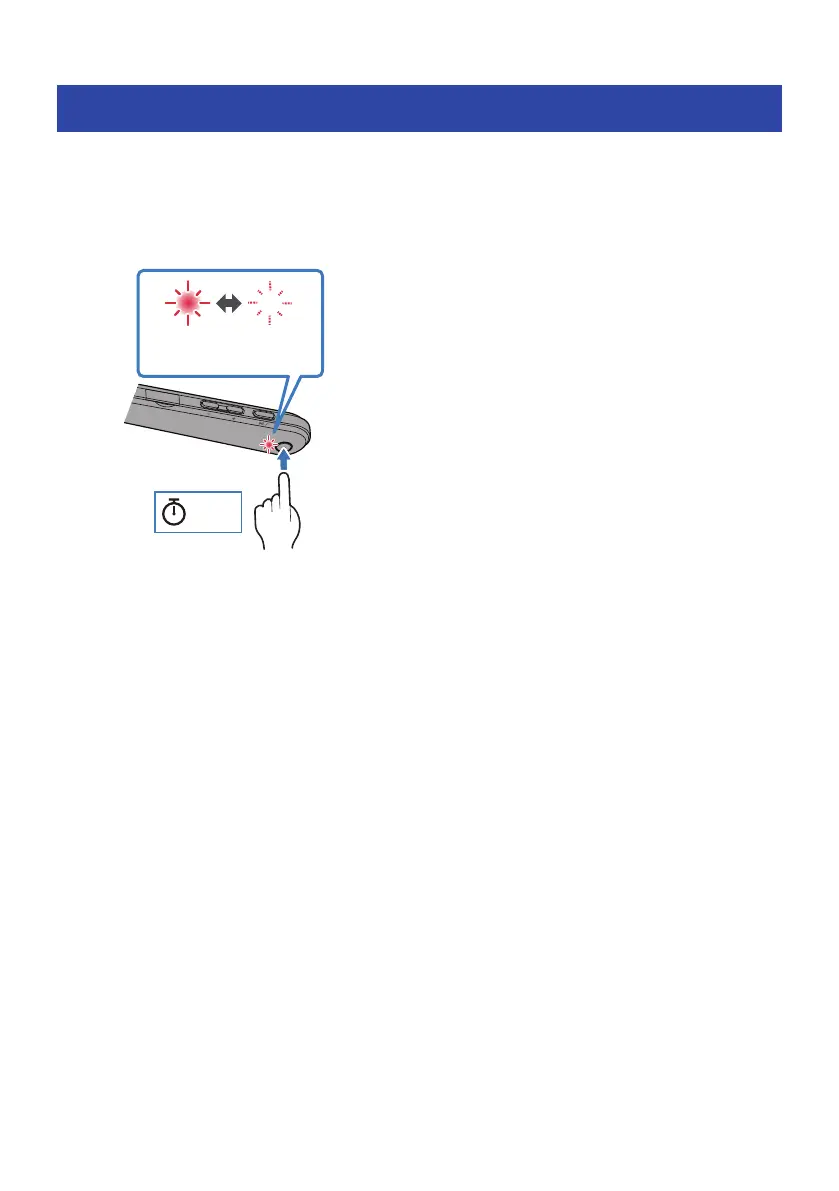
Turn the power on.
1 Hold down the power key on the controller for two seconds.
The indicator lights up as shown below, and the power turns on.
Flashes red
(shows remaining
battery power)
2 sec
Related links
(
“Checking the remaining battery power”(p.15)
(
“Registering a Bluetooth device (pairing)”(p.16)
(
“Connecting to a Bluetooth device”(p.18)
13
Charging and Powering > Turning the power on



 To Next Page