19
Chapter 2
Song Playback
As we said before, the Patterns are the basic building blocks of the DX200.
But what can you build with them?
Songs!
Our team of expert programmers has created a few Songs using the various
Patterns of the DX200. Check these out and hear just how powerful and ver-
satile the DX200 can be for recording your own material.
8 Playing a Song
Let’s select a Song now and play it.
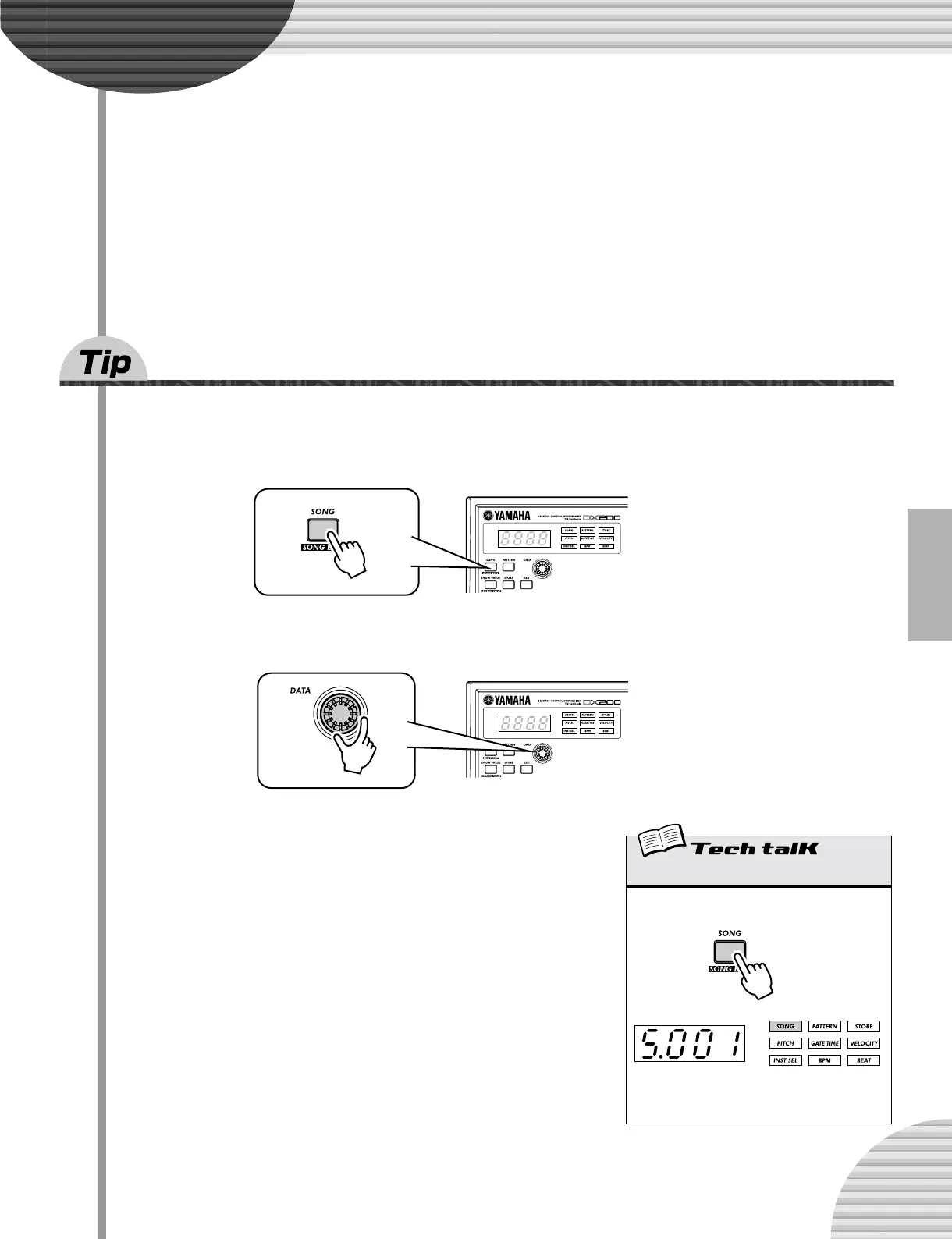
1 Press the [SONG] button.
2 Select the desired Song by turning the [DATA] knob.
3 Press the Start/Stop button to play the Song.
For more about Songs and how to create your own, see page 81.
Song Mode
Pressing the [SONG] button selects the Song
mode.
The letter “S” indicates
the Song mode.



 To Next Page