Chapter 9 LFO Modulation
44
35 Changing the LFO wave
The LFO uses one of 6 different waveforms to modulate the sound. The particular wave you select has a
huge effect on the final sound. Try out some of these and see what kind of chaos you can create.
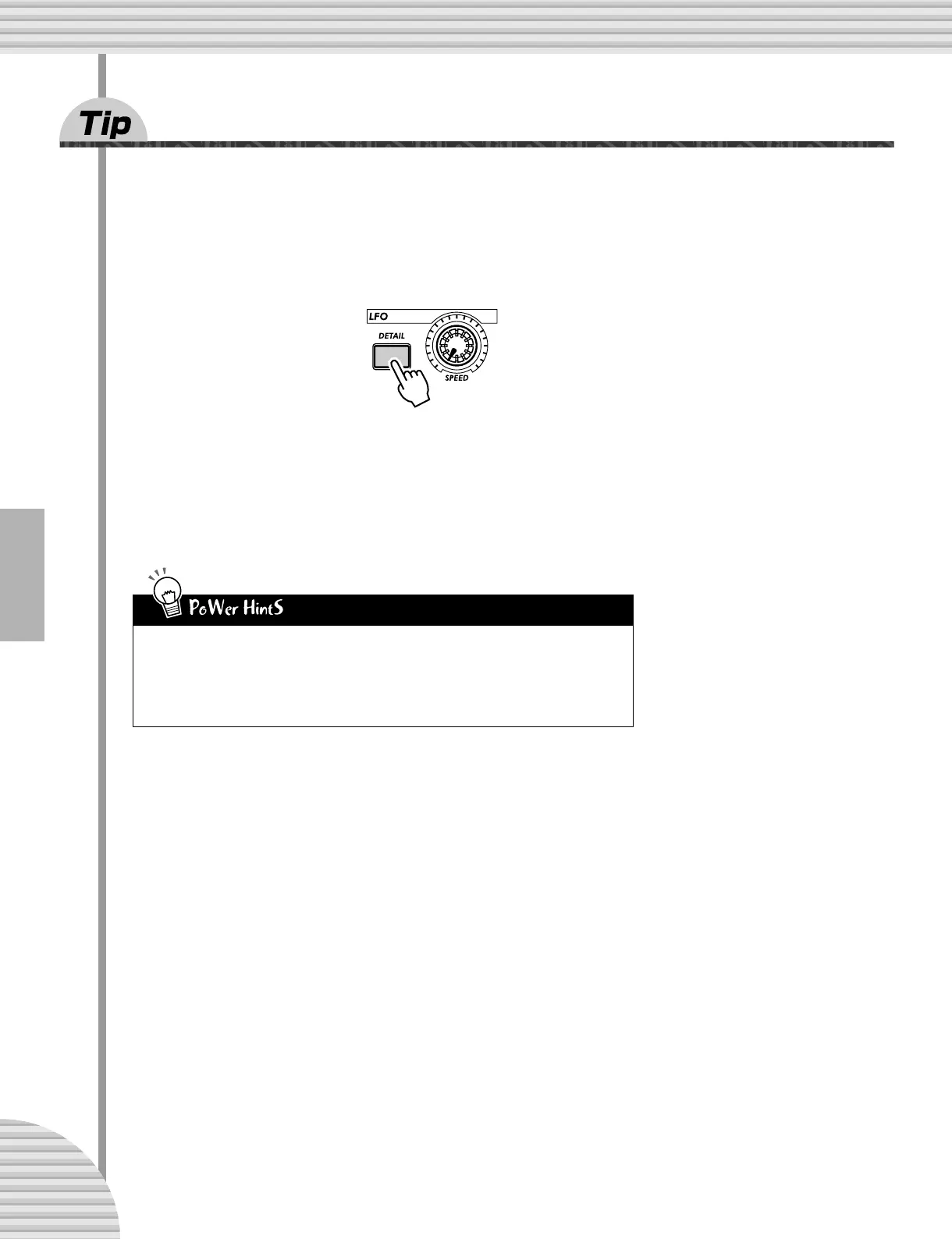
1 Press [DETAIL] until “UA<E” (Wave) appears briefly in the display.
2 Use the [DATA] knob to set the Wave to “trGL” (Triangle).
This selects the Triangle wave. Try some of the other Wave settings and hear how they change the
sound.
• Sample and hold
Use the Sample-and-hold wave (S-H) mainly for Pitch modulation effect. Unlike the other
Wave settings, these generate random fluctuations. They’re less suited to modulating the
Amplitude or Filter, since the random differences may be less apparent. Especially with Ampli-
tude, they may result in unwanted dropouts in the sound. However, they can be very effective
with Pitch, particularly in creating “electronic” sounds and sci-fi effects.



 To Next Page