EasyManua.ls Logo

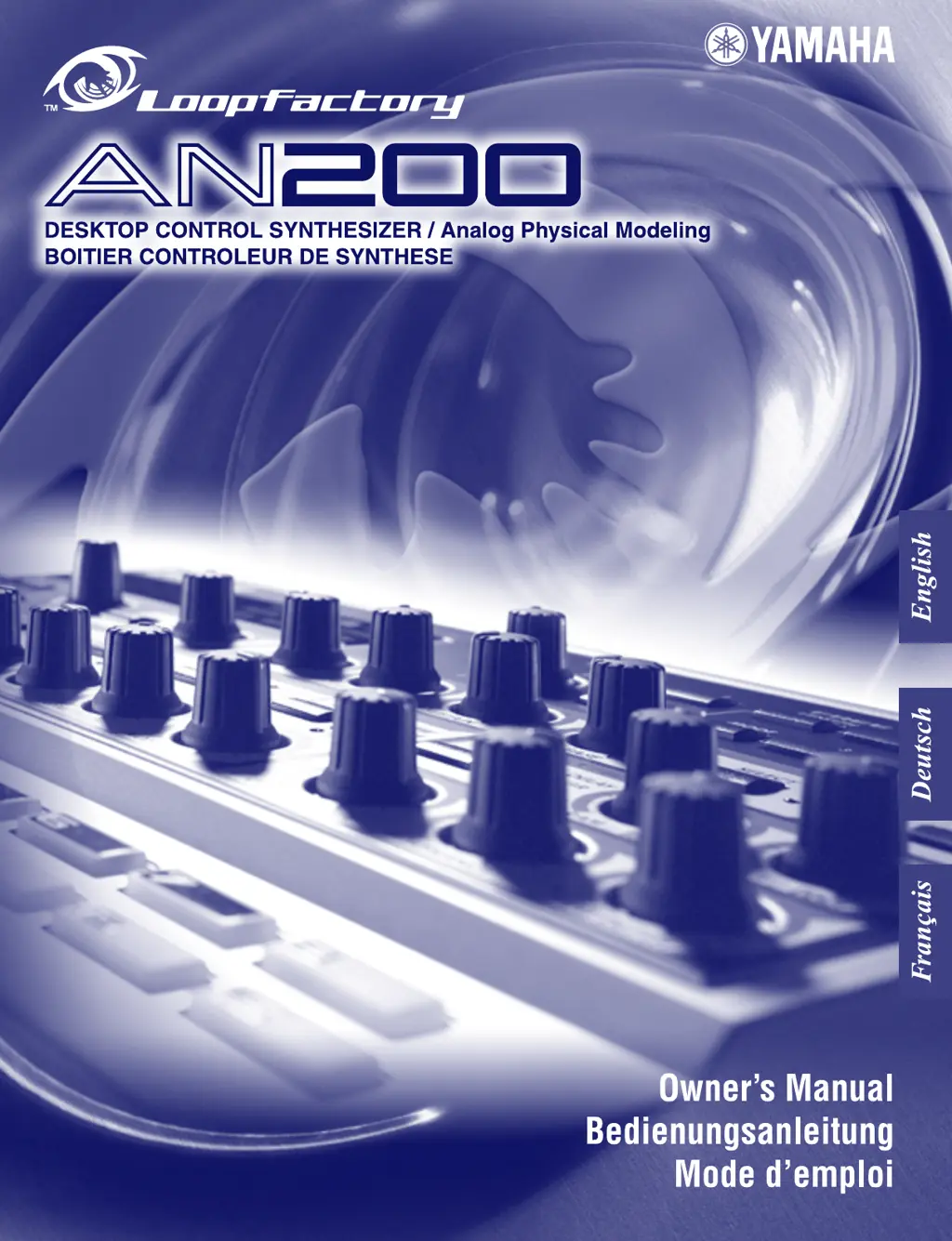
Yamaha Loopfactory AN200 - User Manual

Yamaha Loopfactory AN200
147 pages
Print Icon
To Next Page IconTo Next Page
Loading...

Table of Contents

Questions and Answers

  • S
    Scott KennedyJul 26, 2025
    Why is there no sound coming from my Yamaha Synthesizer?
    • L
      Lisa GreenJul 26, 2025
      If your Yamaha Synthesizer is producing no sound, check the following: * Ensure the panel volume control is at an audible level. * Verify that all volume-related parameters are appropriately set. * Confirm the EG Attack Time is sufficiently short for percussive sounds. * Check that the keyboard velocity is adequate.
  • J
    jgibbsJul 31, 2025
    Why is there no sound from a particular track on my Yamaha Synthesizer?
    • M
      Marvin VillanuevaAug 1, 2025
      If a specific track on your Yamaha Synthesizer isn't producing sound, check these settings: * Verify the track's volume level. * Ensure the track is not muted. * Confirm all recorded steps are turned on (Step Mute). * Check that the Cutoff is set to an appropriate level.
  • J
    Jacqueline WelchAug 7, 2025
    What to do if there is no sound when playing a connected MIDI keyboard with my Yamaha Loopfactory AN200?
    • A
      Austin HarrisAug 7, 2025
      If you're experiencing no sound when playing a connected MIDI keyboard or other device with your Yamaha Synthesizer: * Make sure the MIDI cables are properly connected. * Confirm that all MIDI channel settings are correctly configured.
  • O
    owenssherryAug 12, 2025
    Why don't the knobs and voice controls affect the sound on my Yamaha Loopfactory AN200 Synthesizer?
    • K
      Kellie ParrishAug 12, 2025
      If the knobs and voice controls aren't affecting the sound on your Yamaha Synthesizer: * Check that the Synth track is selected. If a Rhythm track is selected, some knobs might control the Rhythm sound instead. * Ensure Step Edit mode is inactive. If either of the [STEP 1-8] or [STEP 9-16] buttons are on, turning some knobs might unexpectedly change recorded steps.
  • T
    Tyler BrownAug 19, 2025
    Why doesn’t the sequence play back on my Yamaha Loopfactory AN200?
    • P
      pricewalterAug 19, 2025
      If the sequence isn't playing back on your Yamaha Synthesizer: * Ensure Show Value and Original Value are turned off. * Check that you haven't selected Pattern Job, MIDI Setup, or Utility modes. * When syncing to another MIDI device, verify that the MIDI connections and settings are correct. * Confirm the MIDI clock is set to “Internal”.

Summary

SPECIAL MESSAGE SECTION

PRECAUTIONS

WARNING

General safety warnings to avoid electrical shock, damage, fire, or other hazards.

CAUTION

Precautions to avoid physical injury, instrument damage, or property damage.

Getting Started

Panel Controls Overview

Details the main sections of the AN200's front panel: Main, Voice, Control, and Keyboard.

Quick Start Guide

Step-by-step instructions for setting up and playing the AN200 immediately.

Core Operations

Advanced Techniques & Production

Appendices

Troubleshooting

Solutions for common problems encountered with the AN200.

Yamaha Loopfactory AN200 Specifications

General IconGeneral
BrandYamaha
ModelLoopfactory AN200
CategorySynthesizer
LanguageEnglish

Related product manuals