Chapter 11 Advanced Sound Shaping Controls
54
42 Balancing the waves — VCO 1 and 2
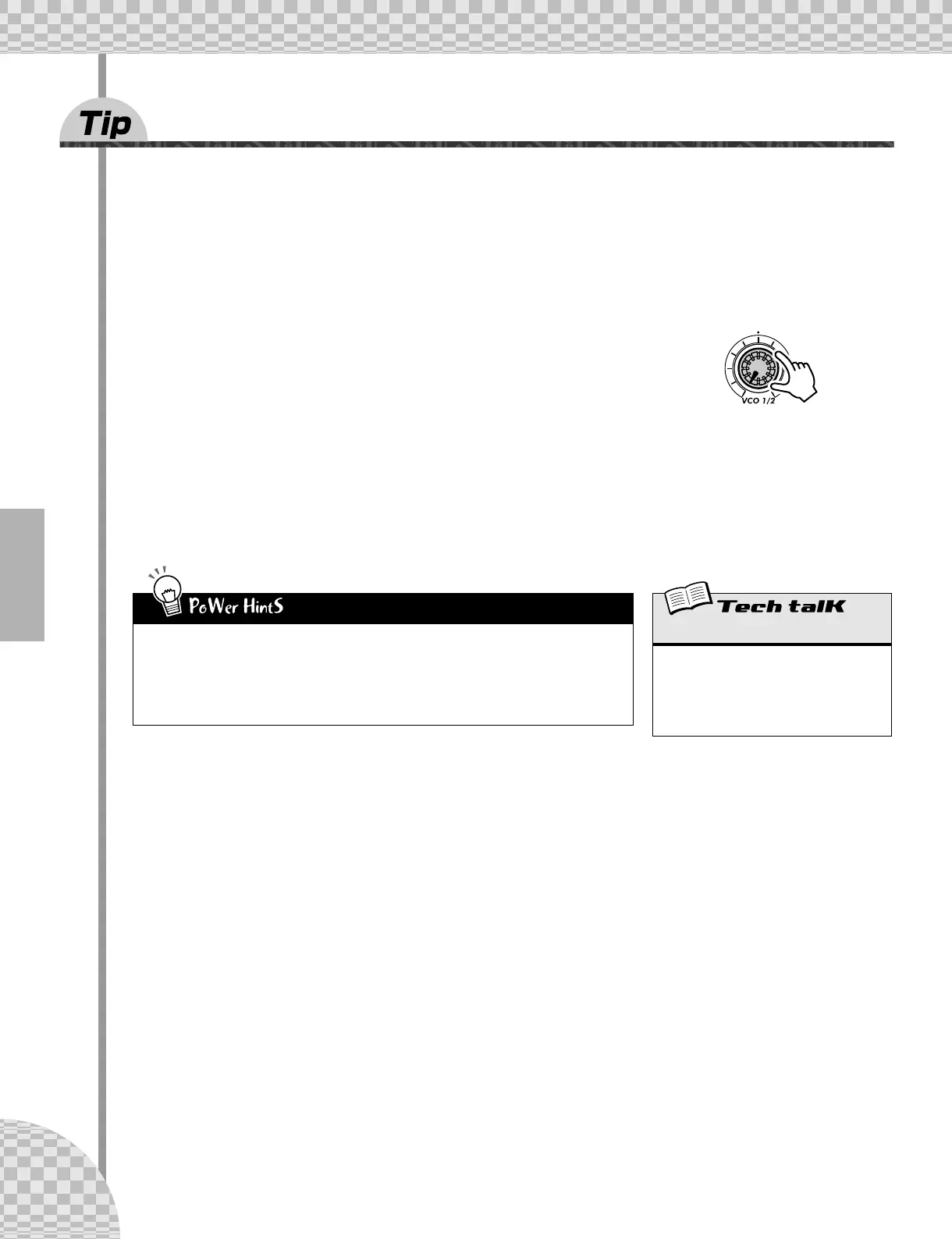
One of the easiest knobs on the AN200 to understand, VCO 1/2 is a simple balance control. It lets you adjust
the relative volume of the two oscillators, VCO 1 and VCO 2. However, the simplicity is deceiving — there’s
a whole lot of power here, too.
Along with the VCO 1 and VCO 2 Wave controls (see Tip 56), this is where you lay the very foundation of the
sound — upon which everything else on the AN200 is built.
1 Select and play a Pattern.
2 Turn the [VCO 1/2] knob all the way left and play the
keyboard.
Now, you’re hearing only VCO 1.
3 Next, turn [VCO 1/2] all the way in the other direction — so that only VCO
2 sounds this time.
Play around with this knob as you hold down a note, and listen to how the two waves blend together.
Notice that the knob features a convenient center detent, letting you easily feel your way back to zero —
which is a 50-50 mix of the two VCOs.
• Soloing VCO 1
Crafting an original Voice from scratch? Soloing VCO 1 (7:00 position) is one of the best ways
to start. Listening only to VCO 1 makes it easier to set the VCO 1 Wave (page 56). It’s essen-
tial for FM Depth (page 53) as well, since that function affects only VCO 1. Plus, if you’ve set
the Sync Mode (page 58) to “VCO1 M>S” or “VCO2 > 1,” soloing VCO 1 lets you clearly hear
the modulation that’s happening.
VCO 1/2 Balance
This determines the volume balance of the
two oscillators, VCO 1 and VCO 2.
Range
-64 (VCO 1 only) — 0 (equal balance) —
63 (VCO 2 only)



 To Next Page