GrandPno001
001
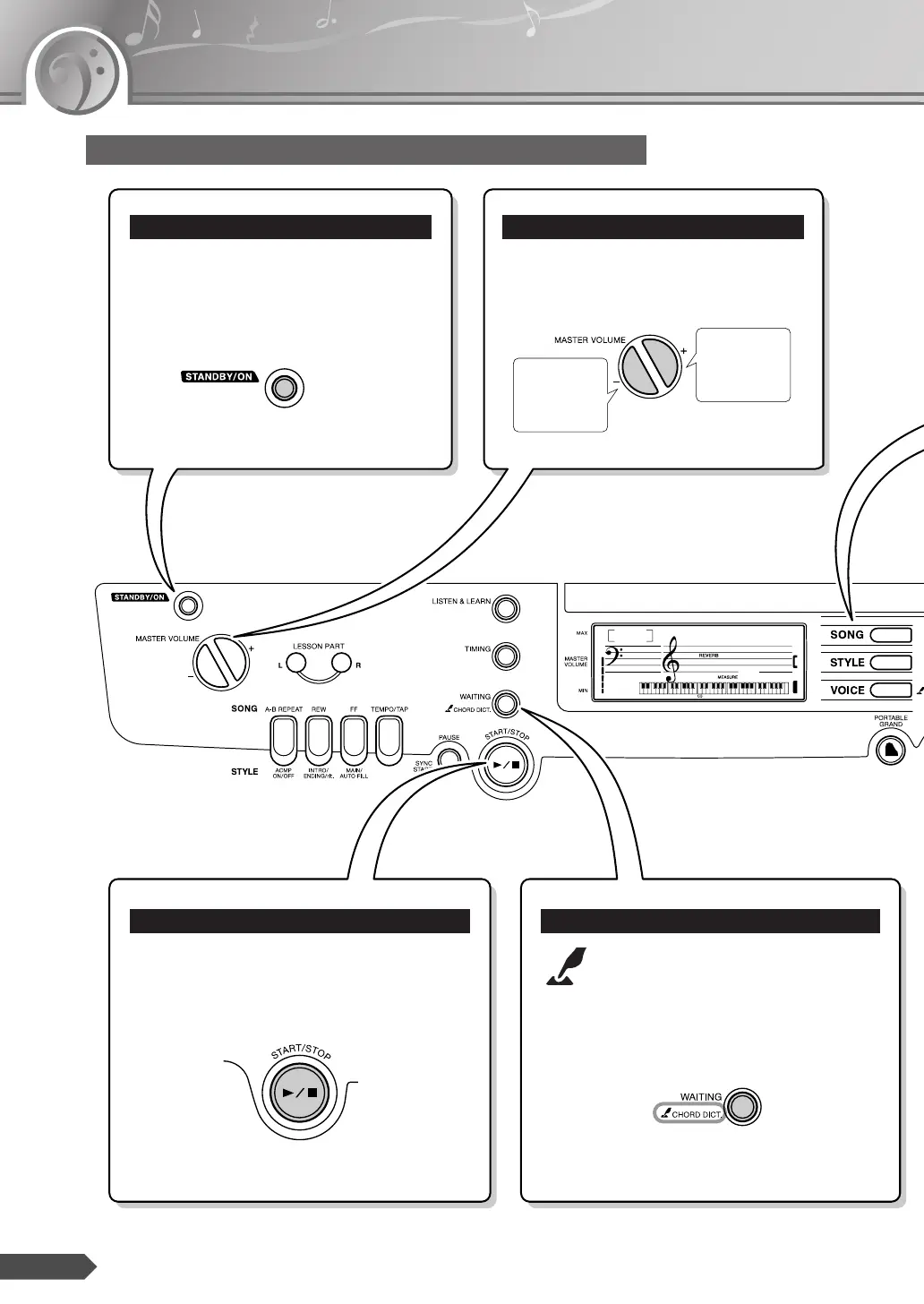
Press the [STANDBY/ON] switch to turn
on the power.
Press the [STANDBY/ON] switch again
to turn the power OFF.
Turning the power on
Pressing the MASTER VOLUME [+] and
[-] buttons.
Adjusting the volume
ume.
Press the [START/STOP] button after pressing
the [SONG] or [STYLE] button to start play-
back of the selected Song or Style (rhythm).
About the [START/STOP] button
The “Press & Hold” symbol that
appears next to some buttons indicates
that the button can be pressed and
held for longer than a second to call
up a related or different function.
The “Press & Hold” Symbol














 To Next Page