PSR-E213/YPT-210 Owner’s Manual 27
Song Lesson
Yamaha Education Suite 5
You can select any Song you like and use it for a left-hand, right-hand, or both-hands
lesson. Song Lesson lets you learn how to play Songs in three easy steps.
■ Lesson Flow
■ The practice methods:
Lesson 1 (Listen & Learn) ........ Listen and learn the melody or rhythm of a selected Song.
Lesson 2 (Timing) ...................... Learn to play the notes at the correct timing along with the Song.
Lesson 3 (Waiting)..................... Learn to play the correct notes.
Lesson 1 (Listen & Learn)
There’s no need to play the keyboard in Lesson 1.
The model melody/chords (in other words, the musical material you should
learn) of the part you selected will sound. Listen to it carefully and learn it
well.
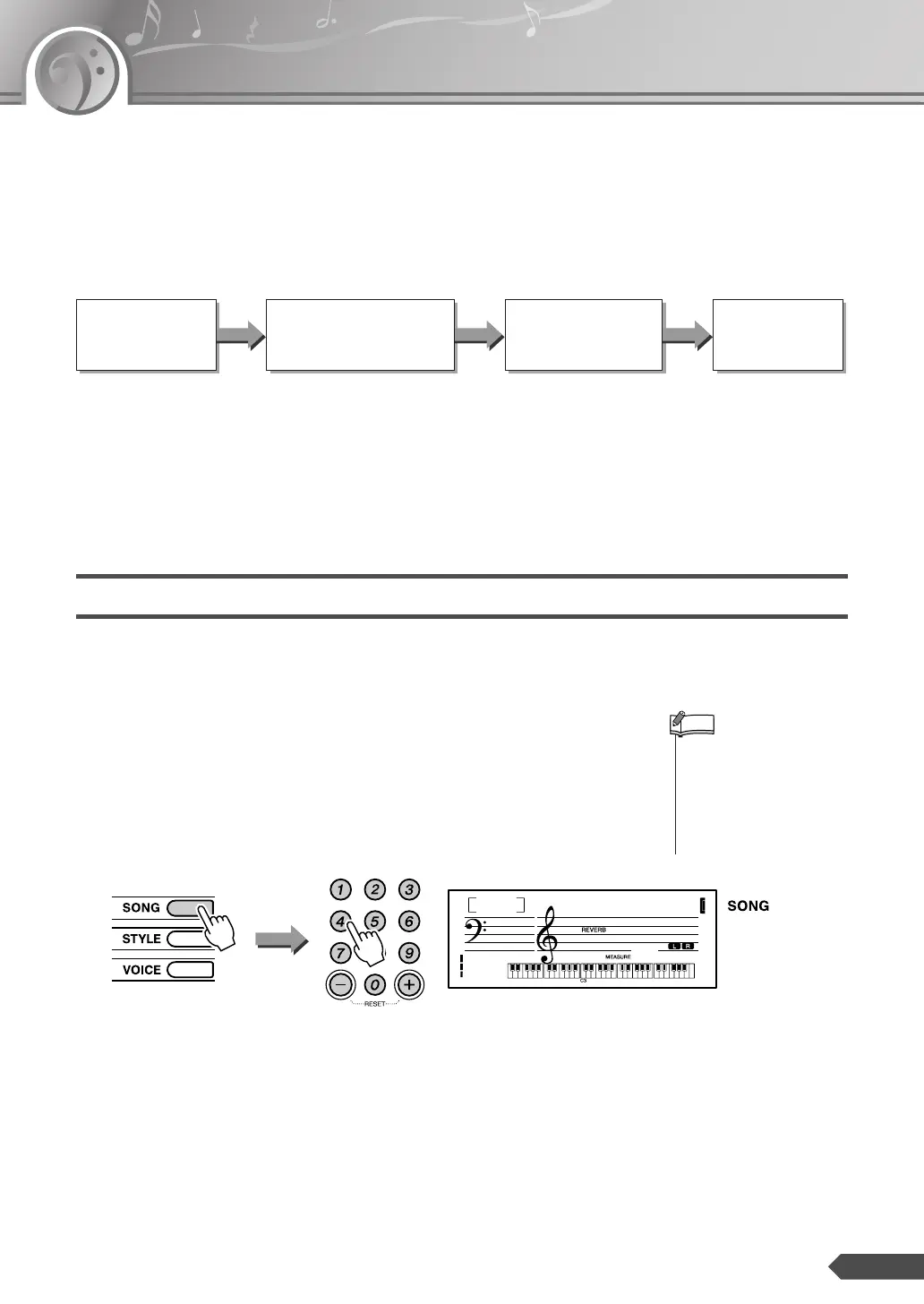
1 Select the desired Song for your lesson.
Press the [SONG] button, and then select a Song (referring to the Song
list on page 20) by using the number buttons [0]–[9], [+] and [-].
Select a Song
for your lesson.
Select the part you want
to practice.
Select the practice
method.
Start the
Lesson!
•You cannot select the part
during Song playback
before Lesson 1 starts. If a
Song is currently being
played back, stop the Song
first, then continue from
Step
2.
NOTE
MussIDen
041
-05














 To Next Page