48 PSR-E213/YPT-210 Owner’s Manual
Function Settings
The [FUNCTION] button gives you access to a variety of operations related to adjust-
ing or enhancing the sound and making settings for connection to external devices.
Select the item and change the value
There are 16 different items that can be set.
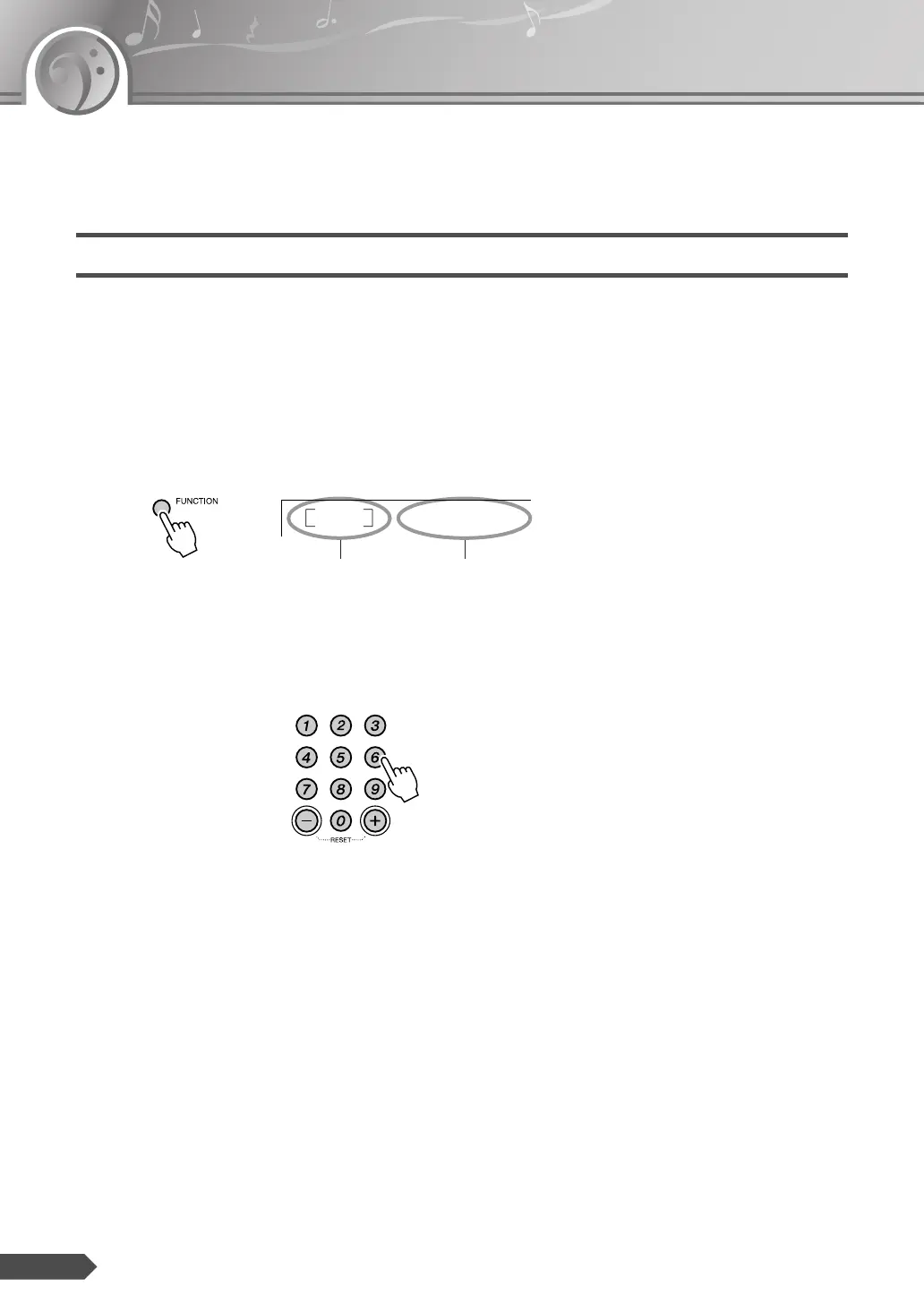
1 Press the [FUNCTION] button a number of times
until desired item appears.
Each time the [FUNCTION] button is pressed 16 function items are
displayed in sequence. The description and display sample is provided
on the Function Setting List on page 49.
2 Set the value by using the number buttons [0]–[9], [+], [-].
For on/off settings, use [+]/[-] buttons.
StyleVol
100
Value Function item














 To Next Page