PSR-E360 Owner’s Manual
23
Using the Song Lesson Feature
Reference
4
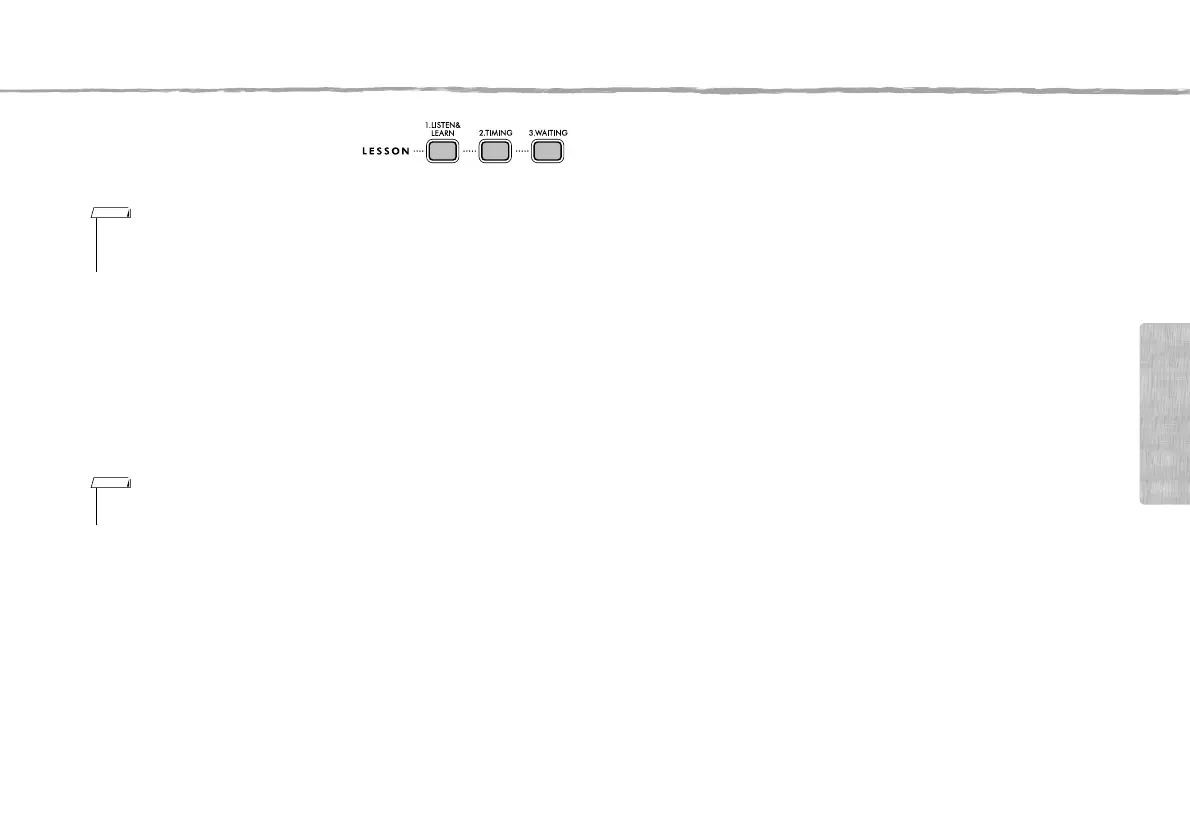
Press any one of the
[1.LISTEN&LEARN], [2.TIMING]
or [3.WAITING] buttons to start
playback of the Song Lesson.
5
When Lesson playback reaches to
the end, check your evaluation
Grade on the display.
“2 TIMING” and “3 WAITING” will evalu-
ate your performance in four levels.
After the evaluation display has
appeared, the lesson will start again from
the beginning.
6
Stop the Lesson mode.
You can stop the Lesson mode at any time by pressing the [>/] (Start/
Stop) button.
• During playback, you can change the Lesson mode by pressing this button, and you can
stop the Lesson at any time by pressing the [>/
] button.
• The Voice changes to “000” (One Touch Setting; page 15) during the lesson.
• When the melody Voice of the Song is changed, the key position shown in the display may
be shifted (in octave units), depending on the selected Voice.
NOTE
~~~~~~~~
~~~~~~
~~~~
~~
Excellent!
Very Good!
Good
OK
NOTE














 To Next Page