EasyManua.ls Logo

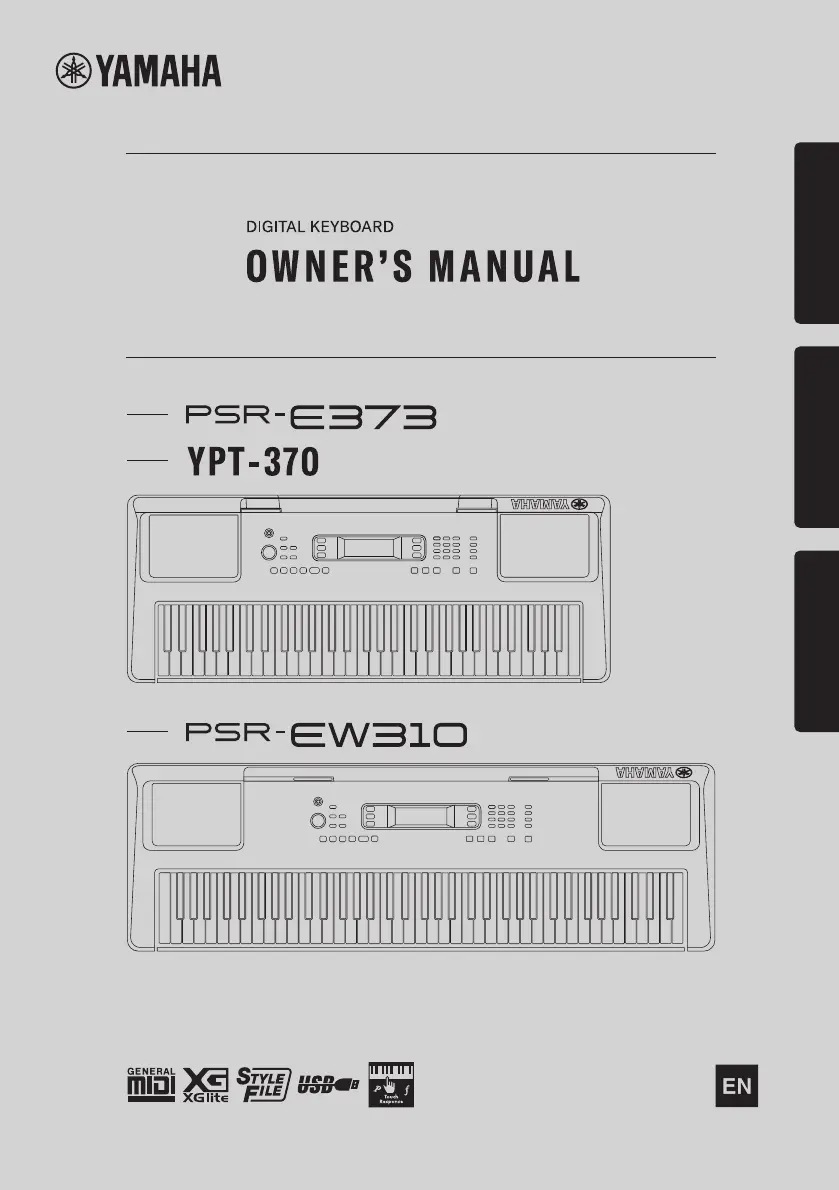
Yamaha PSR-E373 - User Manual

Yamaha PSR-E373
92 pages
Print Icon
To Next Page IconTo Next Page
Loading...
1
Setting UpReferenceAppendix
Before using the instrument, be sure to read
“PRECAUTIONS” on pages 5-7.

Table of Contents

Other manuals for Yamaha PSR-E373

Questions and Answers

  • K
    Kyle BrownSep 2, 2025
    Why does Yamaha musical instrument turn off suddenly after being turned on?
    • L
      Lisa AustinSep 2, 2025
      If your Yamaha musical instrument is turned on, but the power turns off suddenly and unexpectedly, the protection circuit may have been activated due to over current. Use only the specified adapter. If it appears to be malfunctioning, stop using it immediately and have it inspected by qualified Yamaha service personnel.
  • A
    allison06Aug 31, 2025
    How to avoid noise from Yamaha PSR-E373 when using a smart device app?
    • J
      Joseph RogersAug 31, 2025
      If you hear noise from the Yamaha instrument’s speakers or headphones when using it with an application on a smart device, it is recommended to set “Airplane Mode” to “ON” on your smart device to avoid noise caused by communication.
  • P
    Patrick HenryAug 29, 2025
    What to do if Yamaha PSR-E373 is not recognized by application?
    • S
      Shannon AndrewsAug 29, 2025
      If the application on your smart device doesn’t recognize the Yamaha instrument, check if Storage Mode is set to ON. If it is, make sure that Storage Mode is set to OFF.
  • T
    tmendozaAug 27, 2025
    What to do if Yamaha PSR-E373 Musical Instrument does not respond?
    • B
      Brandon TrujilloAug 27, 2025
      If your Yamaha musical instrument isn't responding, check if Storage Mode is set to ON. If it is, make sure to set Storage Mode to OFF.
  • E
    Erika MooreAug 26, 2025
    What to do if Yamaha Style or Song does not play back?
    • M
      Michael HeathAug 26, 2025
      If the Style or Song on your Yamaha musical instrument doesn't play back when you press the [START/STOP] button, check if External Clock is set to ON. If it is, set External Clock to OFF.
  • M
    mwebbAug 25, 2025
    How to stop noise when using mobile phone with Yamaha PSR-E373 Musical Instrument?
    • M
      Michael DyerAug 25, 2025
      If you experience noise when using a mobile phone with your Yamaha musical instrument, it might be due to interference. To prevent this, either turn off your mobile phone or use it further away from the instrument.
  • L
    logan01Aug 22, 2025
    Why does my Yamaha PSR-E373 power off suddenly?
    • L
      lisachavezAug 22, 2025
      If your Yamaha musical instrument suddenly and unexpectedly turns off, the Auto Power Off function may have been activated. To disable it, select “Off” in the Function settings (Function 060; page 55).

Summary

Essential Information and Setup

FCC Information and Compliance

Details compliance with FCC rules and important notices regarding product modification and cable use.

Important Safety Instructions and Precautions

Crucial safety guidelines and precautions for safe operation, handling, and maintenance of the instrument.

Manuals, Accessories, and Product Features

Information on available manuals, included accessories, and an overview of product formats and functions.

Setting Up Your Digital Keyboard

Panel Controls and Terminals Overview

Identifies and explains the function of front and rear panel controls and terminals, including panel settings.

Powering the Instrument and Initial Settings

Instructions for powering the instrument using AC adaptor or batteries, and initial setup like battery type and auto power off.

Display, Basic Operations, and Connections

Explains display items, basic operations, and how to connect headphones, pedals, and audio devices.

Exploring Keyboard Features (Reference)

Playing Voices, Styles, and Songs

Guides on selecting voices, playing styles with accompaniment, and managing songs and lessons.

Performance Features: Recording, Lessons, and Effects

Covers recording performances, using lesson features, applying effects, and managing harmony/arpeggios.

Functions, Connectivity, and Backup

Explains instrument functions, connecting to computers/devices, backup operations, and EQ settings.

Appendix and Support

Troubleshooting Common Issues

Provides solutions for common problems like no sound, noise, unresponsive controls, and power issues.

Instrument Data Lists and Specifications

Comprehensive lists of voices, songs, styles, effects, and product technical specifications.

Yamaha Limited Warranty and Guarantee Information

Details the limited warranty terms, service procedures, and regional guarantee information.

Yamaha PSR-E373 Specifications

General IconGeneral
Control typeButtons, Rotary
MIDI-keyboard number of keys61 keys
Duet functionYes
Product colorBlack
Sound effectsChorus, Reverberation
Sound effects quantity240
Maximum polyphony (notes)48
Music memory capacity (songs)2
InterfaceUSB
Headphone outputs1
Display typeLCD
Battery typeAA
Power source typeAC, DC
Power consumption (typical)5 W
Number of batteries supported6
Batteries includedNo
Weight and Dimensions IconWeight and Dimensions
Depth369 mm
Width945 mm
Height118 mm
Weight4600 g

Related product manuals