EasyManua.ls Logo

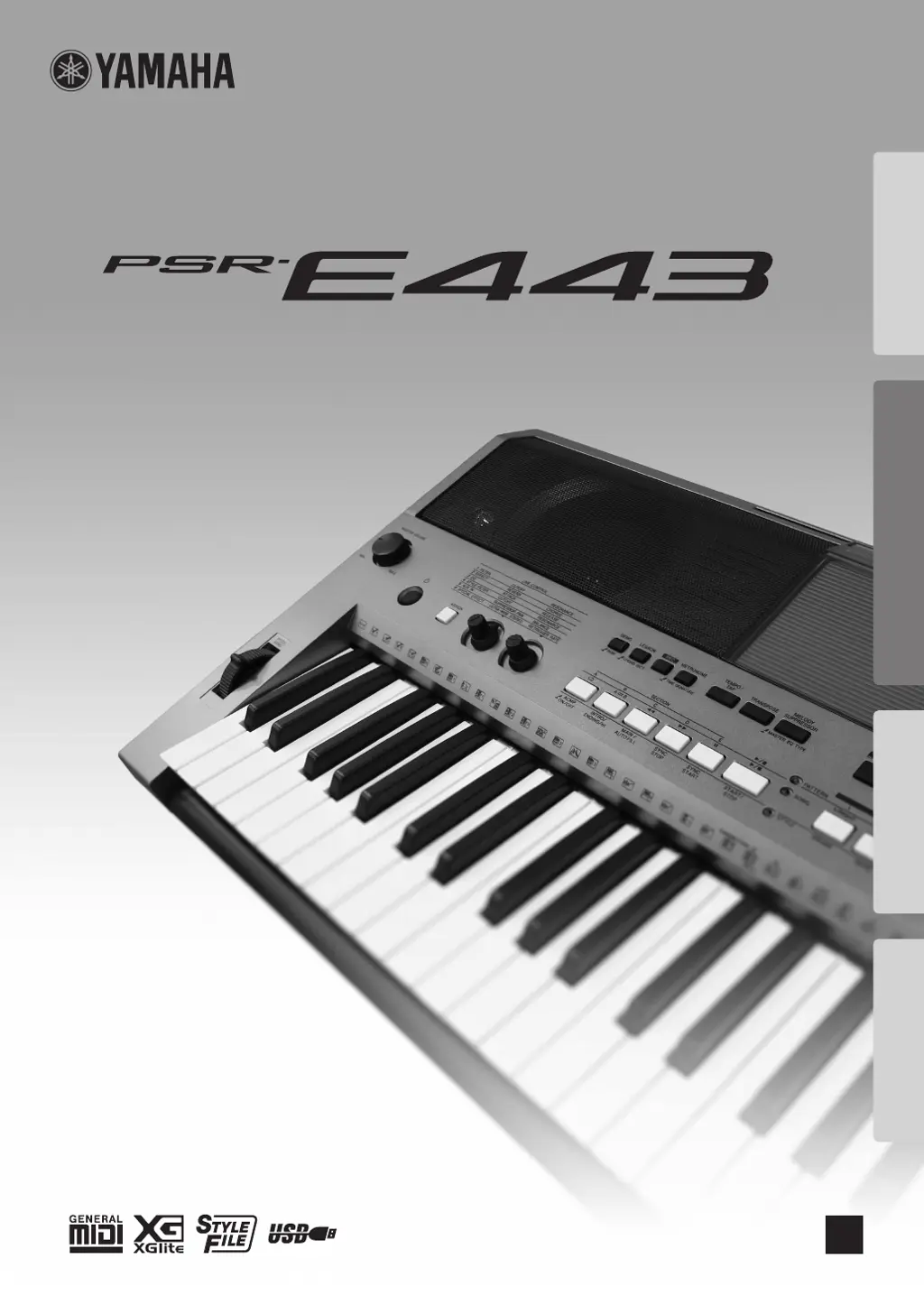
Yamaha PSR-E443 - User Manual

Yamaha PSR-E443
72 pages
Print Icon
To Next Page IconTo Next Page
Loading...
DIGITAL KEYBOARD
Setting UpReferenceAppendix Quick Guide
Owner’s Manual
EN

Table of Contents

Other manuals for Yamaha PSR-E443

Questions and Answers

  • G
    gary07Sep 8, 2025
    Why do some Styles on my Yamaha PSR-E443 Electronic Keyboard produce no rhythm drum sound?
    • M
      michaelpenningtonSep 8, 2025
      Style numbers 176 and 188–200 have no rhythm parts, so no rhythm will play. When one of these Styles is selected, turn ACMP on, then specify the chord in the left hand area to play Style parts other than the Rhythm part.
  • A
    Alicia WalshSep 10, 2025
    Why does my Yamaha Electronic Keyboard make a popping sound when turned on or off?
    • S
      Sarah PerrySep 10, 2025
      When the instrument is turned on or off, a popping sound is normal and indicates that the instrument is receiving electrical power.
  • A
    alexandra84Sep 12, 2025
    Why does the voice sound change from note to note on my Yamaha PSR-E443?
    • T
      Tracy ClarkSep 12, 2025
      This is normal. The tone generation method uses multiple recordings (samples) of an instrument across the range of the keyboard; thus, the actual sound of the Voice may be slightly different from note to note.
  • J
    Jay WatsonSep 13, 2025
    How to adjust the volume of Style, Pattern or Song on my Yamaha Electronic Keyboard?
    • C
      christina86Sep 13, 2025
      If the volume of the Style, Pattern or Song is too low, check the volume setting in the Functions.
  • C
    Curtis FergusonSep 15, 2025
    Why do only rhythm parts sound on my Yamaha PSR-E443?
    • M
      Mark JohnsonSep 16, 2025
      If Style parts other than the Rhythm part produce no sound, check the on/off status of the ACMP. Make sure to turn ACMP on.
  • D
    Darrell MoralesSep 18, 2025
    Why do some voices cut off on my Yamaha PSR-E443?
    • J
      Joseph FlynnSep 18, 2025
      If not all of the Voices seem to sound, or the sound seems to be cut off, when playing the keyboard, Arpeggio, Style or Pattern or Song, you may have exceeded the instrument's maximum polyphony of 32 simultaneous notes. If the Main, Dual, and Split Voices are being used along with playback of Arpeggio, Style, Pattern or Song, some notes/sounds may be omitted.

Summary

Special Message Section

Precautions

Warning

Essential safety warnings regarding electrical shock, fire, and battery hazards.

Caution

Basic precautions to avoid physical injury or instrument damage.

Panel Controls and Terminals

Power Requirements

Details on using AC adaptor or batteries for instrument power.

Basic Operations

Turning the Power On;Off

How to turn the instrument on and off, and manage auto power off.

Using the Metronome

Creating Original Sounds via the Knobs

Playing Styles

Playing with Patterns Like a DJ!

Playing Songs

Song Fast Forward, Fast Reverse, and Pause

Using the Song Lesson Feature

Playing an External Audio Device with the Built-in Speakers

Recording Your Performance

Quick Recording

Step-by-step guide for recording a new song from scratch.

Memorizing Your Favorite Panel Settings

Handy Performance Features

Pitch Controls-Transpose

Changing the Touch Response of the Keyboard

Scale Tuning

Voice Settings

Parameters Assigned to the Knobs

Styles (Auto Accompaniment) and Patterns

Setting the Split Point

Song Settings

The Functions

USB Flash Memory Operations

Formatting a USB Flash Memory

Saving User Data to a USB Flash Memory

Saving a User Song as SMF to a USB Flash Memory

Troubleshooting

Specifications

Yamaha PSR-E443 Specifications

General IconGeneral
MIDI-keyboard number of keys61 keys
Product colorWhite
Sound effectsChorus, Phaser
Maximum polyphony (notes)32
InterfaceUSB
Power source typeDC
Power consumption (typical)15 W
Weight and Dimensions IconWeight and Dimensions
Depth405 mm
Width946 mm
Height140 mm
Weight6800 g

Related product manuals