EasyManua.ls Logo

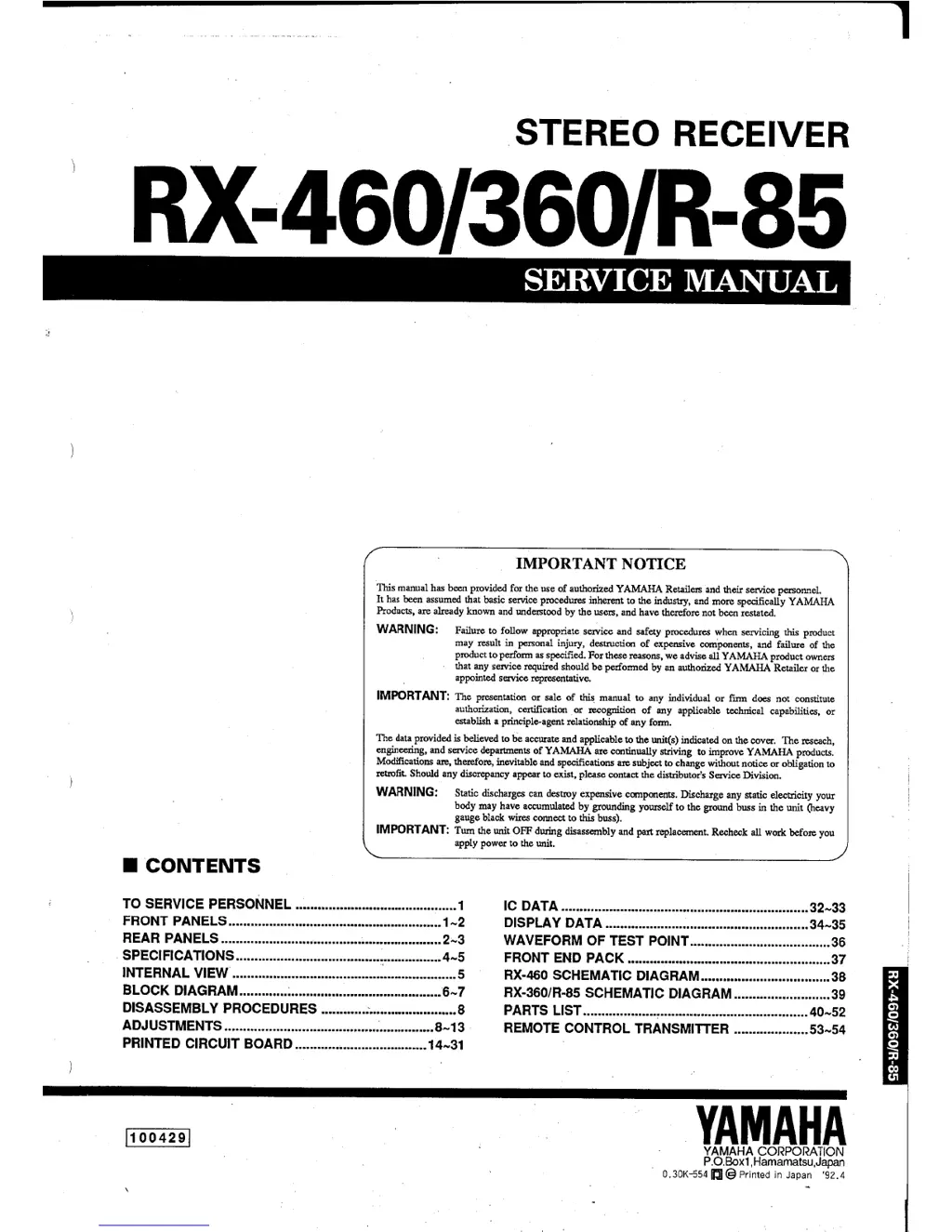
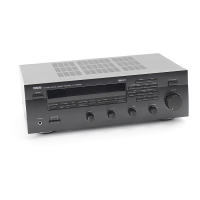
Yamaha RX-460 - Service Manual

Yamaha RX-460
46 pages
Print Icon
To Next Page IconTo Next Page
Loading...

Other manuals for Yamaha RX-460

Questions and Answers

  • S
    Samantha PierceAug 16, 2025
    What to do if my Yamaha Stereo Receiver has no sound?
    • C
      caleb06Aug 16, 2025
      First, ensure that the output cords are correctly connected; if the problem continues, the cords may be defective. Also, be sure to press the input selector that corresponds to your input source.
  • D
    Donald LewisAug 19, 2025
    How to fix Yamaha RX-460 FM stereo reception when it is noisy?
    • E
      Eddie ConwayAug 19, 2025
      Noisy FM stereo reception can occur when the transmitter is too far away or the antenna input is poor. Check your antenna connections and consider using a multiple element FM antenna to improve reception for your Yamaha Stereo Receiver.
  • K
    kevin03Aug 22, 2025
    Why does my Yamaha Stereo Receiver sound “hums”?
    • C
      carl57Aug 22, 2025
      Humming sounds from your Yamaha Stereo Receiver can be due to incorrect cord connections. Ensure the audio plugs are firmly connected. Also, if using a turntable, make sure it is properly connected to the GND terminal on the receiver. If problem persists, the cord may be defective.
  • L
    leslieserranoAug 25, 2025
    What to do if only one side speaker outputs the sound on my Yamaha Stereo Receiver?
    • C
      Chris SosaAug 26, 2025
      If you're only getting sound from one speaker, first check the BALANCE control and adjust it to the correct position. Also, verify that the speaker cords are connected properly. If the problem persists, the cables may be defective.
  • S
    Stephanie BurkeAug 28, 2025
    Why is there distortion on my Yamaha RX-460 even with a good FM antenna?
    • B
      Benjamin JonesAug 28, 2025
      Distortion even with a good FM antenna is likely due to multipath interference. Try adjusting the antenna placement to minimize this interference for your Yamaha Stereo Receiver.
  • K
    Kaylee GalvanAug 31, 2025
    Why can't I tune in a desired station with Auto tuning on my Yamaha RX-460?
    • M
      manningrobertAug 31, 2025
      If you cannot tune into a desired station using Auto tuning on your Yamaha Stereo Receiver, it could be due to a weak signal or loose antenna connections. Try using Manual tuning mode. For AM, tighten the loop antenna connections and rotate it for best reception.
  • C
    Cesar SweeneySep 3, 2025
    Why are there continuous crackling and hissing noises coming from my Yamaha RX-460?
    • S
      Sarah FowlerSep 3, 2025
      Continuous crackling and hissing noises in your Yamaha Stereo Receiver can be caused by interference from lightning, fluorescent lamps, motors, thermostats, and other electrical equipment. Using an outdoor antenna and a ground wire may help reduce the noise, but it's difficult to eliminate it entirely.
  • D
    Daniel NobleSep 6, 2025
    Why is the distance decreased within which the Yamaha RX-460 Stereo Receiver remote control transmitter can be used?
    • J
      Juan MillerSep 6, 2025
      If the range of your Yamaha Stereo Receiver's remote control has decreased, the batteries are likely weak. Replace them with new ones.
  • R
    Roger BarrettSep 9, 2025
    Why are there buzzing and whining noises coming from my Yamaha RX-460 Stereo Receiver?
    • H
      huffchristineSep 9, 2025
      Buzzing and whining noises, especially in the evening, may be caused by a nearby television set. Try moving the television away from your Yamaha Stereo Receiver.
  • S
    Shannon MeyerSep 12, 2025
    Why is the volume level low while playing a record on my Yamaha RX-460 Stereo Receiver?
    • J
      Jerry PayneSep 12, 2025
      If the volume level is low when playing a record on your Yamaha Stereo Receiver, and you're using a turntable with an MC cartridge, the player should be connected to the receiver through the MC head amplifier.

Summary

Important Notices and Safety Precautions

Important Usage Notice

Disclaimer regarding manual use and authorized service personnel.

General Safety Warnings

Covers static discharge, power-off procedures, and chemical warnings.

Information for Service Personnel

Critical Component Replacement

Importance of using specified replacement parts for proper function.

Leakage Current Measurement

Procedure to verify insulation safety after service completion.

Chemical Content Warning

Rear Panel Configurations

Technical Specifications

Audio Section Specifications

Details on output power, input sensitivity, impedance, and frequency response.

FM Section Specifications

Tuning range, sensitivity, selectivity, response, and suppression ratios.

AM Section Specifications

Tuning range, sensitivity, selectivity, and suppression ratios.

General Unit Information

Power, Dimensions, and Accessories

Information on power supply, consumption, unit dimensions, weight, and included accessories.

Block Diagram

Disassembly and Adjustments

Disassembly Procedures

Step-by-step guide for removing top cover, front panel, and main chassis.

Power Supply and Audio Adjustments

Procedures for checking power supply voltages and adjusting idling current.

Tuner Section Testing

Measuring Instruments and Setup

Required equipment and dummy antenna configurations for tuner tests.

Test Mode Operation

Steps to enter, use, and exit the unit's test mode for display checks.

FM Adjustment Procedures

Pre-Adjustment and Setup

Initial conditions, instrument connection diagrams, and tuning mode settings.

Discriminator Balance & Monaural Distortion

Procedures for adjusting discriminator balance and minimizing monaural distortion.

Sensitivity Verification

Method to confirm the unit's sensitivity against specifications.

FM Adjustment Procedures (Continued)

Sensitivity, Separation, and Balance Confirmation

Verifying key FM performance parameters like sensitivity, separation, and balance.

Signal Meter and Auto-Search Tests

Procedures for signal meter adjustment and auto-search tuning functionality.

AM Adjustment Procedures

Measuring Instrument Setup

Diagrams showing test equipment connections for AM adjustment.

AM Sensitivity and IFT Adjustment

Procedures for adjusting AM sensitivity and the Intermediate Frequency Transformer.

AM Signal Meter and Auto-Search

Tests for AM signal meter indication and auto-search tuning function.

Printed Circuit Board Layout

Component Locations and References

PCB foil side view and semiconductor location mapping.

Integrated Circuit Data

IC9 LC6554 Pinout and Description

Pin functions and block diagram for the LC6554 4-bit µ-COM IC.

IC Pin Function Table

Detailed list of pin names, I/O, and functions for the IC.

Integrated Circuit Data (Continued)

Remote Control Key Matrix

Mapping of key presses to digital signals for remote control functions.

Input, Volume, and Tuner Logic

Logic for source selection, volume control, and tuner market settings.

Display Data and Segments

RX-460 LCD Segment Mapping

Specific data and segment assignments for the RX-460 LCD display.

Display Item Segment Assignments

Tables detailing segment activation for various display items.

Display Data and Segments (Continued)

RX-360;R-85 LCD Segment Mapping

Specific data and segment assignments for the RX-360/R-85 LCD display.

Test Point Waveforms

Waveforms 1-4

Oscilloscope readings for initial test points (Pins 1, 32 of IC6/IC9, Pins 5-8 of IC9, Pin 34 of IC9).

Waveforms 5-7

Oscilloscope readings for subsequent test points (Pins 3-46 of V501, Pin 55 of IC501, Pins 1-2 of V501).

Front End Pack Schematics

Front End Pack (Except G Model)

Schematic diagram for the front end pack in non-G models (PK1: TFFG1U).

Front End Pack (G Model Only)

Schematic diagram for the front end pack in G models (PK1: TFFG3E).

RX-460 Schematic Diagram

RX-360;R-85 Schematic Diagram

Parts List

Electrical Parts List

List of electronic components with part numbers, descriptions, and remarks.

Component Replacement Warning

Caution regarding replacing components with specific characteristics.

Exploded View

Mechanical Parts List

Remote Control Transmitter (RX-460)

Transmitter Schematic Diagram

Circuit diagram for the RX-460 remote control transmitter.

Transmitter Function Codes

Table mapping button presses to custom and data codes for functions.

Remote Control Transmitter (RX-360;R-85)

Transmitter Schematic Diagram

Circuit diagram for the RX-360/R-85 remote control transmitter.

Transmitter Function Codes

Table mapping button presses to custom and data codes for functions.

Carbon Resistor Parts List

Yamaha RX-460 Specifications

General IconGeneral
BrandYamaha
ModelRX-460
CategoryStereo Receiver
LanguageEnglish

Related product manuals