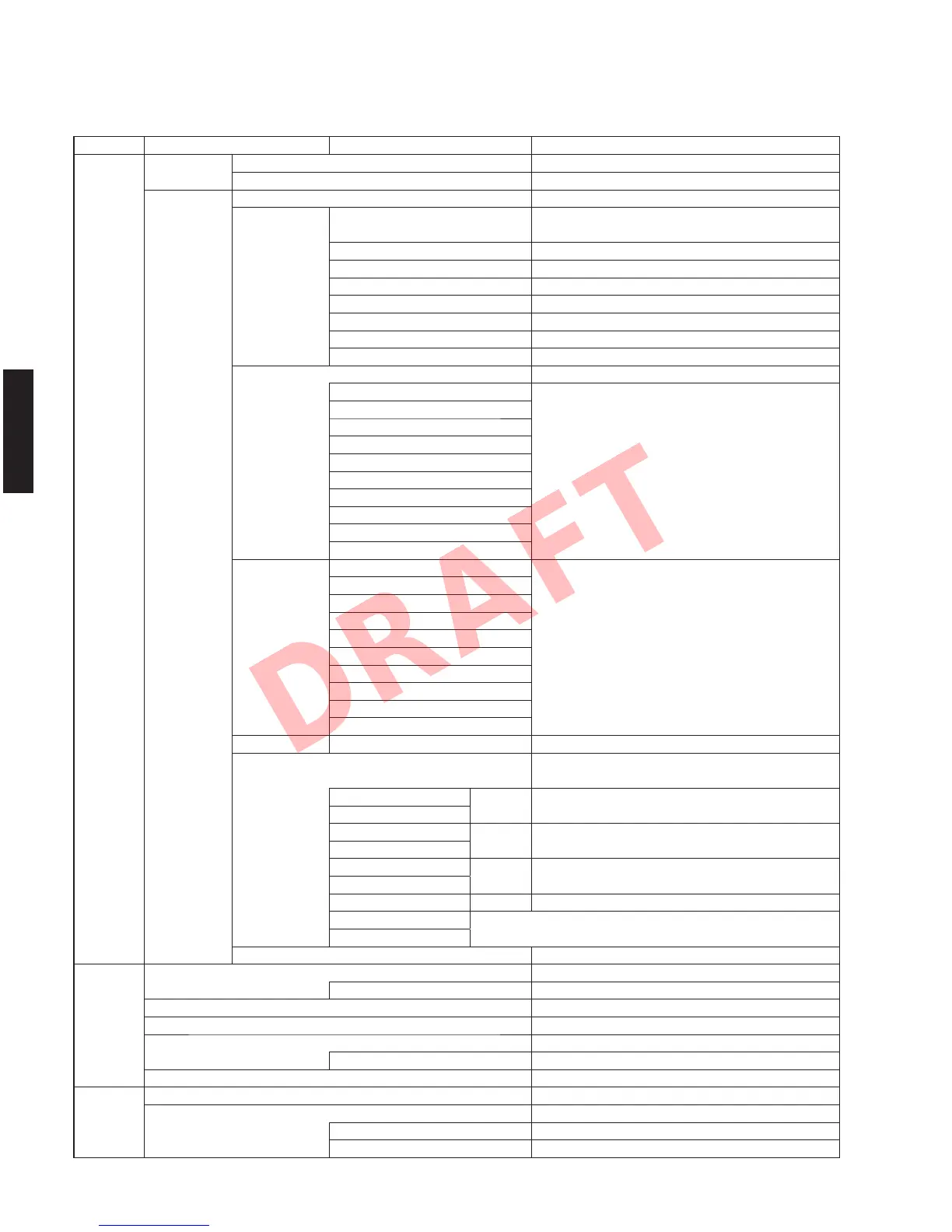
• SET MENU TABLE
MAIN MENU SUB-MENU PARAMETER VALUE [INITIAL VALUE]
Speaker Auto Measure Optimizes the speaker configuration automatically using YPAO.
SetupResult Not Available
Manual Power Amp Assign [Basic] / 7ch +1ZONE / 5ch BI-AMP
Configuration Front Large / [Small]
* When “Subwoofer” is set to “None”, “Front” is disabled.
Center Large / [Small] / None
Surround Large / [Small] / None
Surround Back Large x1 / Large x2 / Small x1 / [Small x2] / None
Front Presence [Use] / None
Subwoofer [Use] / None
Extra Bass Not Available
Bass Cross Over 40 / 60 / [80] / 90 / 100 / 110 / 120 / 160 / 200 Hz
Distance Meter / Feet
Front L
Front R
Center
Surround L
Surround R 0.30 to 24.00 m, [3.00 m], 0.05 m step
Surround Back L 1.0 to 80.0 ft, [10.0 ft], 0.2 ft step
Surround Back R
Front Presence L
Front Presence R
Subwoofer
Level Front L
Front R
Center
Surround L
Surround R -10.0 to +10.0 dB, [0.0 dB], 0.5 dB step
Surround Back L
Surround Back R
Front Presence L
Front Presence R
Su
bwoofer
P
arametric EQ PEQ Select Manual / YPAO : Flat / YPAO : Front / YPAO : Natural / [Through]
PEQ Data Copy Flat > Manual / Front > Manual / Natural > Manual
* Select “ENTER”
Front L Band / Gain
▶
Band: #1 to #7
Front R
▲
Gain: -20.0 to +6.0 dB, [0.0 dB], 0.5 dB step
Center Freq. / Gain
▶
Frequency: 31.3 Hz to 16.0 kHz, [62.5 Hz]
Surround L
▲
Gain: -20.0 to +6.0 dB, [0.0 dB], 0.5 dB step
Surround R Q / Gain
▶
Q: 0.500 to 10.080, [1.000]
Surround Back L
▲
Gain: -20.0 to +6.0 dB, [0.0 dB], 0.5 dB step
Surround Back R Clear OK / CANCEL * Select “ENTER”
Front Presence L
Front Presence R * When “PEQ Select” is set to “Manual”, this section is disabled.
Test Tone [Off] / On
Sound Setup Lipsync [Auto] / Manual
Select “Manual” 0 to 250 ms, [0 ms], 1 ms step
Dynamic Range [Maximum] / Standard / Minimum/Auto
Max. Volume -30.0 to +16.5 dB (Maximum volume), [+16.5 dB], 5.0 dB step
Initial Volume [Off] / On
Select “On” Mute, -80 to +16.5 dB, [0.0 dB], 0.5 dB step
Adaptive DSP Level Off / [On]
Video Setup Analog to Analog Conversion Off / [On]
P
rocessing [Off] / On
Resolution Through / [Auto] / 576p / 720p / 1080i / 1080p * Select “ENTER”
Aspect [Through] / 16:9 Normal
14
RX-V671/HTR-6064/RX-A710
RX-V671/HTR-6064/
RX-A710













 To Next Page