U1-1
DOCK:OKYYYY
DOCK jack
Shorted pins Check item Result Display
14 – 18 UART loop back test
OK Y
NG N
1 – 17
(5.6 k-ohms, 1/4W)
DK1_AP (iPod accessory power) detection
IC81
pin No. 79
High = YES Y
Low = No N
4 – 8 DK1_N_IPDET (iPod installation to DOCK) detection
IC81
pin No. 42
Low = installed Y
High = not installed N
8 – 21
(10 k-ohms, 1/4W)
DK1_ID (DOCK ID) detection
IC89
pin No. 13
10 k-ohms, 1/4 W pull down Y
Other N
⎫
⎬
⎭
⎫
⎬
⎭
⎫
⎬
⎭
⎫
⎬
⎭
12
19
3 4 56 78
91011121314
15 16 17 18
20 21
10 k-ohms
1/4 W
5.6 k-ohms
1/4 W
All Y = “OK”
Others = “NG”
U1. iPod
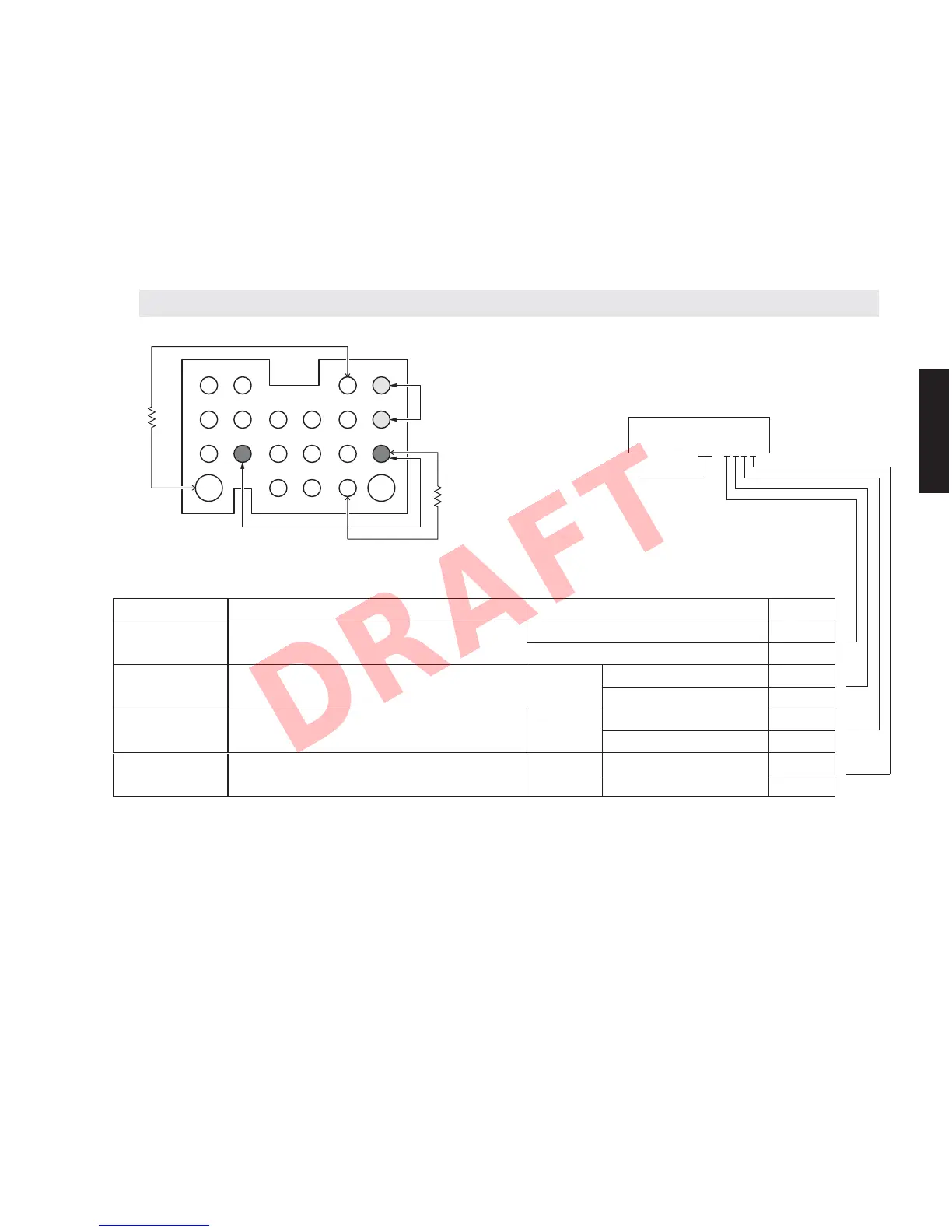
This menu is used to check the DOCK jack/iPod authentication IC without connecting the iPod itself.
U1-1. DOCK CHECK
With the power turned off, short the pins of the DOCK jack as shown in the figure below.
Start up the self-diagnostic function and select this menu.
The check result is displayed according to the following display specifications.
Note) Be sure to return the shorted pins to their original condition after executing this test.
45
RX-V671/HTR-6064/RX-A710
RX-V671/HTR-6064/
RX-A710













 To Next Page