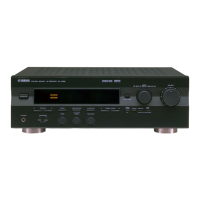
RX-V340/RX-V340RDS/
HTR-5630/HTR-5630RDS/DSP-AX340
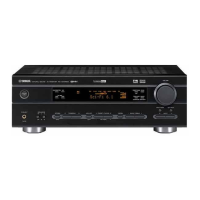
RX-V340/RX-V340RDS/HTR-5630/HTR-5630RDS/DSP-AX340
34
14. SOFT SW
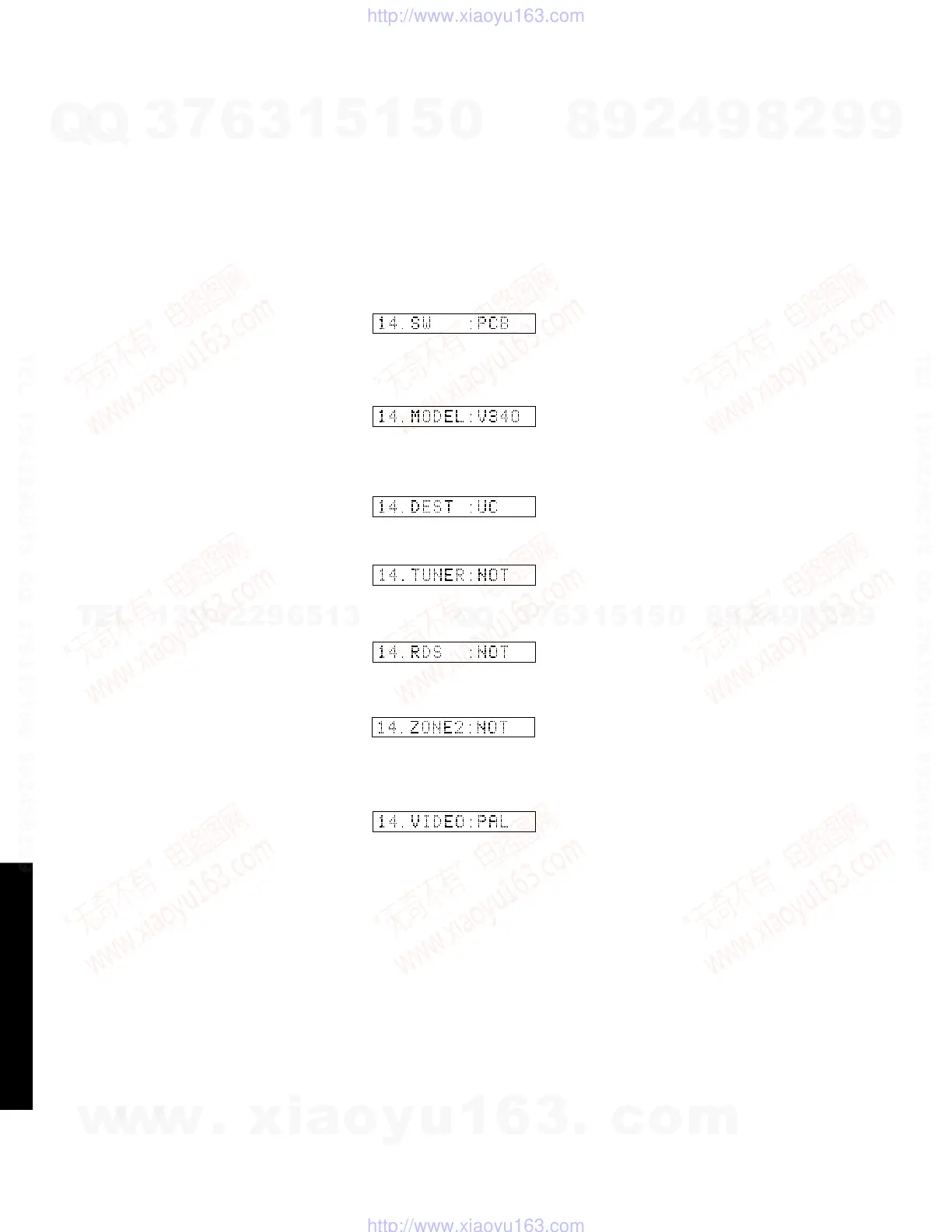
This menu is used to switch the function settings on P.C.B.
through the software so as to activate the product.
The protection function follows the P.C.B. settings. When
connected to AC or in the maker preset state, the unit is
initialized to the P.C. B. setting. Display of each function
after initialization varies depending on settings on P.C.B.
The operation mode can be changed by selecting the sub-
menu and then using the EFFECT key. With SOF selected
for the SW mode, the settings become effective.
MODEL SETTING: V340 or V340T can be selected.
TUNER DESTINATION: J, UC, ALG or R can be selected.
14.SOFTSW
SW MODE: PCB or SOFT can be selected. SWMODE
MODELSETTING
TUNERDESTINATION
ZONE2: NOT or EXIST can be selected.
RDS: NOT or EXIST can be selected.
VIDEO FORMAT: NTSC or PAL can be selected.
(J model only)
ZONE2
RDS
VIDEOFORMAT
TUNER: NOT or EXIST can be selected. TUNER
w
w
w
.
x
i
a
o
y
u
1
6
3
.
c
o
m
Q
Q
3
7
6
3
1
5
1
5
0
9
9
2
8
9
4
2
9
8
T
E
L
1
3
9
4
2
2
9
6
5
1
3
9
9
2
8
9
4
2
9
8
0
5
1
5
1
3
6
7
3
Q
Q
TEL 13942296513 QQ 376315150 892498299
TEL 13942296513 QQ 376315150 892498299
http://www.xiaoyu163.com
http://www.xiaoyu163.com


 To Next Page