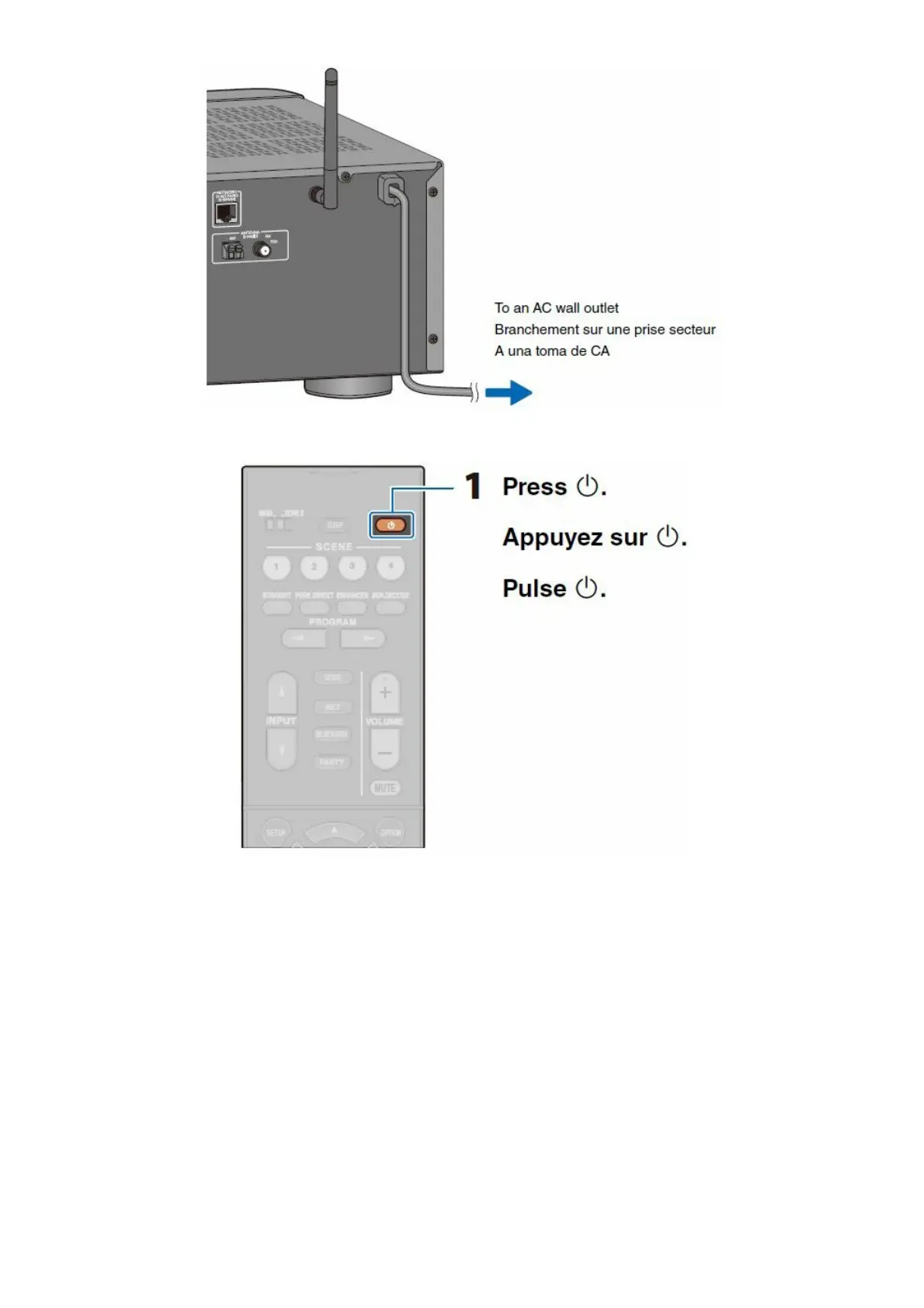
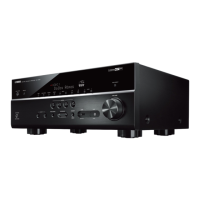
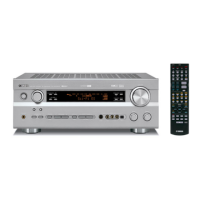
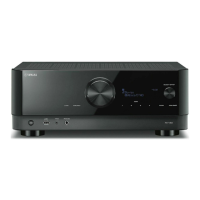
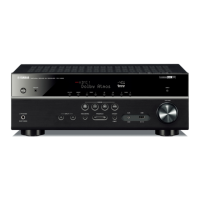
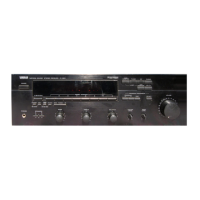
Connecting the power cable to an AC wall outlet
Turning on the unit
Select this unit as the input source on the TV.
If “Check SP Wires” is shown on the front display when the unit is turned on, turn off the unit and be sure that
speaker cables have not caused a short circuit.
The network setting screen is displayed on the TV. Press RETURN to cancel this screen and then go to step 7.



 To Next Page