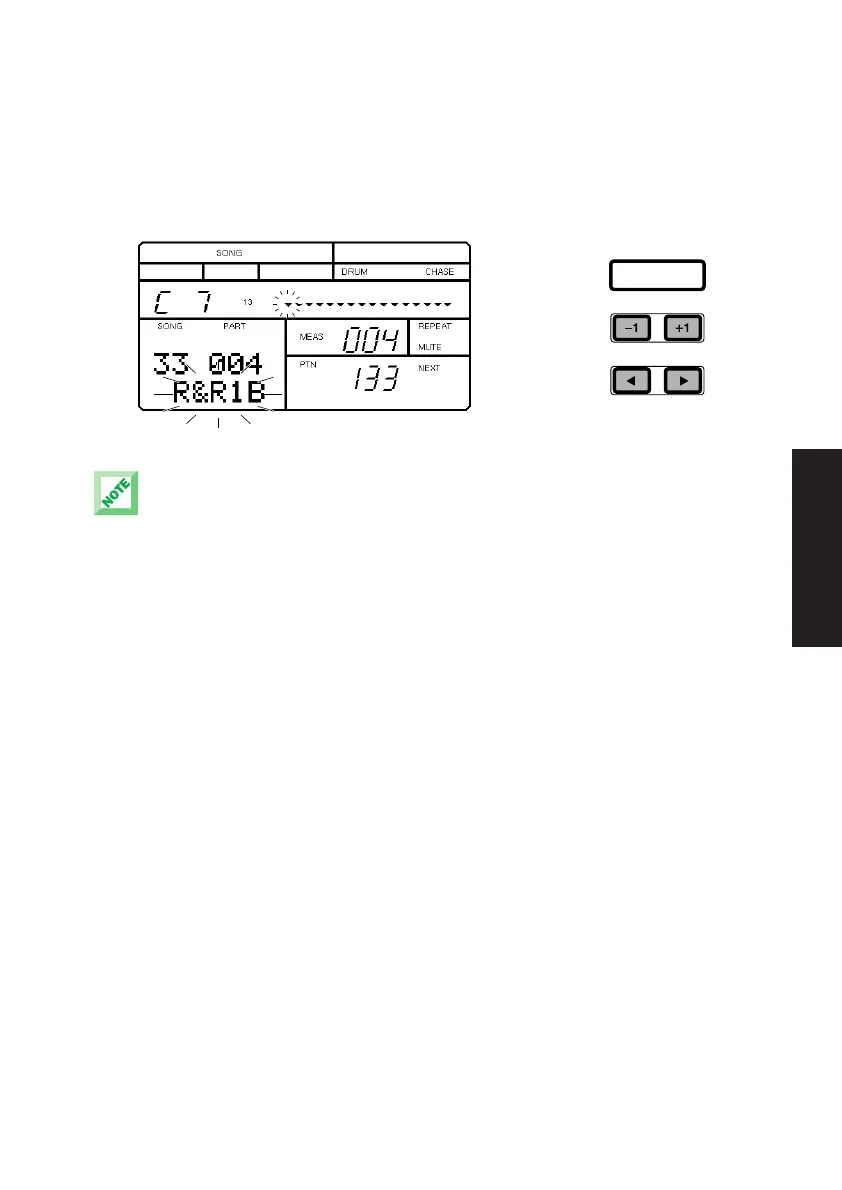
■ To change the backing accompaniment, press [E] or [F] to position the
flashing cursor over the name of the backing accompaniment. The backing
name will begin flashing, indicating that you can select a different
accompaniment backing to play with the currently selected rhythm. Then
press [-1] and [+1] to select a backing accompaniment.
The pattern and backing changes you make in the Preset song will only remain active as long as
the current Preset song is selected, or until you select a different measure by pressing [TOP],
[BWD] or [FWD]. When you select another song, the Preset default patterns will be reinstated.
ENTER
29
GETTING STARTED
PDF02_E.qx 6/2/99 5:48 PM Page 29


 To Next Page