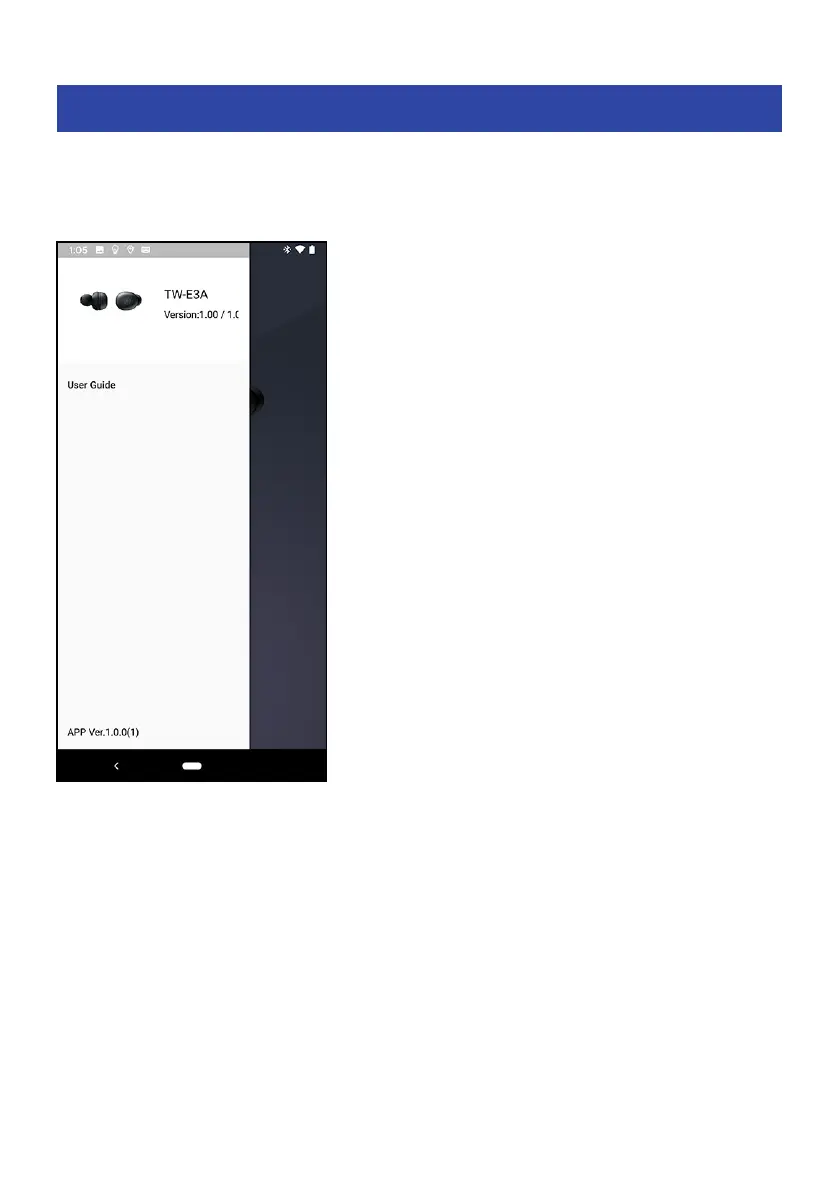
List of product settings (menu)
The settings that you can make on the menu of the Headphones Controller app are shown below.
NOTE
The app screen may differ, depending on your product.
(
Confirm Firmware Update
Checks whether new firmware has been released, and performs updates.
(
User Guide
Accesses the User Guide
(
License Information
Displays the software license information for Headphones Controller.
(
End User License Agreement
Displays the Terms of Use for Headphones Controller.
Related links
(
“About the app for earphones/headphones”(p.32)
(
“List of settings (main screen)”(p.33)
(
“Automatically adjust the sound quality according to the volume”(p.35)
(
“Setting the auto-standby time”(p.36)
34
Settings > List of product settings (menu)



 To Next Page