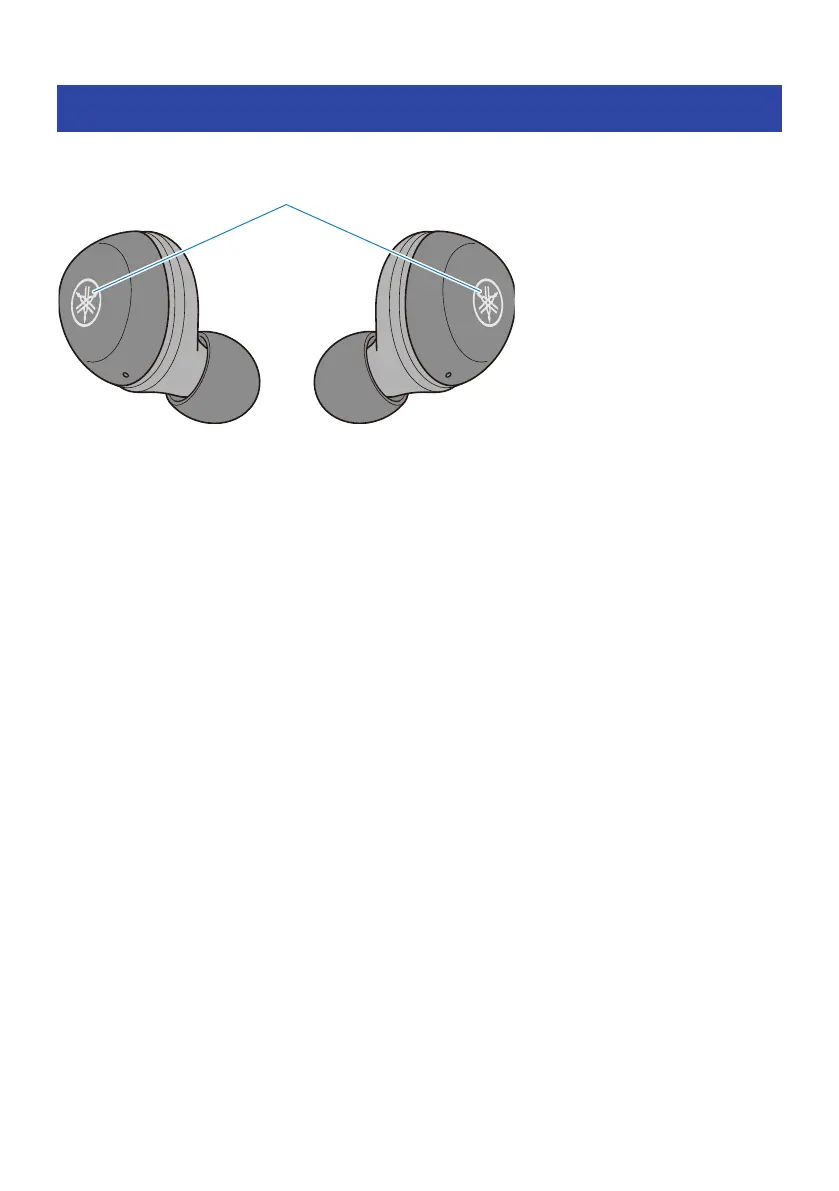
List of operations
The main operations of this product are as shown below.
Power
(
Power on
(
Function key (hold down for two seconds)
(
Power off
(
Function key (hold down for five seconds)
Volume
(
Volume up
(
Function key on earphone (R) (press quickly, two times in a row)
(
Volume down
(
Function key on earphone (L) (press quickly, two times in a row)
Music playback
(
Pause/play
(
Function keys on earphone (L) or (R)
(
Skip to the next song
(
Function key on earphone (R) (hold down until you hear a “beep” sound)
(
Go back to the beginning of the song (while in the middle of the song), or back to the previous song (when at the
beginning of a song)
(
Function key on earphone (L) (hold down until you hear a “beep” sound)
Phone calls
(
Receive a phone call
(
Function key on earphone (R)
(
End a phone call
(
Function key on earphone (R)
(
Ignore a call
(
Function key on earphone (R) (hold down for at least two seconds)
52
Appendix > List of operations



 To Next Page