EasyManua.ls Logo

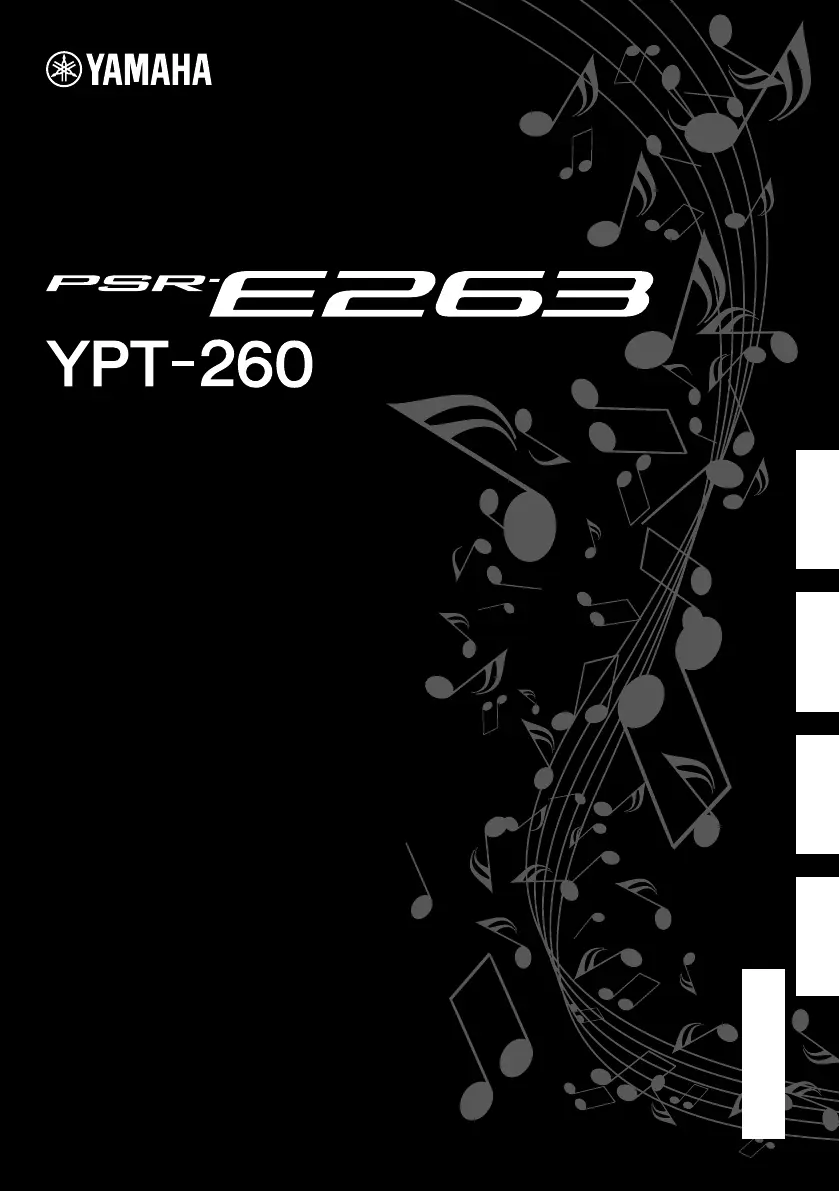
Yamaha YPT-260 - User Manual

Yamaha YPT-260
50 pages
Print Icon
To Next Page IconTo Next Page
Loading...
Owners Manual
Mode d'emploi
Manual de instrucciones
Manual do Proprietário
EnglishFrançaisEspañolPortuguês
PT
ES
FR
EN
DIGITAL KEYBOARD
CLAVIER NUMÉRIQUE
TECLADO DIGITAL
Before using the instrument, be sure to read
“PRECAUTIONS” on pages 5–7.
Avant d'utiliser l'instrument, lisez attentivement la section
« PRÉCAUTIONS D'USAGE » aux pages 5 et 7.
Antes de utilizar el instrumento, lea las “PRECAUCIONES”,
en las páginas 5 y 7.
Antes de usar o instrumento, não se esqueça de ler as
"PRECAUÇÕES" nas páginas 5–7.

Table of Contents

Questions and Answers

  • L
    loganjillAug 20, 2025
    What to do if the volume is too soft or the sound quality is poor on my Yamaha Electronic Keyboard?
    • A
      alexander73Aug 20, 2025
      If the volume is too soft, the sound quality is poor, the rhythm stops unexpectedly, recorded data doesn't play correctly, or the LCD display goes dark, the batteries may be low or dead. Replace all six batteries with completely new ones, or use the included AC adaptor.
  • J
    jonathonmcclureAug 22, 2025
    How to fix no sound on Yamaha Electronic Keyboard?
    • J
      Joshua LeeAug 22, 2025
      Check that nothing is connected to the [PHONES/OUTPUT] jack on the rear panel. If something is connected, disconnect it to restore sound through the keyboard's speakers.
  • D
    Daniel SmithAug 25, 2025
    Why is the sustain footswitch reversed on my Yamaha Electronic Keyboard?
    • A
      alan74Aug 25, 2025
      The polarity of the footswitch may be reversed. Make sure that the footswitch plug is properly connected to the [SUSTAIN] jack before turning on the power.
  • K
    Kayla WagnerAug 26, 2025
    Why does my Yamaha Electronic Keyboard make noise when I use my mobile phone nearby?
    • R
      Renee DavisAug 26, 2025
      Using a mobile phone in close proximity to the instrument may produce interference. To prevent this, either turn off the mobile phone or use it further away from the keyboard.
  • A
    andrea12Aug 28, 2025
    Why is the Style not sounding properly on my Yamaha Electronic Keyboard?
    • K
      Kara KeyAug 28, 2025
      To troubleshoot why the Style isn't sounding right on your Yamaha Electronic Keyboard, consider the following: * Make sure that the Style Volume is set to an appropriate level. * Check if the Split Point is set to an appropriate key for the chords you are playing and adjust it if necessary. * Verify that the 'ACMP ON' indicator is showing in the display; if not, press the [ACMP ON/OFF] button.
  • M
    Mary BrownAug 30, 2025
    Why does my Yamaha Electronic Keyboard turn off suddenly?
    • M
      Marie ParkerAug 30, 2025
      This could be normal; the Auto Power Off function may have been activated. If you need to disable this feature, select 'Off' in the Function settings.
  • C
    Carlos LopezSep 1, 2025
    Why are some voices cut off on my Yamaha Electronic Keyboard?
    • J
      jeffersonmichelleSep 1, 2025
      The instrument is polyphonic up to a maximum of 32 notes. If a style or Song is playing back at the same time, some notes/sounds may be omitted (or 'stolen') from the accompaniment or Song.
  • D
    david12Sep 3, 2025
    Why doesn't the Style sound when I play a chord on my Yamaha Electronic Keyboard?
    • B
      Bethany SmithSep 3, 2025
      The auto accompaniment will sometimes not change when related chords are played in sequence. Also, two-note fingerings will produce a chord based on the previously played chord. Finally, playing two same root keys in the adjacent octaves produces accompaniment based only on the root.
  • H
    Herbert RiveraSep 4, 2025
    Why does my Yamaha Electronic Keyboard turn off unexpectedly when turned on?
    • S
      Steven MunozSep 5, 2025
      This is normal. If an AC adaptor other than the one specified is used, power may be turned off suddenly and unexpectedly.
  • P
    Patrick CampbellSep 7, 2025
    What to do if the ACMP ON indicator doesn't appear on my Yamaha Electronic Keyboard?
    • C
      Christine BrownSep 7, 2025
      Always press the [STYLE] button first when you are going to use any Style-related function. Also, the ACMP ON indicator does not appear when the Duo mode is on.

Yamaha YPT-260 Specifications

General IconGeneral
Sound effectsChorus, Equalization, Reverberation
Output voltage12 V
Tones quantity400
Speaker diameter120 mm
Number of speakers2
Metronome tempo range11 - 280 bpm
Amplifier output power5 W
Chorus effects quantity5
Maximum polyphony (notes)32
Reverberation effects quantity9
Keys quantity61 keys
Product colorBlack, White
Tuning frequency427 - 453 Hz
Demo songs quantity112
Transposition range-12 - 12 octave(s)
Equalizer bands quantity6
Preset programs quantity130
Recorder/sequencer number of tracks1
AC input voltage130 V
Power consumption (max)6 W
Weight and Dimensions IconWeight and Dimensions
Depth317 mm
Width940 mm
Height106 mm
Weight4000 g

Related product manuals