22
Auto stop operation method
Selection of wait function
Working conditions of timer
z Auto stop timer activates
when:
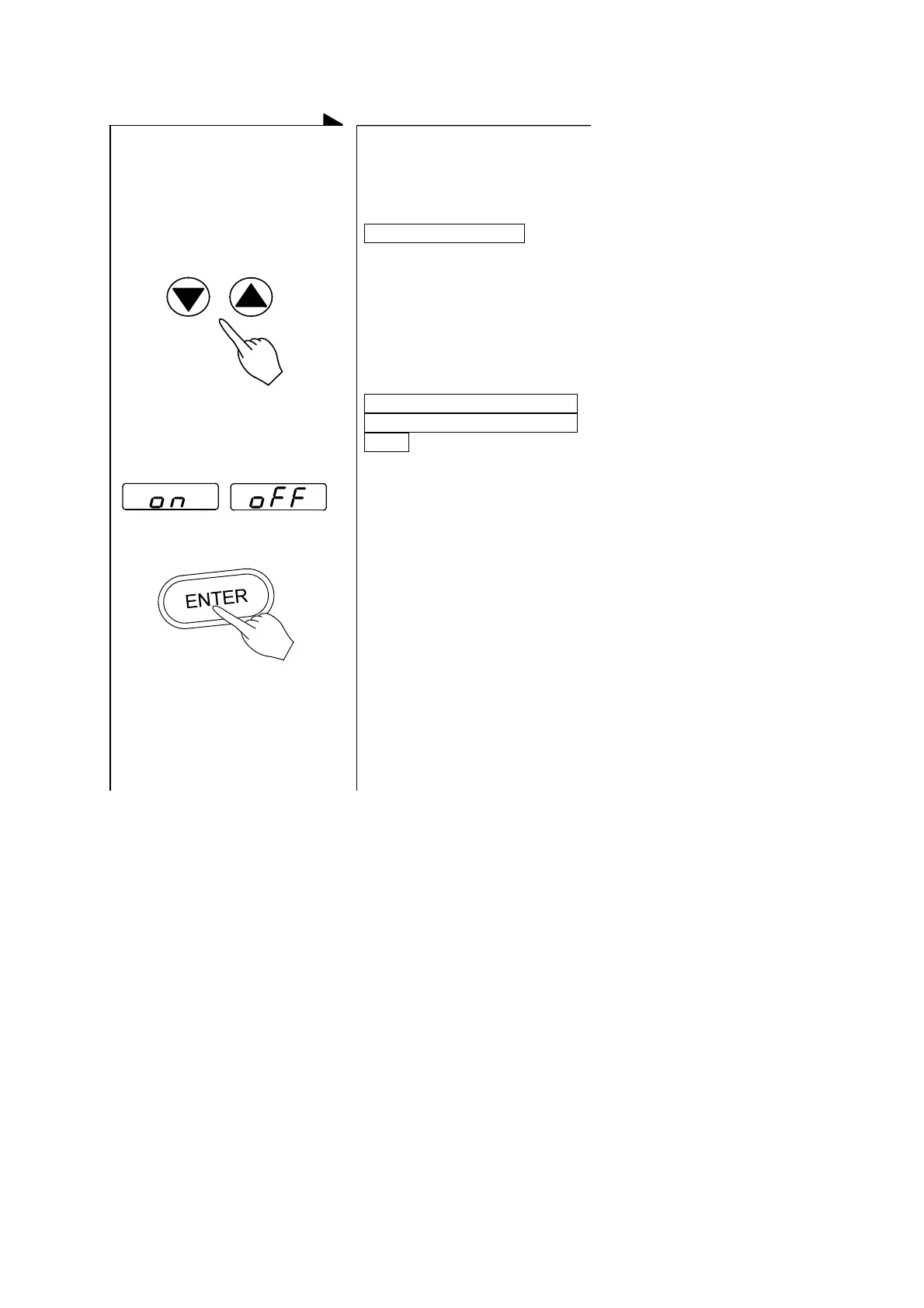
z Press either the ▲key or
the ▼key to indicate the
wait function (ON or OFF)
on the main display. Then
press ENTER key.
The wait function is on,
It starts when the set
temperature has reached the
target valve.
Press either the ▲key or the
▼key several times.
Either ON or OFF will appear
on the main display.
The waiting function is off or
the time setting represents
hours,
(activate) (inactive)
↓
Press the ENTER key.
↓
z This operation activates
the auto stop operation.
The operation stops on the
desired time or hour.
It starts right after the auto
stop operation is started.


 To Next Page