24
Switching from one operation to another
This instrument can switch to a different operation mode without stopping the current program
no matter what mode it is in, fixed temperature operation, auto-start/stop operation, and
program operation.
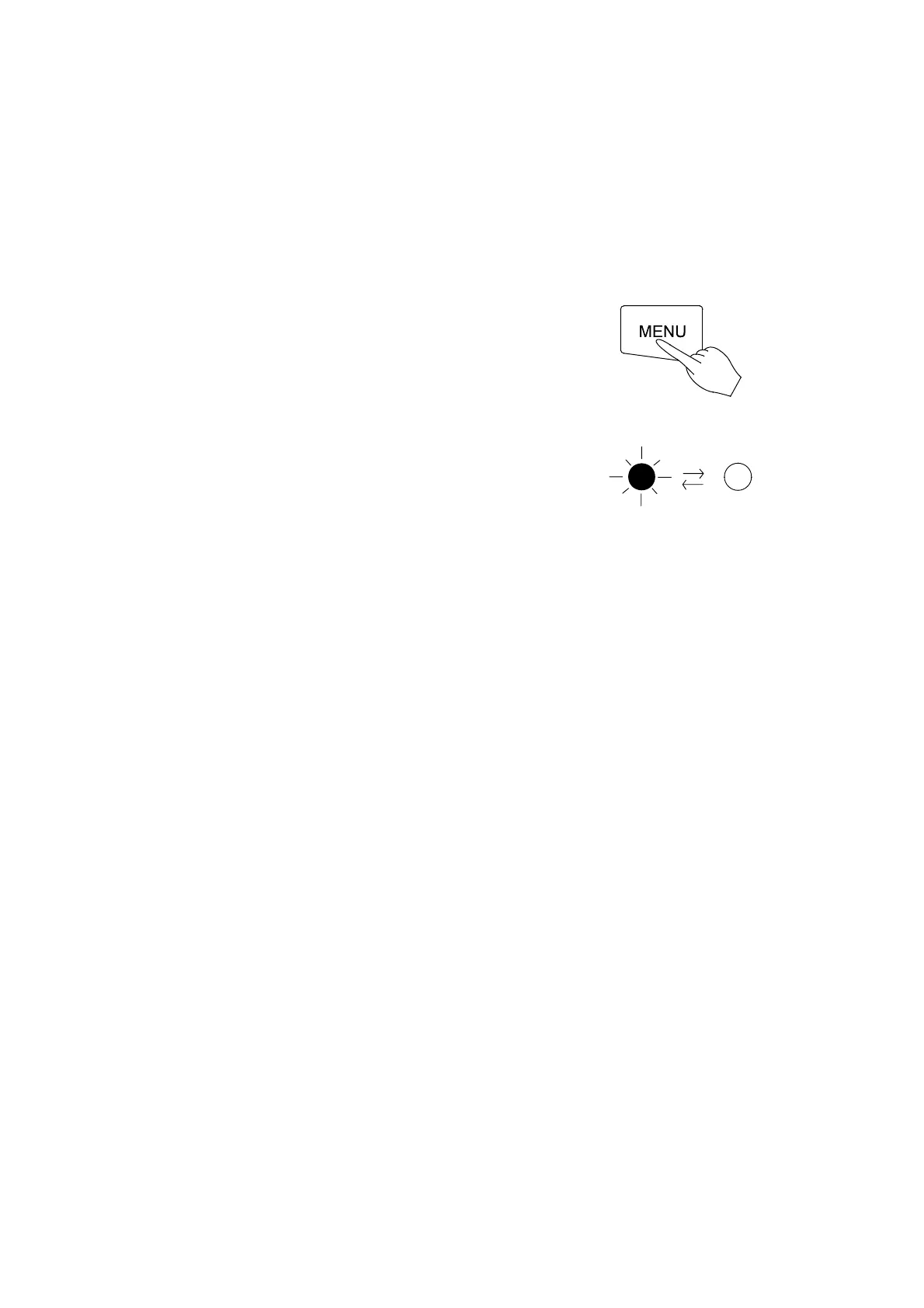
Selection of operation menu
z Press the MENU key several times unit the
desired operation menu lamp flashes on the
Operation Menu.
z Since the current operation has not stopped, the
operation menu lamp is also lit.
↓
Press MENU key several times.
z This status allows you to enter each parameter
into blinking or lighting operation menu.
↓
z The next step is the same as each operation.
(See to page19~page23)
The lamp blinks or lights.


 To Next Page