Getting Started
3
This section shows you how to get ready for the provisioning. The provisioning process
discussed in this guide uses TFTP and a personal computer (PC) as the provisioning
server.
To begin the provisioning process, the following are required:
Obtaining Configuration Information
Managing Configuration Files
Before beginning provisioning, you need to obtain the configuration files. There are 2
configuration files both of which are CFG formatted. We call these two files Common
CFG file and MAC-Oriented CFG file. The phone will try to download these CFG files
from the server during provisioning.
The MAC-Oriented CFG file is only effectual for the specific phone. It uses the 12-digit
MAC address of the phone as the file name. For example, if the MAC address of the
phone is 0015651130F9, then the MAC-Oriented CFG file name must be
0015651130F9.cfg. However, the Common CFG file is effectual for all the phones with the
same model. It uses a fixed name “y0000000000XX.cfg” as the file name, where "XX"
equals to the hardware version of the phone model, except 0 for T28 which is special.
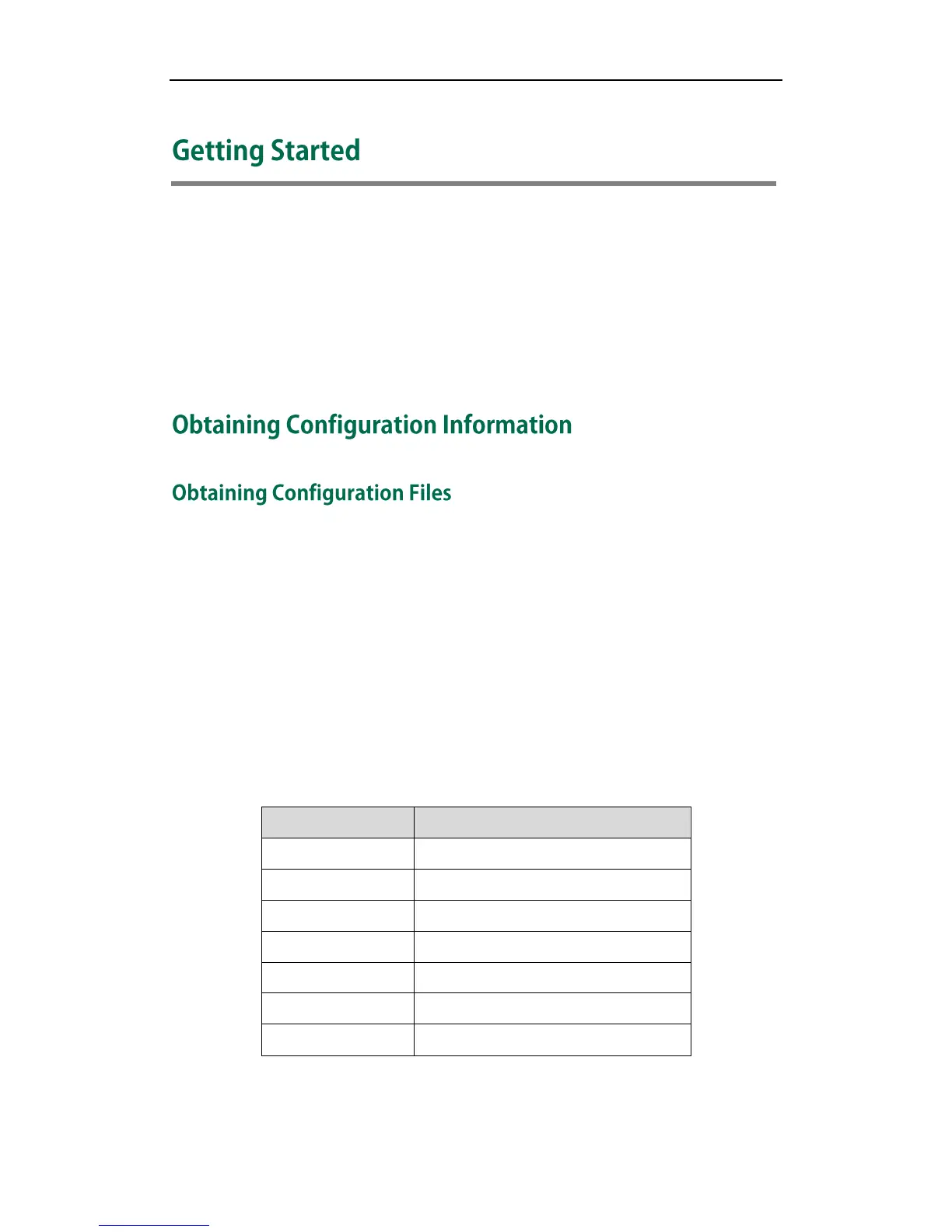
The names of the Common CFG file for each phone model are:
You can ask the distributor or the Yealink FAE for configuration files.



 To Next Page
 Loading...













