EasyManua.ls Logo

Yealink SIP-T48S - Legal and Compliance Information; Copyright Notice; Warranty Disclaimer; Declaration of Conformity

Yealink SIP-T48S
7 pages
Print Icon
To Next Page IconTo Next Page
To Previous Page IconTo Previous Page
Loading...
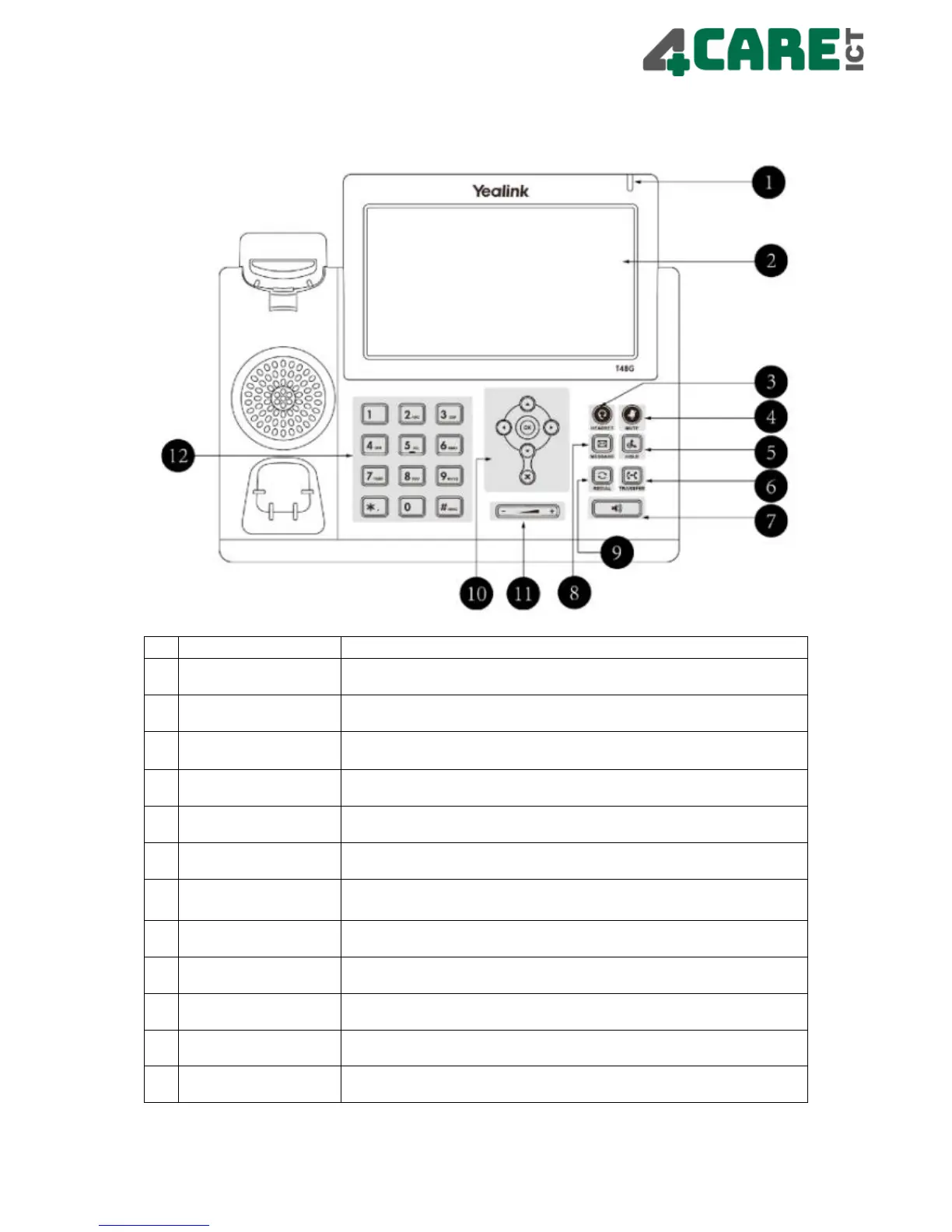
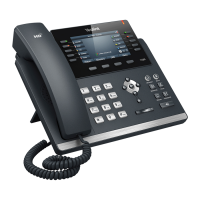
Overview Telephone
Item
Description
1
Power Led
Displays the status of the device
2
Touch Screen
Displays various device information on the screen
Calls / messages and softkeys date and time
3
Headset Key
Turn the headset on/off if connected
4
Mute Key
Mutes the microphone and the calling party is still
audible
5
Hold Key
Puts a call on hold
6
Transfer Key
Transfers a call
7
Speaker Key
Switches the speaker on/off for hands-free calling
8
Message Key
Access to the Voice Mail
9
Redial Key
Access to the call history
10
Scroll Keys
Use the arrows to scroll through the displayed information / OK
confirm and X to cancel
11
Volume Key
Adjusts the volume of the handset / headset / speaker and
the ringtone
12
Key Pad
Provides the numbers, letters and special characters in context-sensitive
applications

Other manuals for Yealink SIP-T48S

Related product manuals