Installation Guide | 3 - Install PBX | 13
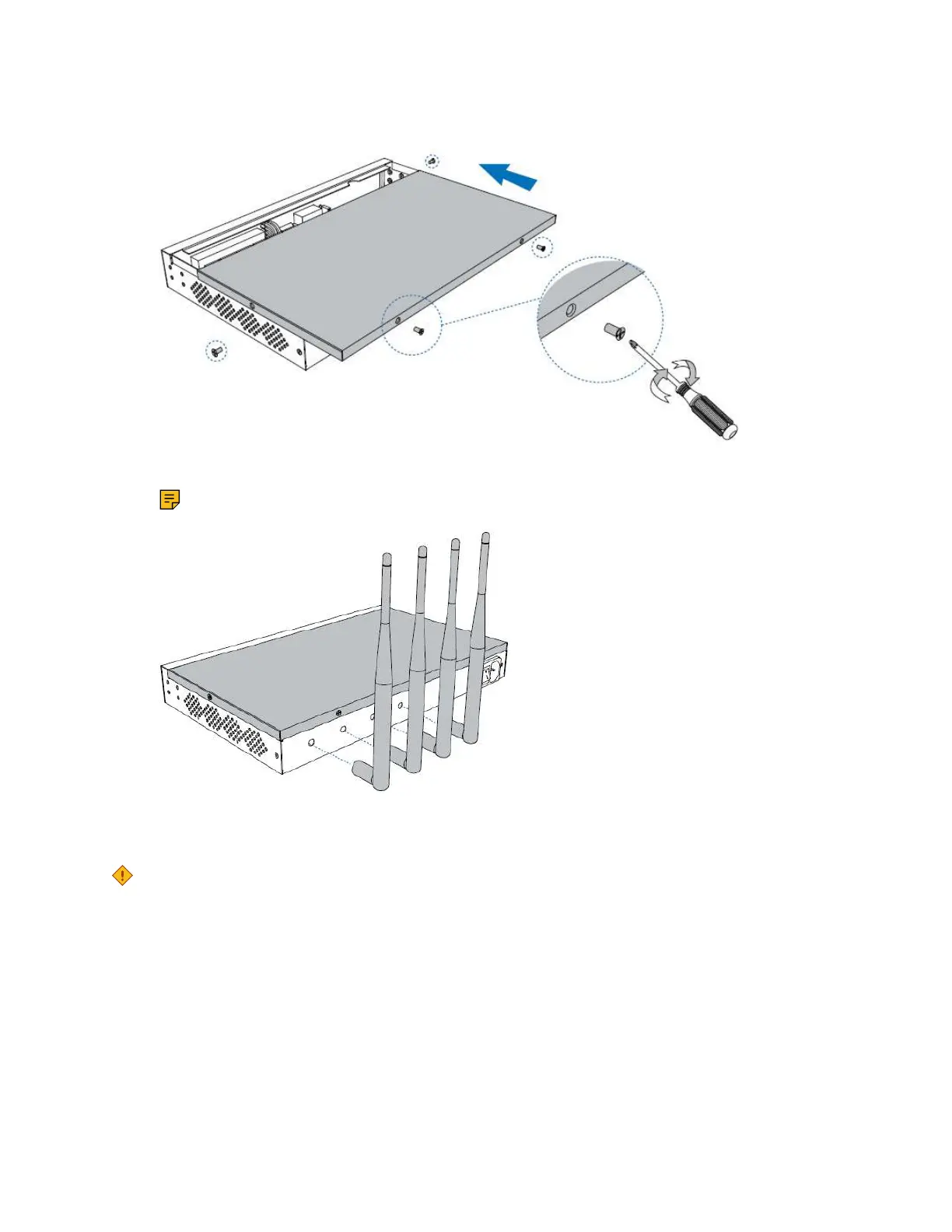
4. Close the cover and fix the screws.
5. Rotate the antenna into the Antenna Socket.
Note: Skip this step if no GSM/3G/4G LTE module installed.
Desktop Installation
CAUTION:
• Set 5~10cm gaps around the device for air circulation.
• Avoid any heavy thing placed on the device.
1. Place the PBX on a steady platform.
2. Remove the adhesive backing paper from the rubber feet.
3. Turn over the device and attach the supplied rubber feet to the recessed areas on the
bottom at each corner of the device.











 To Next Page