Installation_Guide | 1 - Installation Guide | 30
Install Yeastar S300
Install Telephony Module
Yeastar S300 supports:
• Max. 3 EX08 Expansion Board
• Max. 3 EX30 Expansion Board
• Max. 12 Telephony Module
• Max. 2 D30 Module
The optional telephony modules are as below:
• S2 Module • O2 Module • B2 Module • SO Module
• GSM Module • 3G Module • 4G Module
Note: Before installing the module, check if the module is clean and intact.
1.
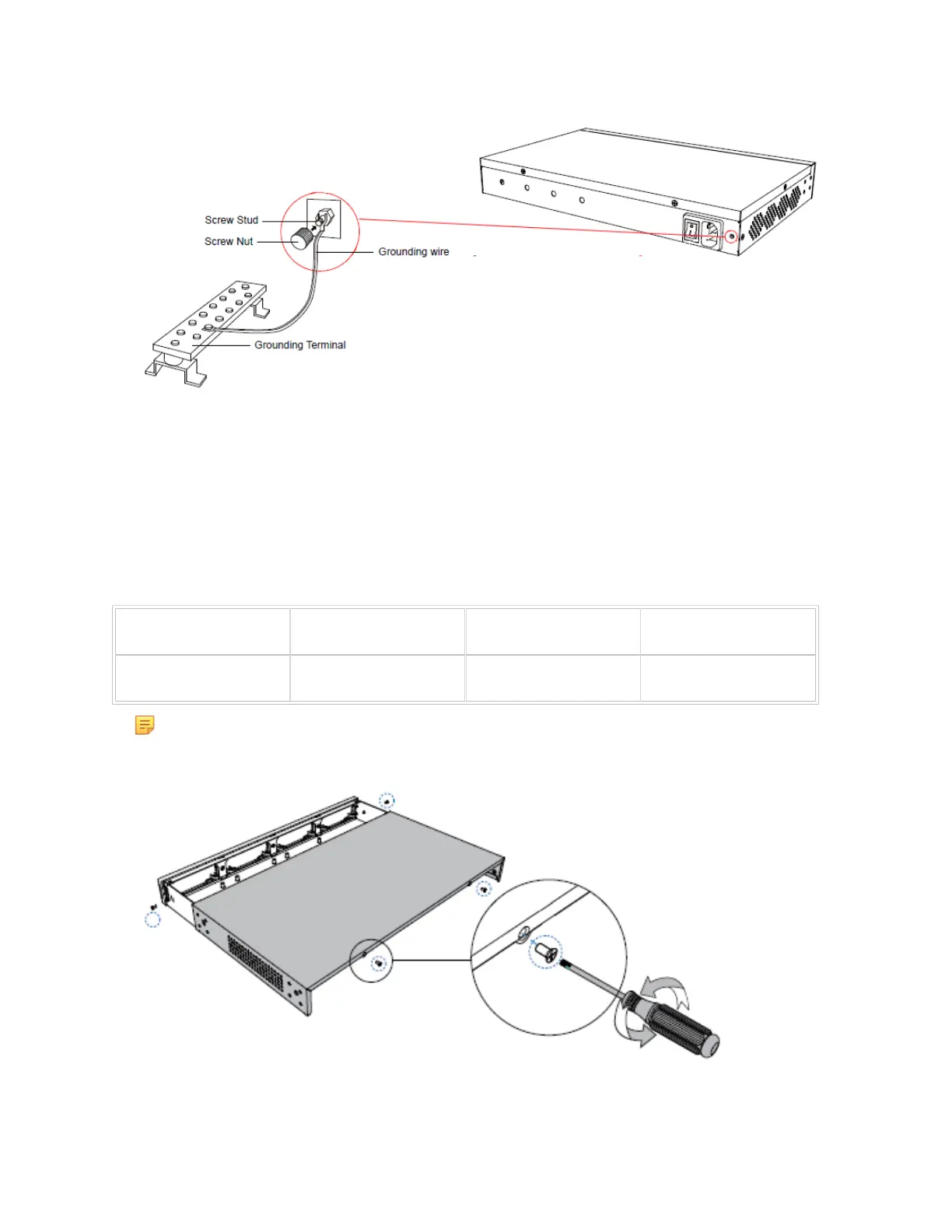
Loosen the screws at the bottom of the device and remove the upper cover.
2.
Push out the empty board from the inside of the device.


 To Next Page
 Loading...









