18
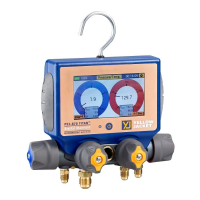
Q: Why doesn’t my P51-870 TITAN® show up on the list of available devices within the YJACK VIEW®
app?
A: The radio inside the P51-870 TITAN® must be programmed with radio firmware version 2.01 or
higher. This firmware version includes critical updates for communication with the YJACK VIEW® app.
The firmware can be updated over-the-air through a Bluetooth® connection to a Windows or MacOS
device. The radio firmware updater files are available on the P51-870 TITAN® (40870) product webpage
under the “Documents” tab (https://yellowjacket.com/product/p51-titan-digital-manifold
).
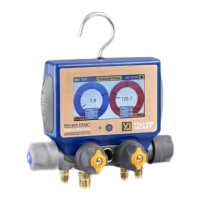
Q: Why are the YJACK® devices not showing up on my TITANMAX™?
A: Only devices required for providing data to the sessions ion the TITANMAX™ will be displayed in the
available devices session.
Q: Why are the YJACK® devices not showing up on my P51-870 TITAN®?
A: The circuit board inside the P51-870 TITAN® must be programmed with USB firmware version 2.01 or
higher to recognize the YJACK® series of devices. If the P51-870 TITAN® firmware version that is
displayed during power up is 1.40 or lower, the firmware must be updated through a USB connection to
either a Windows or MacOS device. The firmware updater files are available on the P51-870 TITAN®
(40870) product webpage under the “Documents” tab (https://yellowjacket.com/product/p51-titan-
digital-manifold).



 To Previous Page