5
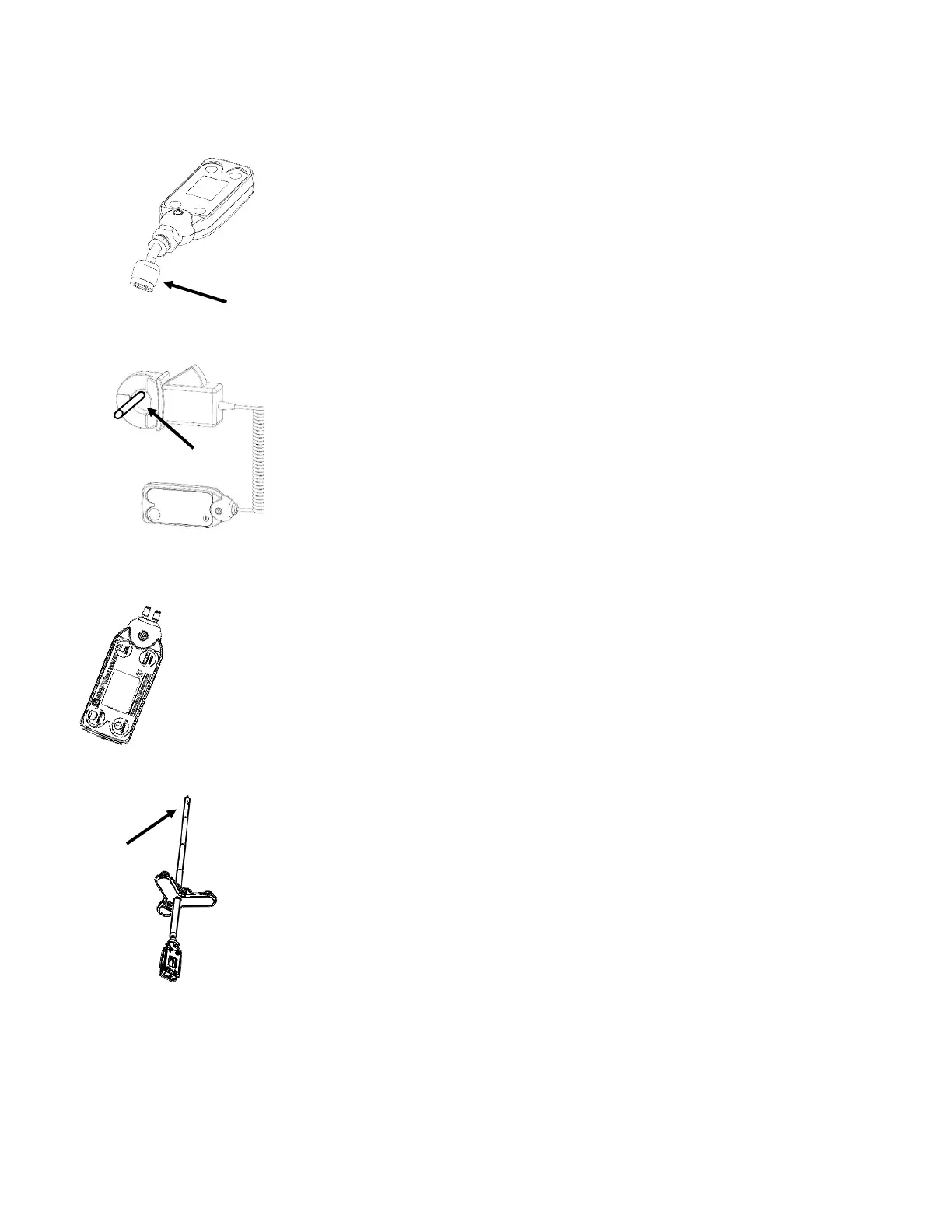
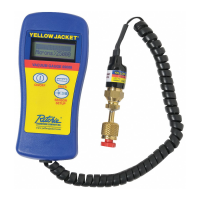
YJACK VAC® Wireless Vacuum Gauge
Remove the red plug from the brass quick coupler nut. Then the device can be
attached directly to the side port of a core removal tool or to a system service
port. A 5/16” adapter (19121 straight or 19221 90 degree) can be used for
systems with 5/16” connections. For the most accurate system vacuum readings
and to avoid contamination of the sensor, it is not recommended to connect the
vacuum gauge directly to the vacuum pump.
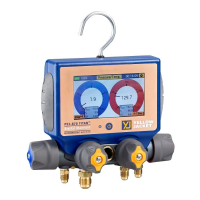
YJACK AMP® Wireless Current Probe
Depress the clamp lever and place the CT around the hot or neutral wire where
AC current is to be measured. Make sure the clamp jaws are fully closed for
best accuracy. If there is a ferrous metal surface near the placement of the
clamp, the magnet on the bottom of the radio module can be attached to the
surface for a more secure connection.
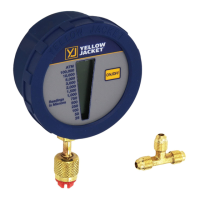
YJACK MANO® Wireless Dual Port Manometer
Make sure that the supply and return pressures have been zeroed (this will be covered in more
detail later). For static pressure measurements in ducting, drill 3/8” holes where the static
pressure tips are to be placed. Insert the static pressure tips into the ductwork so that the tips
are pointing towards the direction of airflow and use the provided tubing to connect the
corresponding pressure tips to the supply and return pressure ports on the device. For gas
pressure measurements, use the appropriate gas manifold fitting and use the provided tubing
to connect the fitting to the corresponding pressure port on the device.
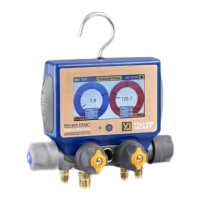
YJACK FLOW™ Wireless Anemometer
Remove the black vinyl cap covering the sensing element. Adjust the fixed wand to the
desired depth to insert into duct and place the sensing element within the ventilation
system with the arrow in the direction of the airflow. If the duct is a ferrous metal
surface, the mounting adapter can be attached to the surface for a more secure
connection.
YJACK PATH®
Although the YJACK PATH® is not placed directly on the system, the location of the device can impact its
effectiveness in repeating the Bluetooth® signals from the other YJACK® devices. Be mindful of the
environment in which readings are being taken. If there are obstructions, such as walls, paneling, or
other equipment between the YJACK® devices and the P51-870 TITAN® or smart device running the



 To Next Page