46
ACS CONTROLLER OFFSET
Calibration of the ACS controller is a function that allows you to “dial in” your cookers performance,
based on your requirements. This calibration is NOT something that you do constantly, but rather
something that you may do to periodically verify your cooker’s performance. Calibration is NOT
required for your cooker to function, but gives you the ability to enter an oset that will provide a
more accurate display temperature on the controller compared to the lower cooking grate level
temperature. By default, the controller is displaying the temperatures at the lower cooking grate level
and not the ambient temperature inside the chamber. NEVER change the calibration of the controller
with food in the cooker, as calibration is a function that requires a specific set of parameters to be
followed when the cooker is empty.
The following steps will instruct you on inputting an oset into your ACS controller. We recommend
inputting an oset into the controller ONLY after completing the factory temp test.
To calculate the oset after performing the test, input half of the average dierence between
the probes and the controller display. The goal is to tell the controller that the actual lower grate
temperature diers from the temperature shown on the display. The oset creates an adjustment
to bring the display temperature closer to the actual temperature. Example: If you find the probes
average 20 degrees hotter than the display, you will enter a +10 degree oset.
If you would like assistance with determining the oset for your cooker, please share the test session
with Customer Service by emailing customerservice@yodersmokers.com once the test is complete.
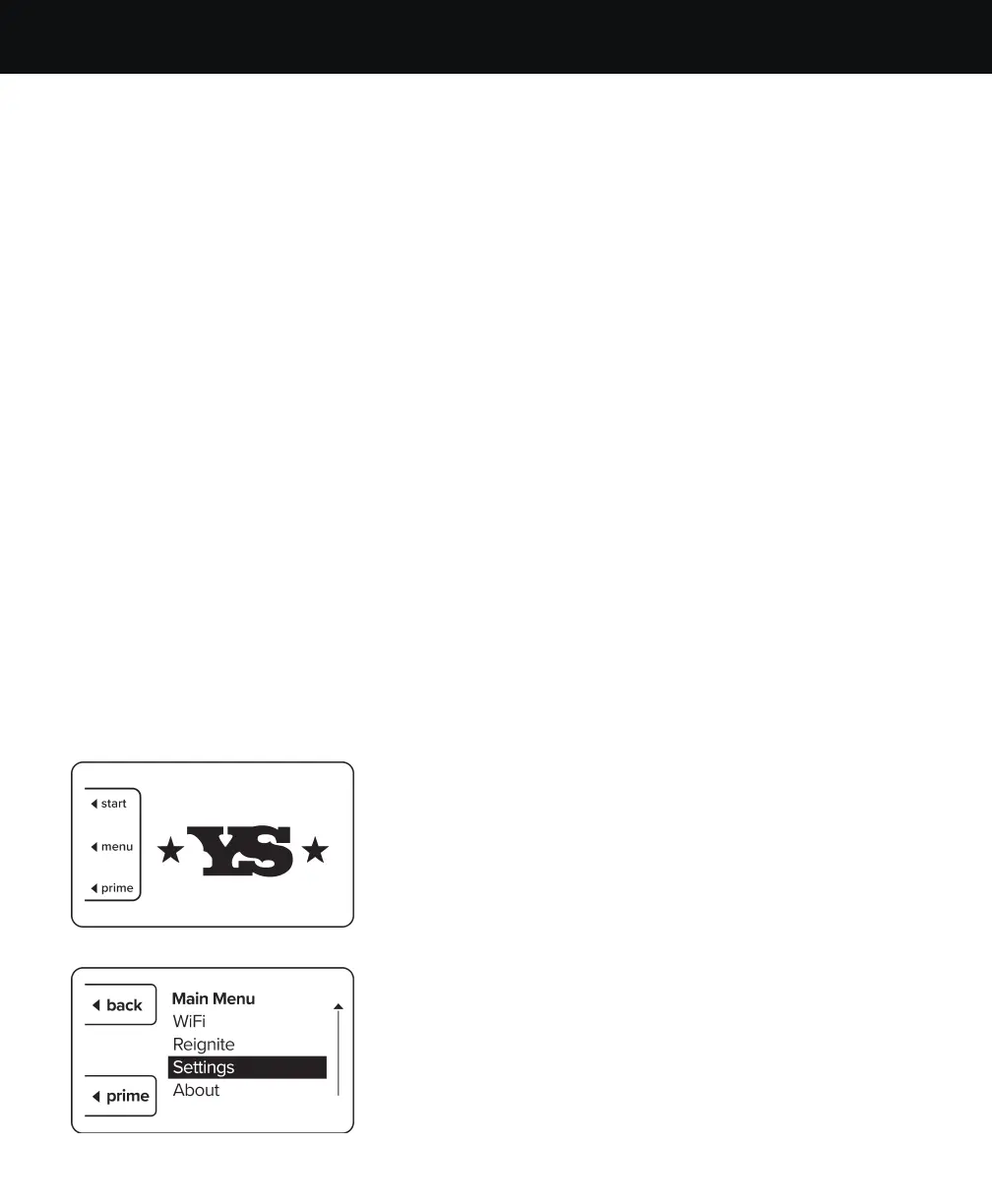
1. Power on the controller and wait for the main menu
to show. Then press the button next to “Menu” on the
controller.
2. Rotate the selector knob clockwise to highlight the
“Settings” option then press the selector knob.
RECOMMENDED PROCEDURE FOR INPUTTING A
CUSTOM TEMPERATURE OFFSET


 To Next Page