2、Barcode Menu
This model of laser desktop barcode scanner is designed to change settings by reading some special
barcode, which we will give you a detailed introduction and show you all the barcodes for the
corresponding setting in this section.
The greatest advantage of this setting method is direct, intelligible and user friendly.
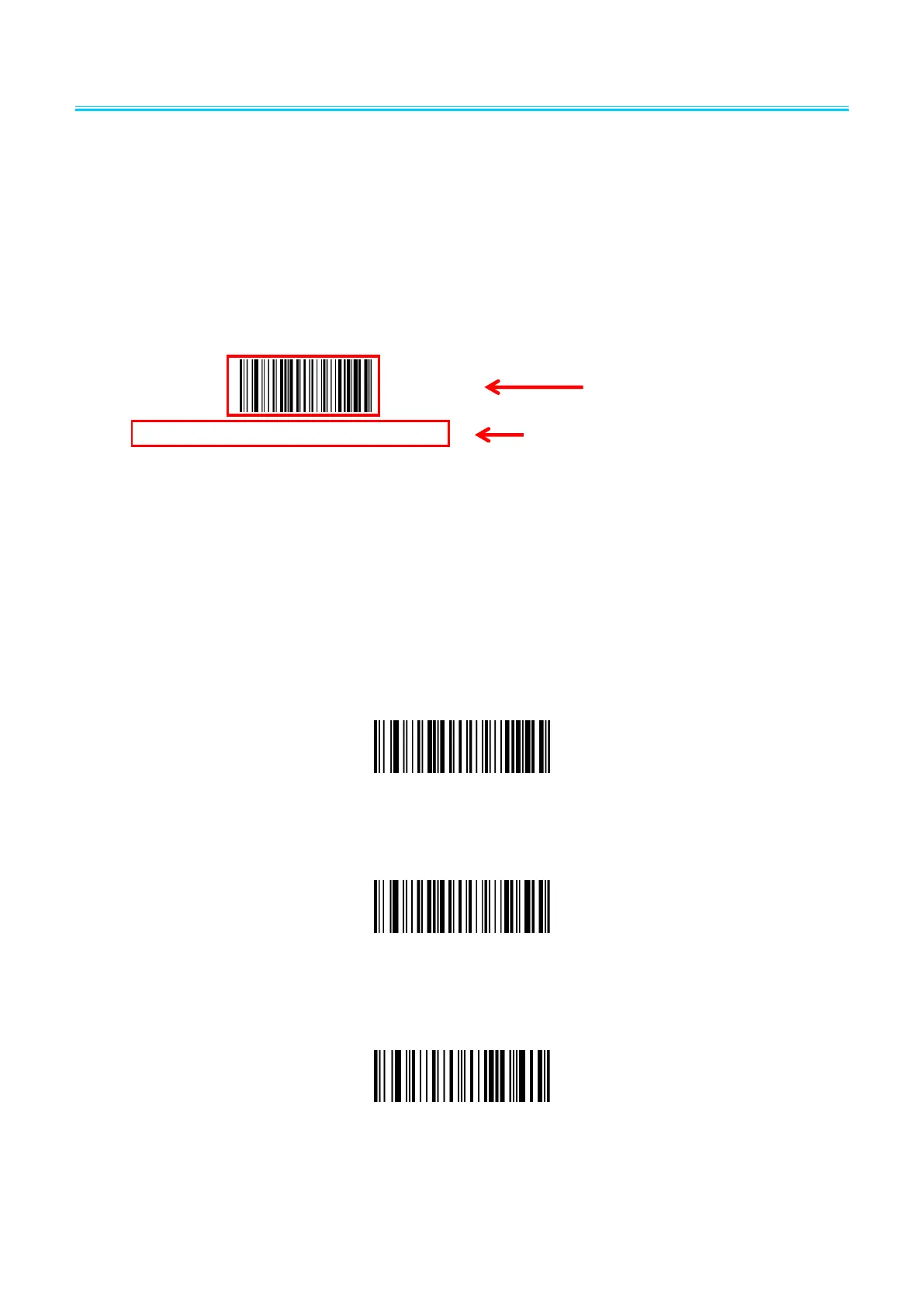
2.1 Mark Setting
2.2 Setting barcodes
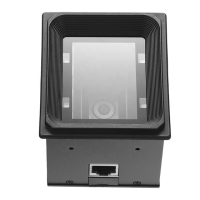
2.2.1 Turn on/Turn off configuration code
When the configuration code is turn on, All configuration codes available;
When the configuration code is turn off, you need setting it.
Configuration Code Turn off
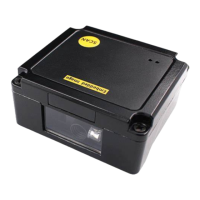
2.2.2 Restore Factory Defaults
2.2.3 Read product batch version
Configuration Code Turn on(default)
Configuration Code Turn on(Default)


 To Next Page