2.6 USB keyboard setting
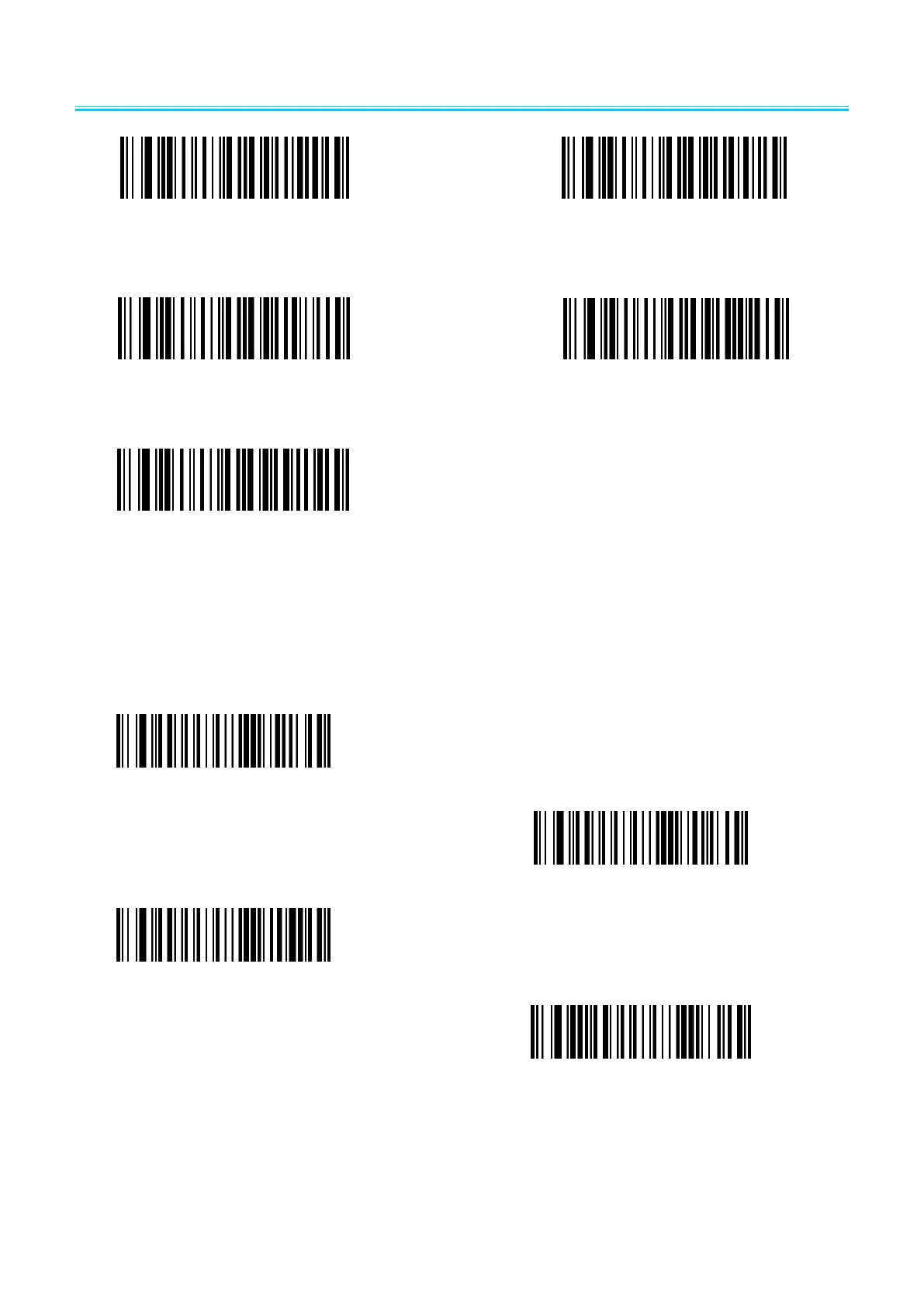
2.6.1 USB keyboard update speed setting
The barcode is used to set the update speed when scanner is in USB keyboard pattern. If the
performance of your PC is lower, we suggest you choose slow update speed to make sure the scanner
update the right data.
Slow update speed(default)
Middle update speed
Fast update speed
user-defined update speed( 2ms~50ms)
2.6.2 OA & LF setting(USB keyboard)


 To Next Page