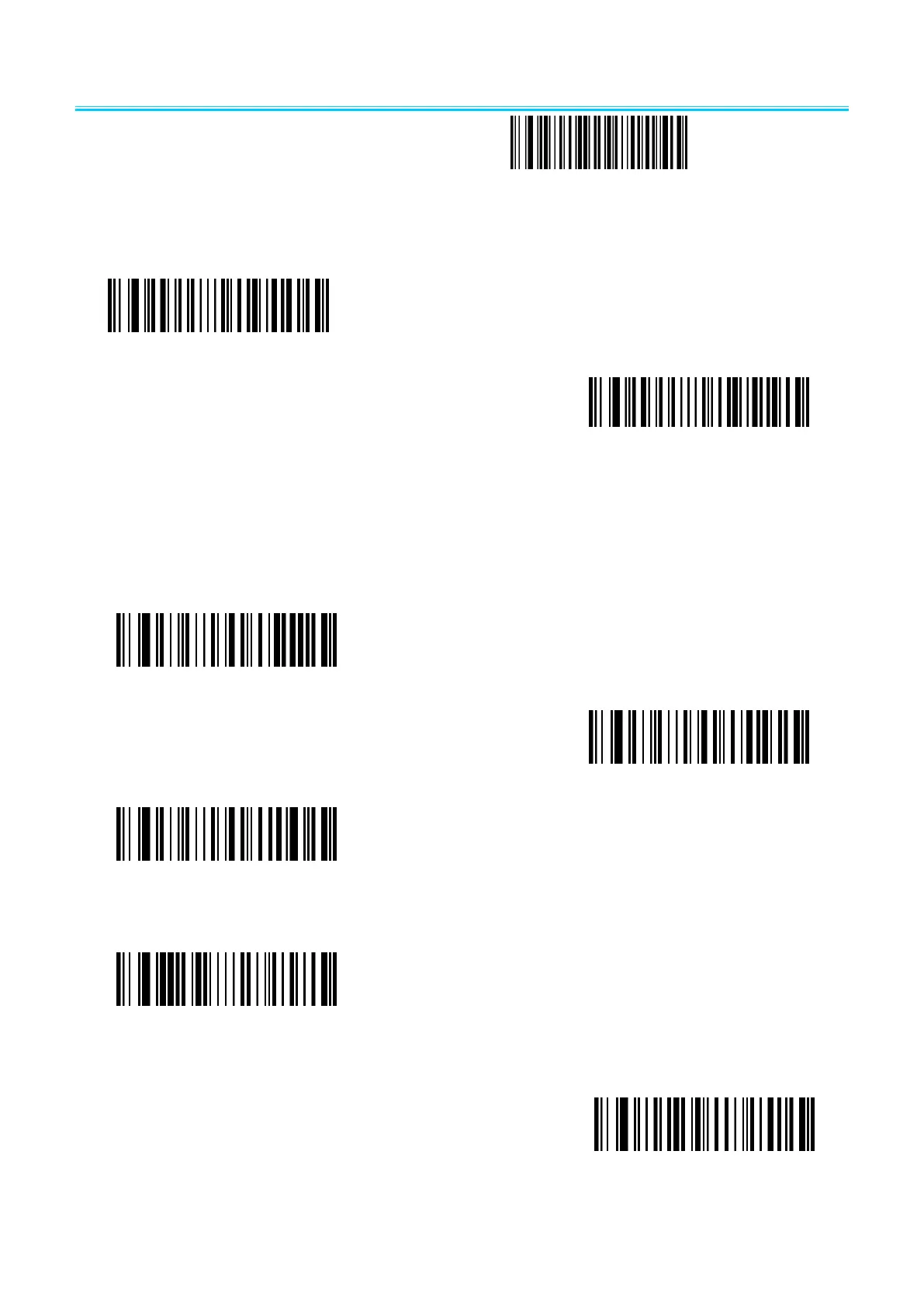
2.2.9 Character escape
Enable character escape
Disable character escape( default)
2.10 Code ID
output
Disable CODE ID(default)
Enable CODE ID before barcode
Enable CODE ID after barcode
edit
User-defined CODE ID
(After scan this code you can set the prefix you
want based on the data and barcode in table ID)
clear all user-defined CODE ID


 To Next Page