第 1 页 共 22 页
1、Product Introduction
This user guide applies to EP3000 and EP5000, which identify 1D&2D barcodes by 2D
image scanning pattern. The scanners above are of strong identification capability, and
support automatic continuous scanning mode with fast and flexible scanning speed.
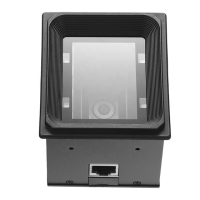
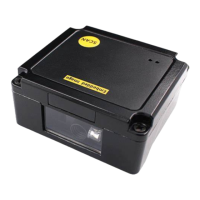
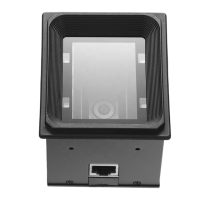
In this chapter, we will introduce the instruction of scanner with pictures, please
compare to the scanner you bought when reading this user guide, which is good for your
understanding. This chapter applies to regular users, maintenance personnel, and software
developers.
1.1 Main feature
* Complete independent research and development, possessing the complete set of
patent, plug and play without the need to install driver.
* Wide voltage design to avoid the data can’t be transmitted due to voltage fluctuation.
* 32-bit master chip equipped with patented software, the scanner can smoothly decode
reflective, wrinkled, blurred, and colorful barcode, and can also normally scan in light and
dark environment.
* Adopt all tantalum capacitors and anti-oxidation optical technology, avoiding the
problem of performance declining after long-term using.
1.2 Unpack your device
After you open the shipping carton containing the product, take the following steps:
⚫ Take the accessories for scanner out from package.
⚫ Check with the packing list to see if everything is complete and in good condition.
If there are any damaged or missing components, please keep the original
package and contact your supplier for after-sales service.
1.3 Product display
1.3.1 External view


 To Next Page