EasyManua.ls Logo

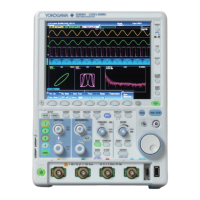
YOKOGAWA DLM3022 - User Manual

YOKOGAWA DLM3022
284 pages
Print Icon
To Next Page IconTo Next Page
Loading...
IM DLM3054-01EN
1st Edition
Features Guide
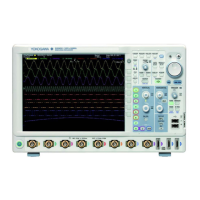
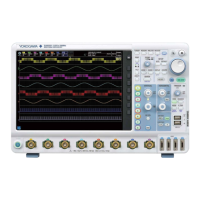
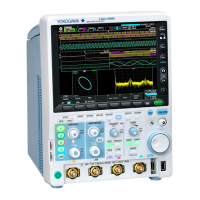
Mixed Signal Oscilloscope
DLM3024, DLM3034, DLM3054
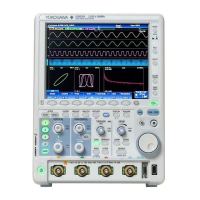
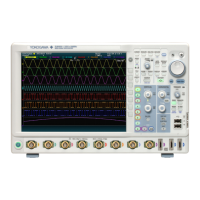
Digital Oscilloscope
DLM3022, DLM3032, DLM3052
nbn Austria GmbH

Table of Contents

Questions and Answers

  • A
    Amy DavisAug 14, 2025
    Why are the measured values not correct on my YOKOGAWA Test Equipment?
    • W
      williamsmichaelAug 14, 2025
      Incorrect measured values on your YOKOGAWA Test Equipment can stem from several causes. First, ensure the instrument warms up for 30 minutes after powering on. Then, calibrate the instrument. Also, verify that the probe's phase has been corrected properly and the probe attenuation is set to an appropriate value. Finally, confirm that the offset voltage is set to 0 V. If problems persist, recalibrate the instrument; further issues may require servicing.
  • H
    Heather BlairAug 18, 2025
    What to do if my YOKOGAWA Test Equipment is not triggering?
    • L
      Lisa NelsonAug 18, 2025
      If triggering is not working on your YOKOGAWA Test Equipment, the trigger settings may not be appropriate. Ensure you set the trigger conditions correctly.
  • P
    Phillip ArellanoAug 21, 2025
    What to do if my YOKOGAWA DLM3022 does not turn on?
    • P
      Patricia MarshallAug 21, 2025
      If your YOKOGAWA Test Equipment does not turn on, it might be due to using a power supply outside the specified ratings. Make sure to use a correct power supply.
  • N
    Nicole Ward MDAug 25, 2025
    What to do if I cannot save to the specified storage device with my YOKOGAWA DLM3022 Test Equipment?
    • A
      Angela MurphyAug 26, 2025
      If you cannot save to the specified storage device with your YOKOGAWA Test Equipment, it could be due to the storage device not being formatted. In this case, format the storage device. Alternatively, the storage device might be full. Try deleting unneeded files or using another storage device.
  • P
    Peter SmithAug 28, 2025
    What to do if nothing is displayed on my YOKOGAWA DLM3022 Test Equipment?
    • J
      Jenny ChavezAug 28, 2025
      If nothing is displayed on your YOKOGAWA Test Equipment, first check if the backlight is turned off. If it is, press any key. If the screen displays inappropriate colors, turn the power off, and then turn the power on again while pressing RESET.
  • L
    luceroroyAug 31, 2025
    How to fix odd display on YOKOGAWA Test Equipment?
    • K
      Kristy HudsonAug 31, 2025
      If the display on your YOKOGAWA Test Equipment appears odd, it could indicate that the system is not operating properly. Try turning off the instrument and then turning it back on.
  • K
    ksotoSep 3, 2025
    Why I am unable to configure or control the YOKOGAWA Test Equipment through the communication interface?
    • D
      Derek Rodgers Jr.Sep 3, 2025
      If you are unable to configure or control the YOKOGAWA Test Equipment through the communication interface, the instrument’s address used by the program may be different from the specified address. Match the address used in the program to the instrument’s address. Also, the interface may not be used in a way that conforms to the electrical or mechanical specifications. Use the interface in a way that conforms to the specifications.
  • T
    tburkeSep 7, 2025
    What to do if keys do not work on YOKOGAWA DLM3022 Test Equipment?
    • J
      Johnny RochaSep 7, 2025
      If the keys on your YOKOGAWA Test Equipment do not work, perform a key test. If the test fails, servicing is required.
  • L
    Laura MoralesSep 12, 2025
    Why I cannot print to the built-in printer on my YOKOGAWA Test Equipment?
    • L
      lisa28Sep 12, 2025
      If you cannot print to the built-in printer on your YOKOGAWA Test Equipment, the printer head may be damaged or worn out, requiring servicing.

YOKOGAWA DLM3022 Specifications

General IconGeneral
BrandYOKOGAWA
ModelDLM3022
CategoryTest Equipment
LanguageEnglish

Related product manuals