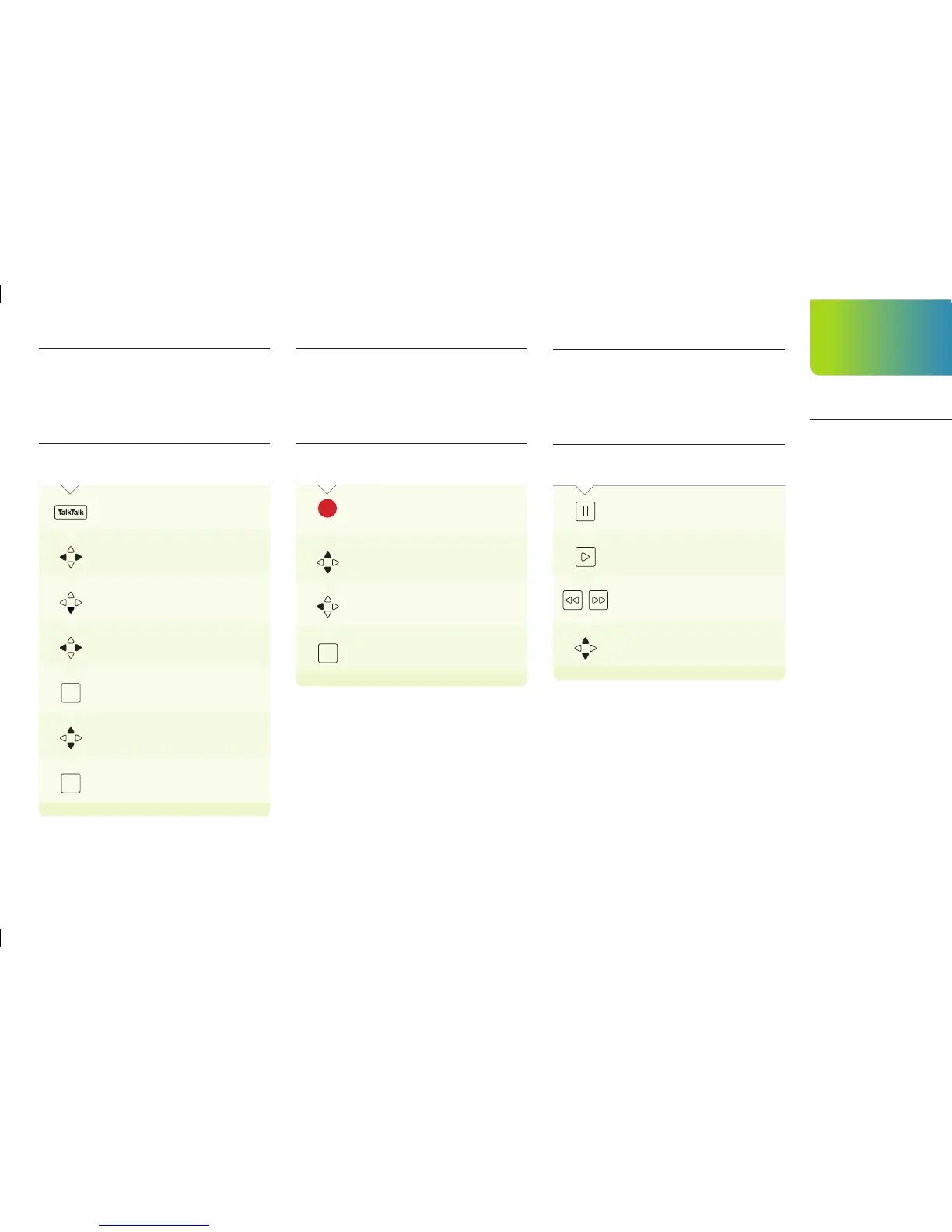
Pause, rewind and fast forward
While watching a film or show in the TalkTalk Player
ON YOUR
REMOTE
PRESS:
To pause what you’re watching
To continue watching the
programme
from where you left off
To rewind and fast forward
To choose a different amount of
time
to jump forwards or backwards
Browse by type of content
When you are in the TalkTalk Player you will see all
of the entertainment like Kids, Factual, Film and
Sport across the top of the screen. Underneath
there will be highlights.
ON YOUR
REMOTE
PRESS:
To access the TalkTalk Player
Scroll across to a genre like Kids,
Sports,
Film
Jump down to programmes
Scroll through the programmes
to bring up all of the episodes
OK
Scroll up or down to find something
to
watch
OK
Channel hop
There are lots of ways to discover what else is on
while you are watching something in the TalkTalk
Player.
ON YOUR
REMOTE
PRESS:
To bring up the Mini Guide while you
are
watching a programme in the
TalkTalk
Player
Scroll through channels
To see what’s on
To watch
OK
TalkTalk
Player
Your exclusive
entertainment
library
17


 To Next Page