4G Wireless Routing DTU User Manual
Shang Hai YUGE Information Technology co., LTD
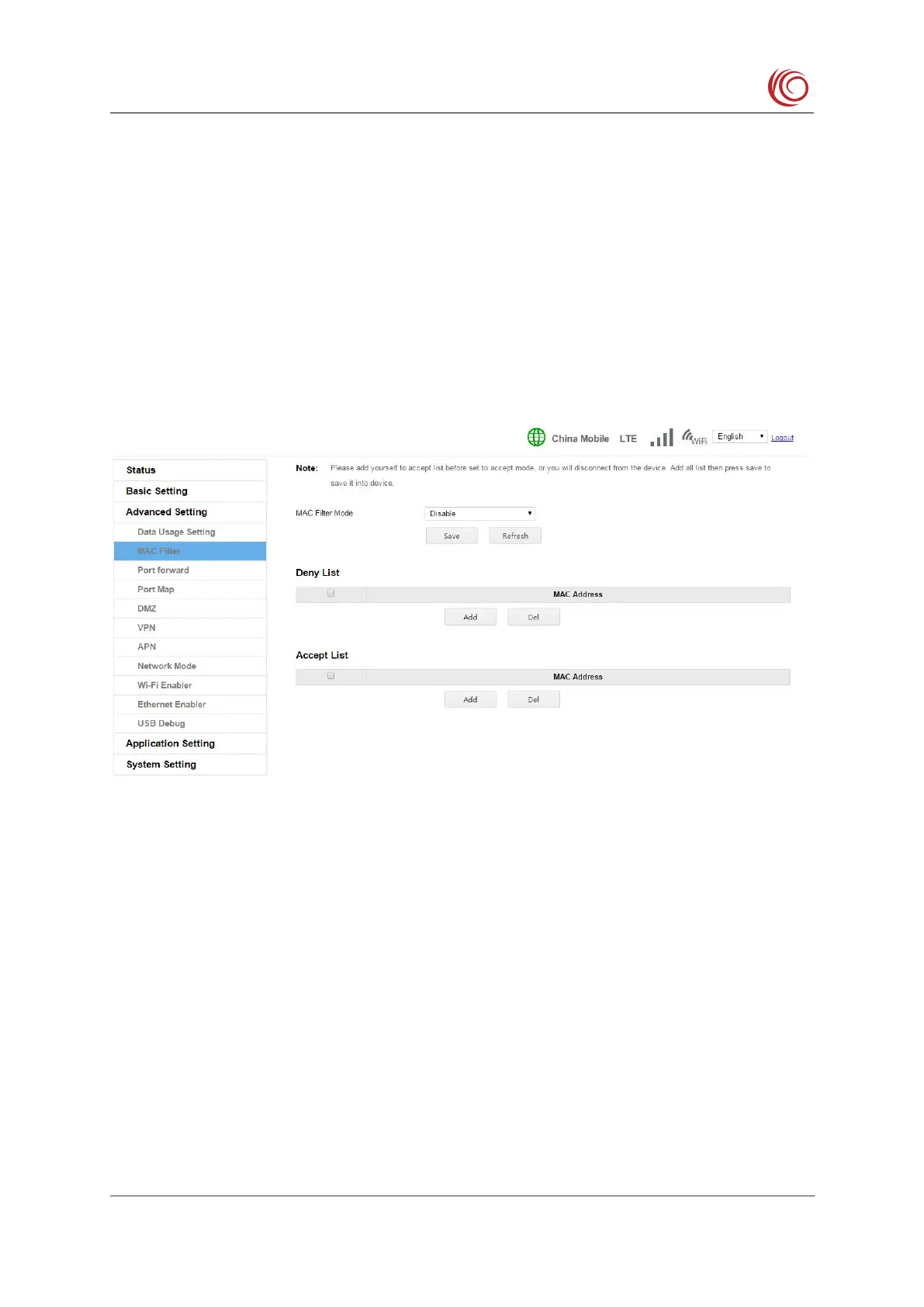
This setting is used to filter the client connected to the WIFI to prevent the illegal client
from connecting to the device through WIFI. The default setting is blacklist mode. Under this
setting, hosts in the blacklist cannot connect to the device, and other hosts can connect to the
device. In whitelist mode, only hosts in the whitelist can connect to the device, and other hosts
Before setting to whitelist mode, you must first add yourself to the whitelist, otherwise
you may not be able to connect to the device. When this happens, you can try to restore the
Port forwarding is a function of forwarding a port or a range of port packets on a network



 To Next Page