4G Wireless Routing DTU User Manual
Shang Hai YUGE Information Technology co., LTD
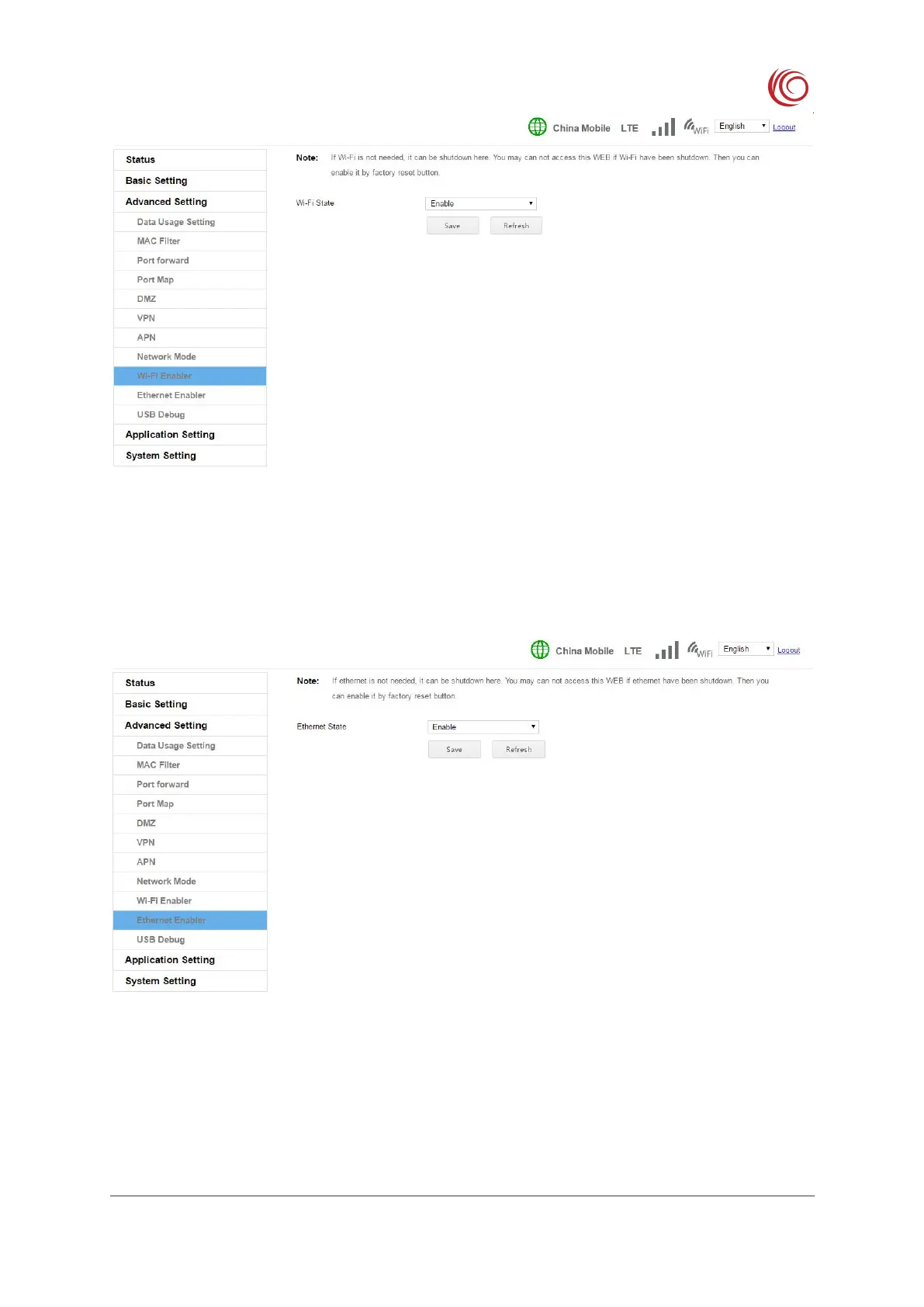
If you do not need the Ethernet function, you can turn off the Ethernet here. After turning
off the Ethernet, you may not be able to access this page to open the Ethernet function. You
can only restore this function by restoring the factory settings button.
This function switches the USB configuration to debug mode. In debug mode, you can
use the adb tool to debug. You can use the DIAG to capture the log of the modem. However,
there is no RNDIS configuration in the debug mode, so you cannot provide network functions



 To Next Page