4G Wireless Routing DTU User Manual
Shang Hai YUGE Information Technology co., LTD
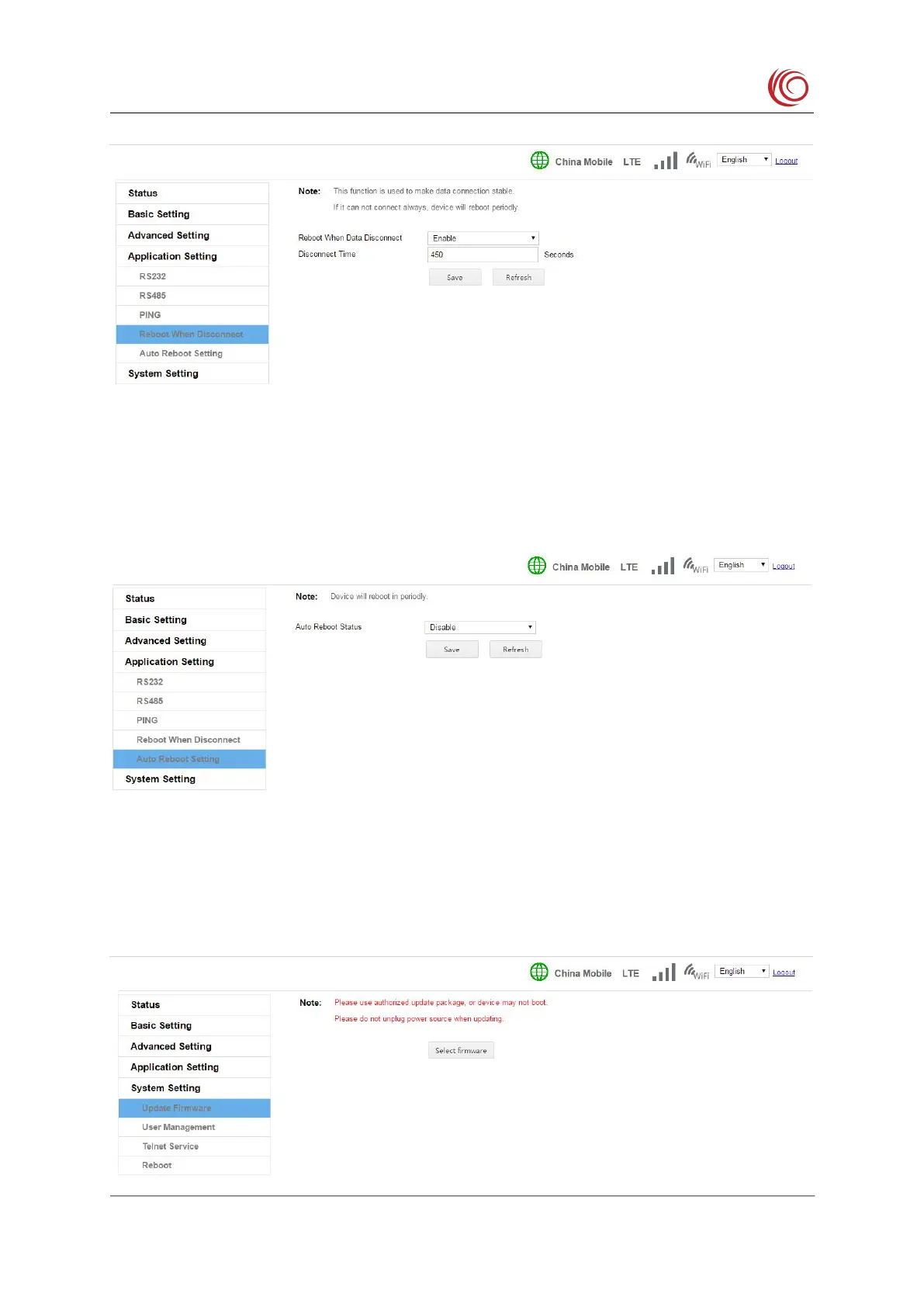
2.5.5 Auto reboot setting
To maintain device stability, you can set the device to automatically restart. It can be set
to restart every few hours, for example, every 72 hours. It can also be set to restart at a fixed
time every day, such as restarting at 00:00 every day, or restarting at 21:00 every day.
2.6 System setting
If there is a bug fix or feature update, you can update the system version with this setting.
Only use certified upgrade packages, otherwise it may not boot。



 To Next Page