24
English
Find more information at www.zaco.eu
Product maintenance
WARNING
Please turn off the power switch and unplug the power adapter from the
charging station before cleaning and maintaining the robot and its accessories.
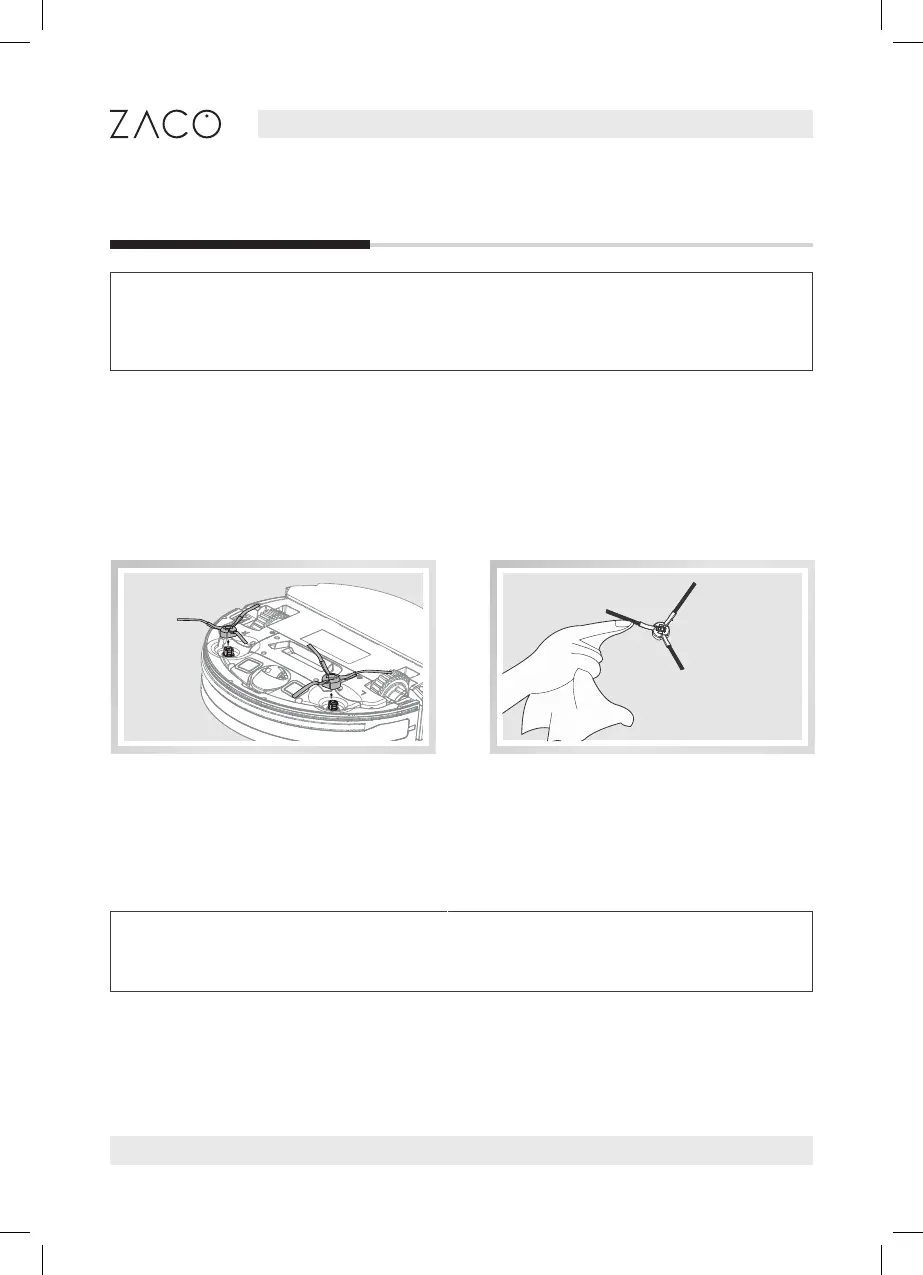
Side brush maintenance
Remove side brushes. Wipe clean with a clean cloth.
Note: When replacing the side brush, please distinguish the corresponding
installation position of the „L“ „R“ side brush.
Using the water tank is optional. After vacuuming is completed, the dust bin can be
replaced by the water tank for mopping.



 To Next Page