EasyManua.ls Logo

ZACO W450 - User Manual

ZACO W450
25 pages
Print Icon
To Next Page IconTo Next Page
Loading...
Find more information at
www.zacorobot.eu
English
ZACO W450
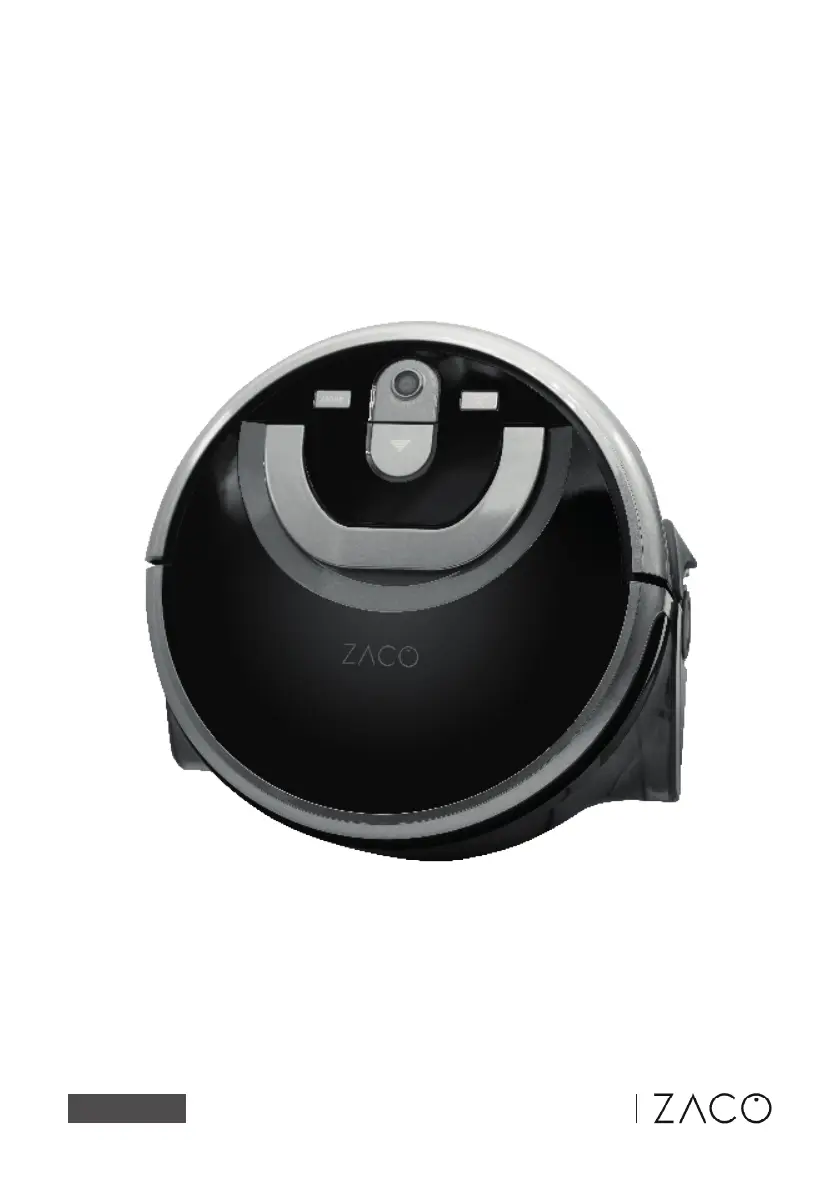
Floor washing robot
User manual

Questions and Answers

  • J
    Jose DicksonAug 15, 2025
    What to do if ZACO Vacuum Cleaner asks to fill the clean water tank?
    • H
      Heather BaileyAug 15, 2025
      If your ZACO Vacuum Cleaner requests that you fill the clean water tank, it means the clean water tank is empty. To resolve this, fill the tank with water.
  • J
    Joel WarrenAug 18, 2025
    What to do if my ZACO Vacuum Cleaner has a low battery?
    • D
      Danielle WalkerAug 18, 2025
      If your ZACO Vacuum Cleaner indicates a low battery and fails to find the charging dock, manually place the robot back on the charging dock to recharge it. This is usually because the robot failed to find charging dock.
  • M
    Mary CollinsAug 21, 2025
    Why does my ZACO Vacuum Cleaner say to place it in an open area?
    • G
      Gail CookAug 21, 2025
      If your ZACO Vacuum Cleaner is stuck, place it in an open area. This should allow it to resume cleaning without obstruction, as it is likely stuck.
  • A
    april65Aug 25, 2025
    Why does my ZACO Vacuum Cleaner say to check left wheel?
    • R
      Russell FischerAug 25, 2025
      If your ZACO Vacuum Cleaner indicates that the left wheel is abnormal, check the left wheel.
  • M
    michael10Aug 28, 2025
    Why does my ZACO Vacuum Cleaner say to check right wheel?
    • R
      Randy WrightAug 28, 2025
      If your ZACO Vacuum Cleaner indicates that the right wheel is abnormal, check the right wheel.
  • D
    Daniel EvansAug 31, 2025
    What to do if ZACO Vacuum Cleaner says dark environment?
    • K
      Kevin ThompsonSep 1, 2025
      If your ZACO Vacuum Cleaner operates in a dark environment, turn on the lights. The room may be too dark for the robot to navigate properly.
  • J
    Joshua PenningtonSep 3, 2025
    Why does my ZACO Vacuum Cleaner say to check the air intake?
    • S
      shanewyattSep 3, 2025
      If your ZACO Vacuum Cleaner prompts you to check the air intake, check and clean suction port. This is likely due to a motor abnormality.
  • C
    Christina WeberSep 7, 2025
    What does it mean when ZACO Vacuum Cleaner says to clap front bumper?
    • S
      scott36Sep 7, 2025
      If your ZACO Vacuum Cleaner prompts you to clap the front bumper, tap the front bumper. This is likely due to a front bumper abnormality.
  • G
    greenryanSep 10, 2025
    What to do if ZACO Vacuum Cleaner says to put the robot back on the ground?
    • E
      Emily KleinSep 10, 2025
      If your ZACO Vacuum Cleaner is not on the ground, put robot back to ground. This should allow it to resume cleaning.

Summary

Safety Instructions

Product Parts

Charging Dock and Remote Control

Details and diagrams of the robot's charging dock and remote control unit.

List of Accessories

Visual inventory of all included accessories provided with the robot.

Product Operation

Charging Dock Setup

Instructions on how to place and connect the charging dock for the robot.

Water Tank Operation

Step-by-step guide for filling and correctly installing the water tank.

Starting the Cleaning Process

How to initiate cleaning and switch between different operational modes.

Remote Control Functions

Explanation of all buttons and their functions on the remote control.

Getting Started with Your Robot

Initial setup and guidance for the first-time operation of the robot.

Understanding Cleaning Modes

Description of the various cleaning modes and their recommended uses.

App Download and User Instruction

Downloading the App

Instructions on how to download and install the ZACOHome App.

Voice Control via Alexa;Google Home

Guide to using voice commands with smart assistants like Alexa or Google Home.

Connecting the Robot to Wi-Fi

Steps to connect the robot to your home Wi-Fi network for app control.

Product Maintenance

Microfibre Roll Installation

Steps to properly install the microfibre roll onto the robot.

Filling the Clean Water Tank

Procedure for filling the clean water tank with appropriate water.

Maintenance Schedule and Replacements

Recommended schedule for maintenance and replacement of robot accessories.

Cleaning the Used Water Tank

Detailed guide on how to clean the dirtwater tank after use.

Microfibre Roll Cleaning and Care

Instructions on how to clean and maintain the microfibre roll for optimal performance.

Filter Cleaning Procedure

Guide on how to remove and clean the robot's dust filter.

Cleaning Tank Openings

How to clean the fan outlet and water intake openings of the robot's tanks.

Contact Pin and Front Wheel Maintenance

Instructions for cleaning the robot's contact pins and front wheel.

Troubleshooting

Voice Prompt Troubleshooting

Table of voice prompts, reasons, and solutions for common robot issues.

Product Specifications

Robot Specifications

Detailed technical specifications of the ZACO W450 robot.

ZACO W450 Specifications

General IconGeneral
Battery Capacity2600 mAh
Charging Time4-5 hours
Dust Collection TypeBagless
Cord LengthCordless
TypeRobot Vacuum Cleaner

Related product manuals