Product operation
Start cleaning
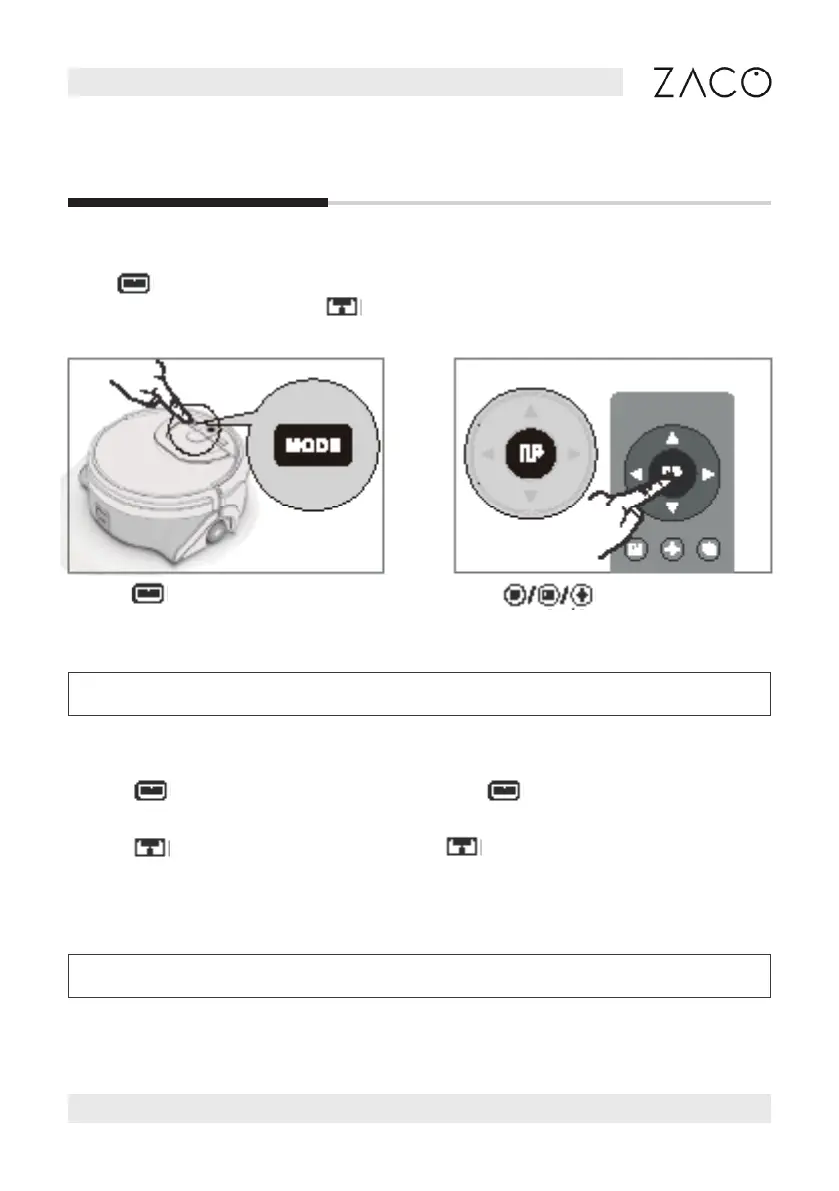
Tap the button to switch cleaning
modes.
.
Press button or use the remote control/APP to change cleaning modes when the
robot is in standby. Then press button to start cleaning your home.
Modes
. Press button to choose cleaning mode. Press button 3s to connect the robot
to Wi-Fi.
2. Press button to start cleaning, and press button again for 3s to turn the robot
o.
3. The robot will go to SLEEP mode if no command received in 20mins.
Note: The remote control can only be used when the robot is turned on.
Note: The above can only be operated in standby mode.
Press button on the remote
control to switch modes directly.
English
Find more information at www.zacorobot.eu 13



 To Next Page