Product maintenance
1
3
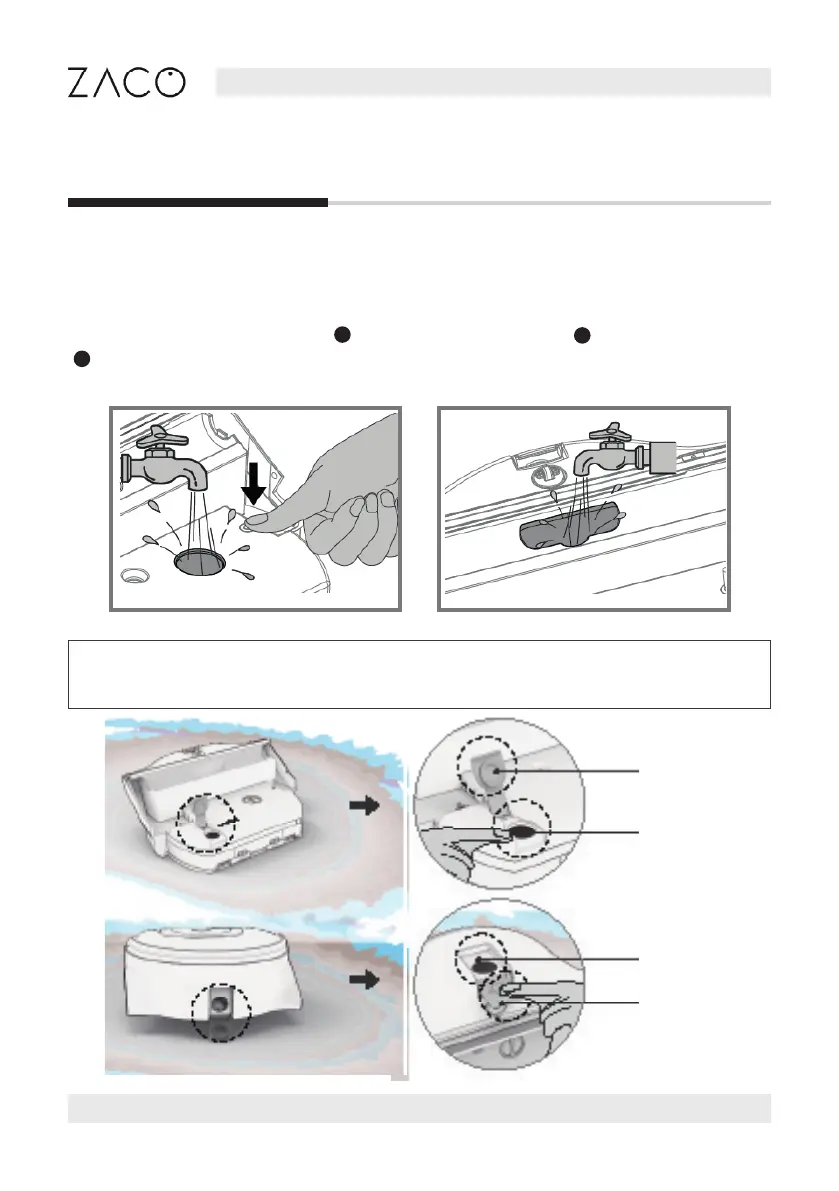
After removing the lter, press the water tank locking button to open the fan outlet.
To maintain the water tank‘s proper functioning, clean both openings of the fan outlet
and remove dust and debris.
Press down the locking
pin for the air and dirty
water intake openings.
2
Rinse both openings
with running water.
Then pour the water
out of the dirtwater
tank again.
Note: To keep the tanks tightly sealed, clean the inlet and outlet, and the caps
of both tanks regularly.
Caps
Inlet
Outlet
Caps
English
22 Find more information at www.zacorobot.eu



 To Next Page