2
INSERTING YOUR DEVICE
1
2
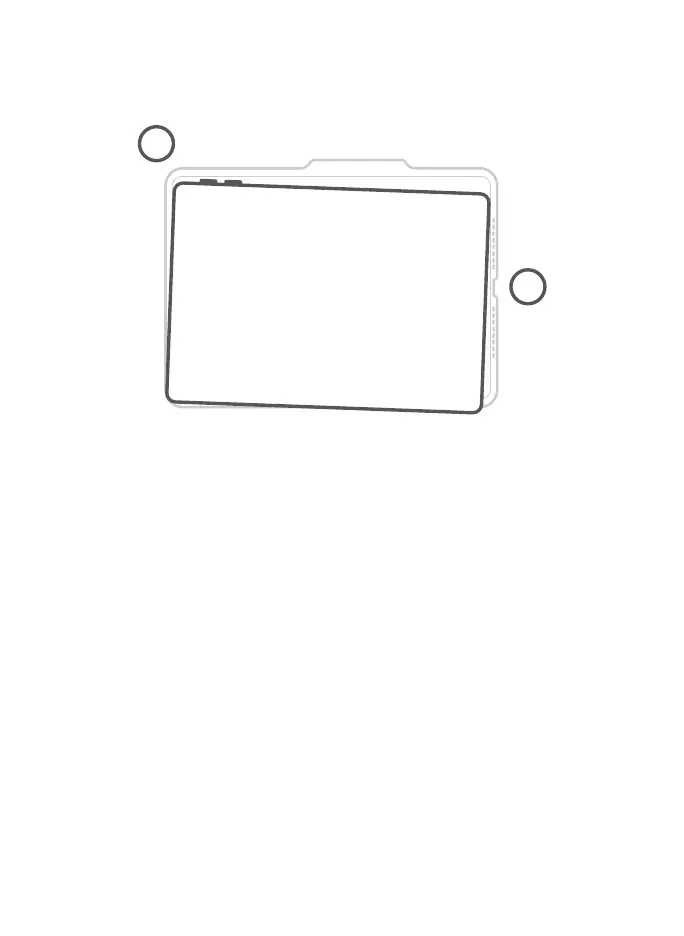
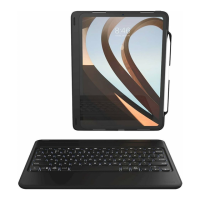
1. Holding your device in landscape mode with the volume
control buttons facing up, press the top half of your device
into the case and apply light pressure to snap it snuggly into
place.
2. Press the bottom half of your device into the case and check
each corner to make sure your device is seated properly.



 To Next Page