15
000000Ć1150Ć839 IOLMaster 11.02.2004
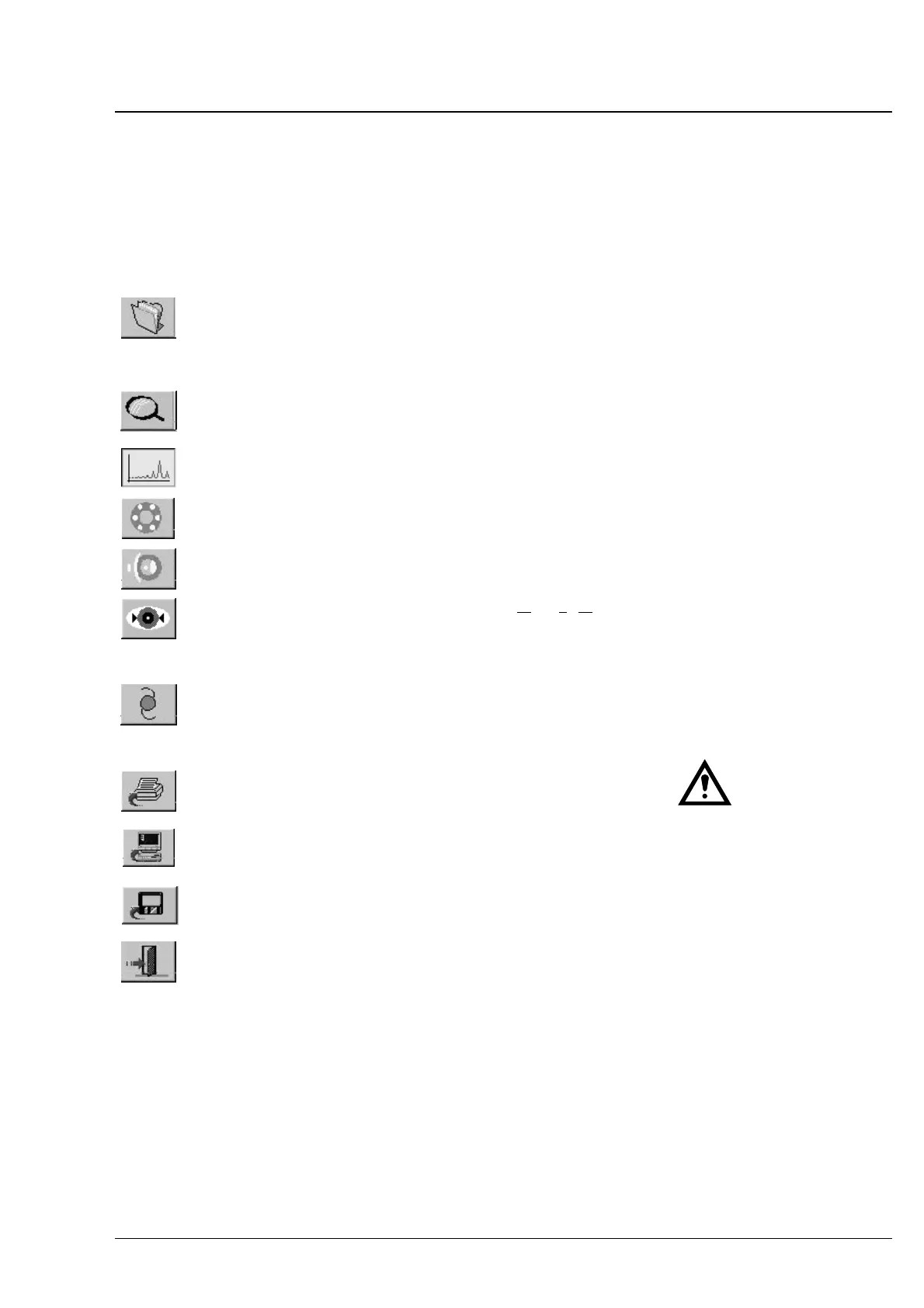
Overview of buttons and shortcut keys
Button
Key Function Remarks
<N>
Activates data entry
screen.
For inputing new patients
as well as recalling patiĆ
ent data within the last
5 to 100 days
Input of patient data is
compulsory.
<O>
Activates overview mode
and surrounding field
illumination.
For coarse alignment prior
to measurement
<A>
Activates axial length
mode.
<K>
Activates corneal radius
measurement mode.
<D>
Activates anterior chamĆ
ber depth mode.
<W>
Activates WTW
determination (optional)
WTW = White To White
<I>
Activates IOL calculation. Calculation possible after
measurement of one eye.
After corneal refractive
surgery, it is necessary to
determine the corneal
refraction.
<P>
Prints results
<S>
Exports data. Requires connection of an
appropriate computer to
the serial port. *
<X>
Sends data to diskette. Requires diskette to be
inserted in disk drive.
<E>
Exits IOLMaster software
and Windows.
In case of problems: Turn
off power switch and
disconnect power cable!
* If connecting an external PC, the
owner/operator must ensure to
meet the safety requirements as
per EN 60601Ć1Ć1 (medical
electrical systems)!
Operation















 To Next Page