18
000000Ć1150Ć839 IOLMaster 11.02.2004
User Database
Since the instrument may be used by multiple surgeons at a group
practice or clinic, surgeon specific records may be created. This is done
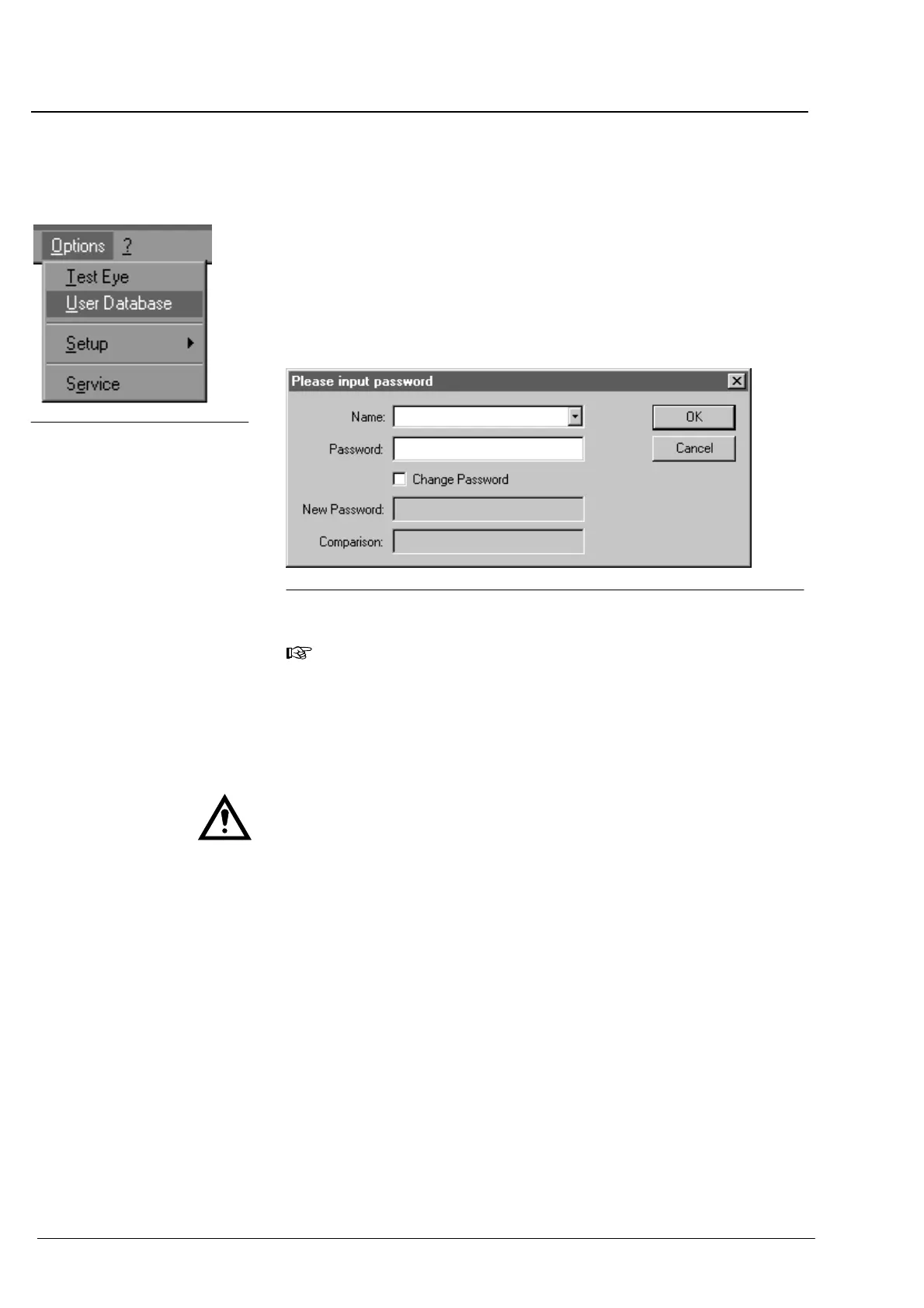
via User Database on the Options menu.
Click on User Database from the Options pullĆdown menu. This will
bring up the dialog box for the entry of surgeonĆspecific data.
Fig. 6 Dialog box for creating a surgeon profile
Note:
When the instrument is delivered, the User Database only
contains the administrator without any password specifications.
Only the administrator is entitled to add or delete surgeons and edit
their databases.
Warning:
Individual surgeons may edit their databases only if password protection
has been set. If no password protection was set, the databases are
accessible to all users!
The administrator may activate password protection after checking in
the Change Password box.
Type in the password in the Password and Comparison text boxes.
Confirm your entries with
OK.
Fig. 5 OptionsĄmenu
Operation















 To Next Page