44
000000Ć1150Ć839 IOLMaster 11.02.2004
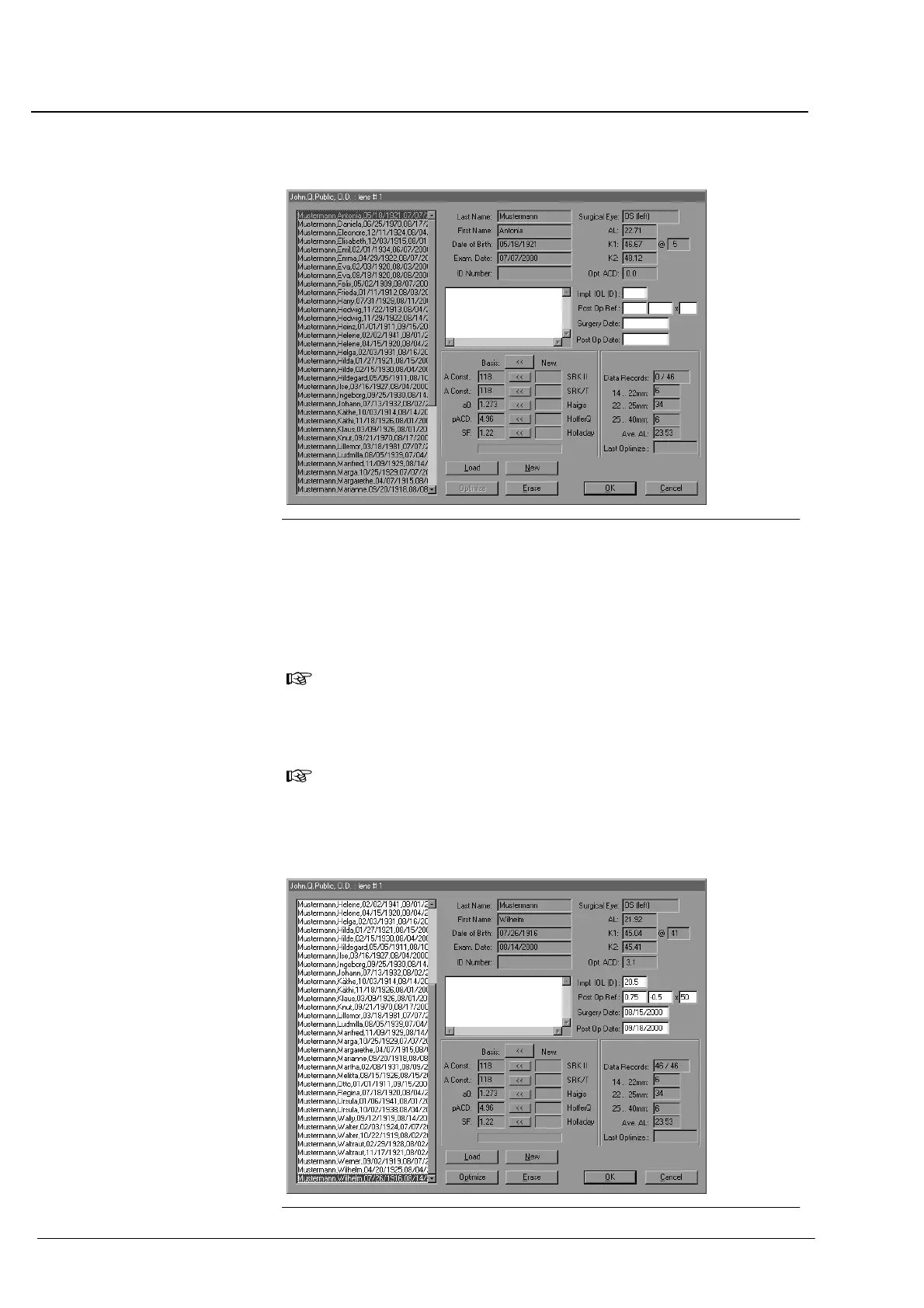
Fig. 33 Data records loaded for optimization
Highlight a patient data record.
In the Impl. IOL (D) text box, type in the power of the implanted IOL.
In the Post Op Ref text box, type in the postoperative refraction.
The entry of Surgery Date and Post Op Date is optional.
When entered, however, the data will be checked for plausibility.
Note:
Between Surgery Date and Post Op Date, there should be a
period of at least 8 weeks. (This period, however, will not be
checked!)
Note:
If a data record is highlighted in red, either no IOL and/or Post Op
Ref data has been entered or a measured value (AL or KER) is
missing for this data record!
Fig. 34 Data records prepared for optimization
Operation















 To Next Page