51
000000Ć1150Ć839 IOLMaster 11.02.2004
Erasing a patient
To erase a patient from the list, choose one of the following options:
Select the patient (by a click on the name) and press the <Del> key
or
on the P
atient menu, activate the Erase function.
Confirm the erase action with
YES.
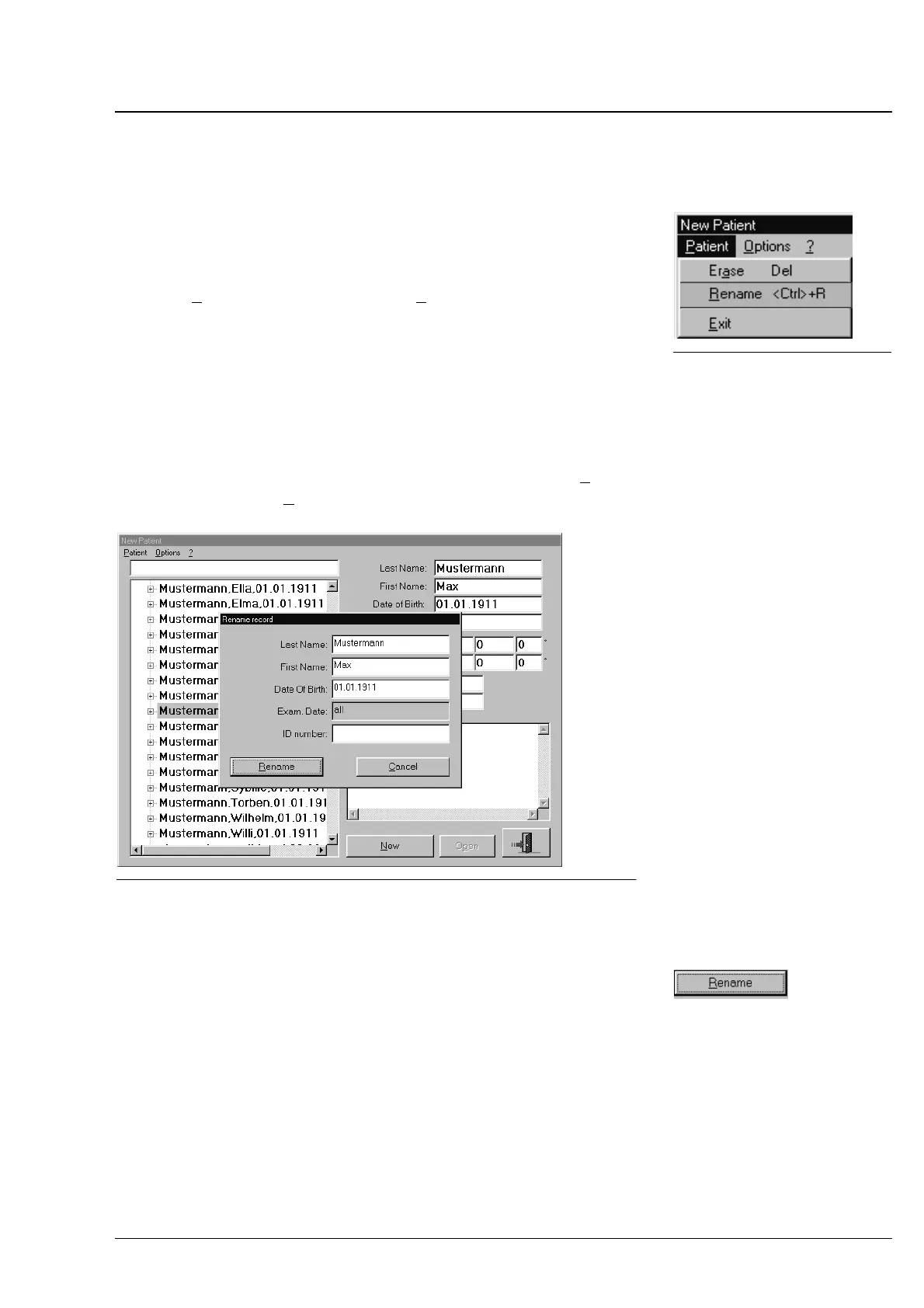
Renaming a patient
If you want to edit the Last Name, First Name, Date of Birth or the ID
Number of a patient, follow this procedure:
Select the patient (by a click on the name). Then, on the P
atient
menu, activate the R
ename function or press <Ctrl> + <U>.
Fig. 42 Renaming a patient
In the appearing dialog box with the patient data, edit the desired
entries.
On confirmation by a click on the
RENAME button, the data of the
patient will be changed in all relevant files.
Fig. 41 Patient" menu
Operation















 To Next Page