7
HDS4x2 User Guide, Rev 1.1, 08-31-07
Presets (User Defined Discretes)
An example of dening a preset
Assuming we want to dene preset
A
to map Input 1 to Zone 1 and Input 4 to Zone 2.
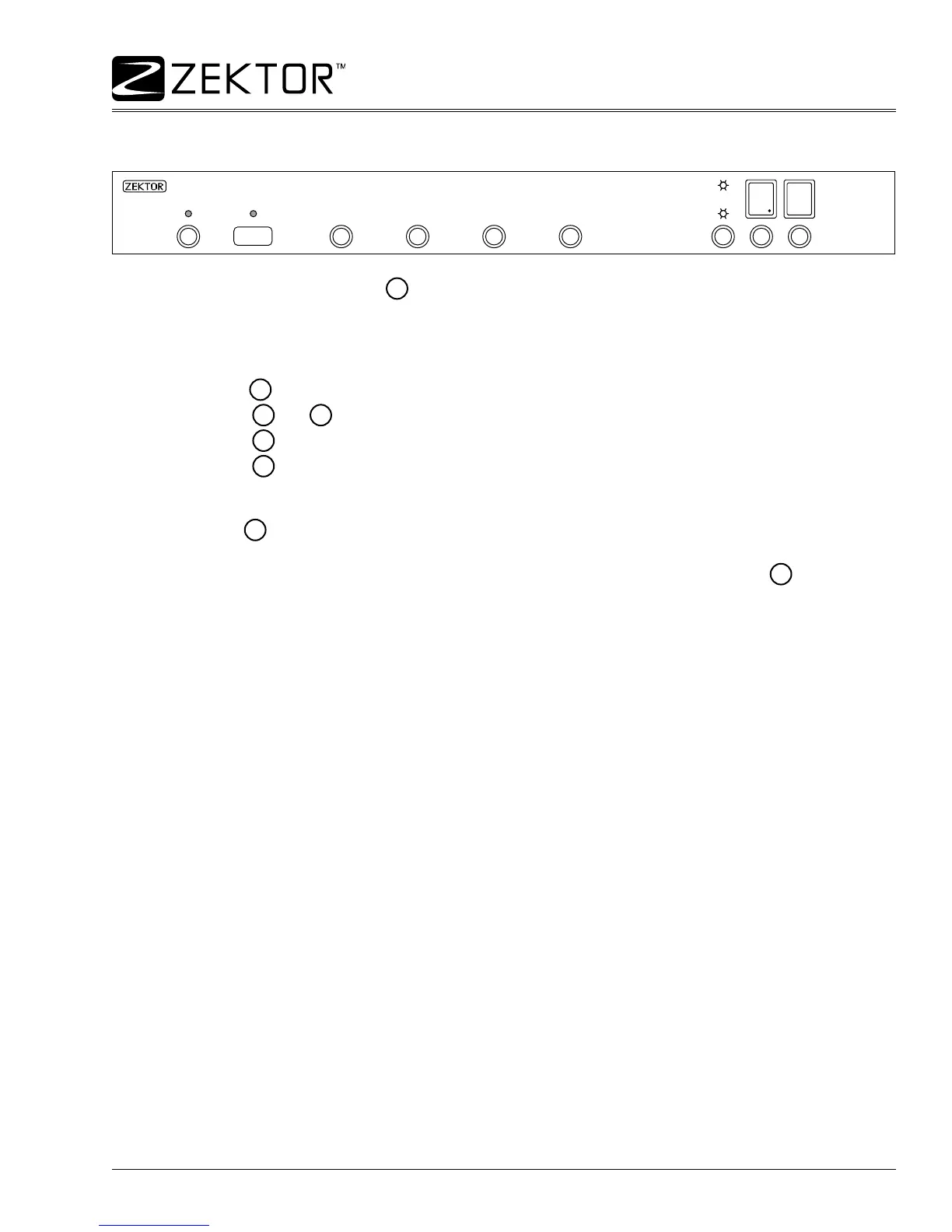
The above illustration shows the HDS4x2 setup in the desired mode, using normal operations setup the
HDS4x2 so that Zone 1 is mapped to Input 1 and Zone 2 is mapped to Input 4 as shown (don’t worry about
the decimal points).
To program the
A
preset:
Press the
O1
and
O2
buttons. Both Zones display’s should now be ashing.
Press the
SET
button, both Zones display’s should now be displaying ‘v’s.
Press the
A
preset button, the display will ash quickly three times.
To test the newly programmed preset, setup the HDS4x2 to anything but the above setup.
Now press the
A
preset, if the HDS4x2 was powered off, it will power itself on, Zone 1 will be mapped to
Input 1, and Zone 2 will be mapped to Input 4.
A universal remote can now be programmed to send just the single discrete IR code for the
A
. By sending
this single code, the HDS4x2 will power itself on and map both zones. There’s no need to use macro pro-
gramming on your universal remote. Since only a single IR code is sent, there’s no chance of missing one in a
series of IR codes, and there are no timing issues of sending a code sequence that’s too fast or too slow.
1.
2.
3.



 To Next Page