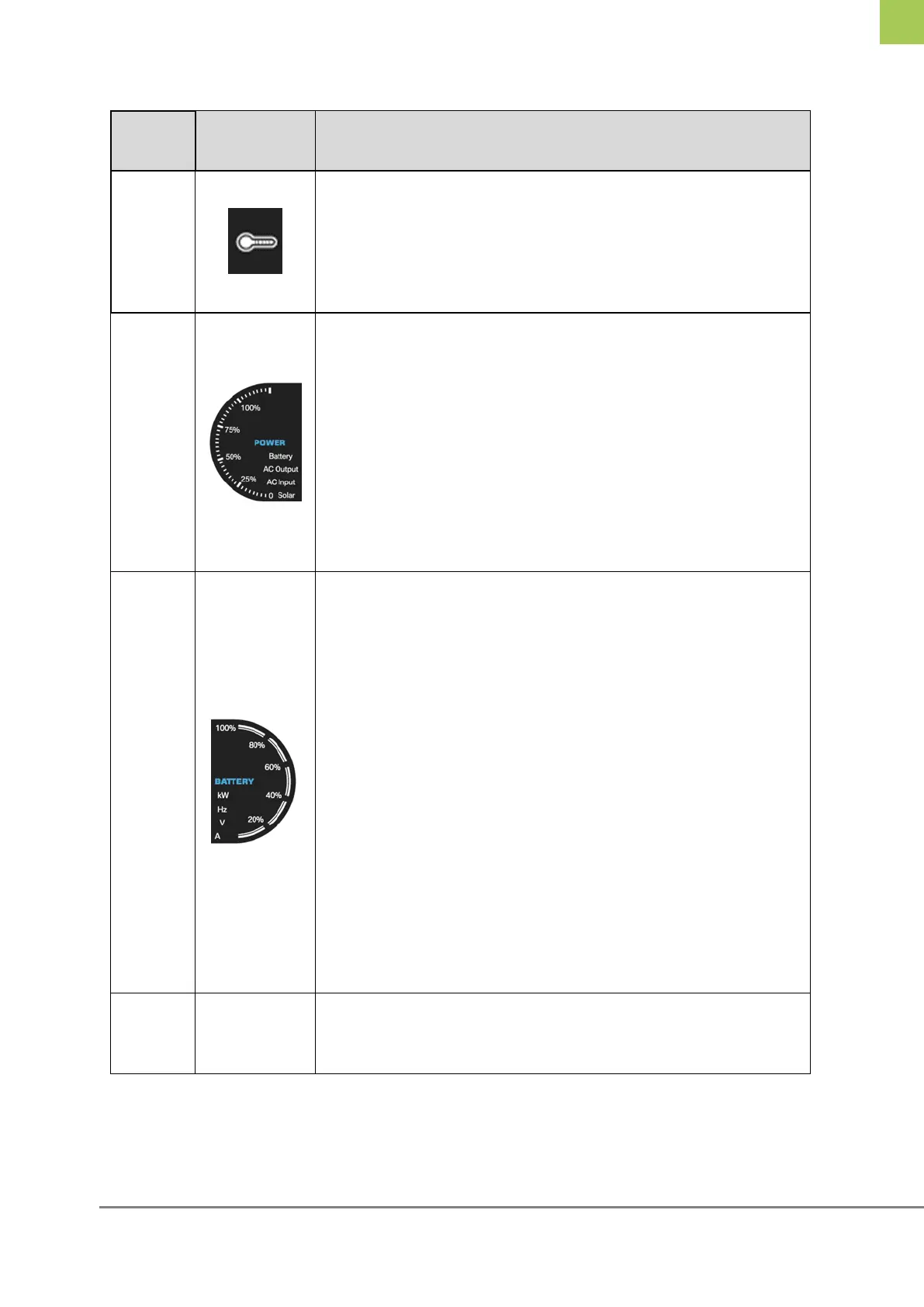
Flashes when the BMS board is in over-temperature
alarm;
Always on when the SP/booster charger/inverter/BMS
is/are in over-temperature protection
According to the current power, display as below:
0-25% display at 25%
25%-50% display at 50%
50%-75% display at 75%
75%-100% display at 100%
Overload display at full range
① According to the current SOC value, display as
below:
When SOC 0%, no display;
SOC 0-20% display at 20%;
SOC 20%-40% display at 40%;
SOC 40%-60% display at 60%;
SOC 60%-80% display at 80%;
SOC 80%-100% display at 100%.
② When charging, the SOC light where it is located
flashes, and it does not flash at 100%;
③ No flashes during discharging.
When the Zeliox ECO has an alarm, MEZ displays
ALM; and when ECO has fault, it displays Err.



 To Next Page